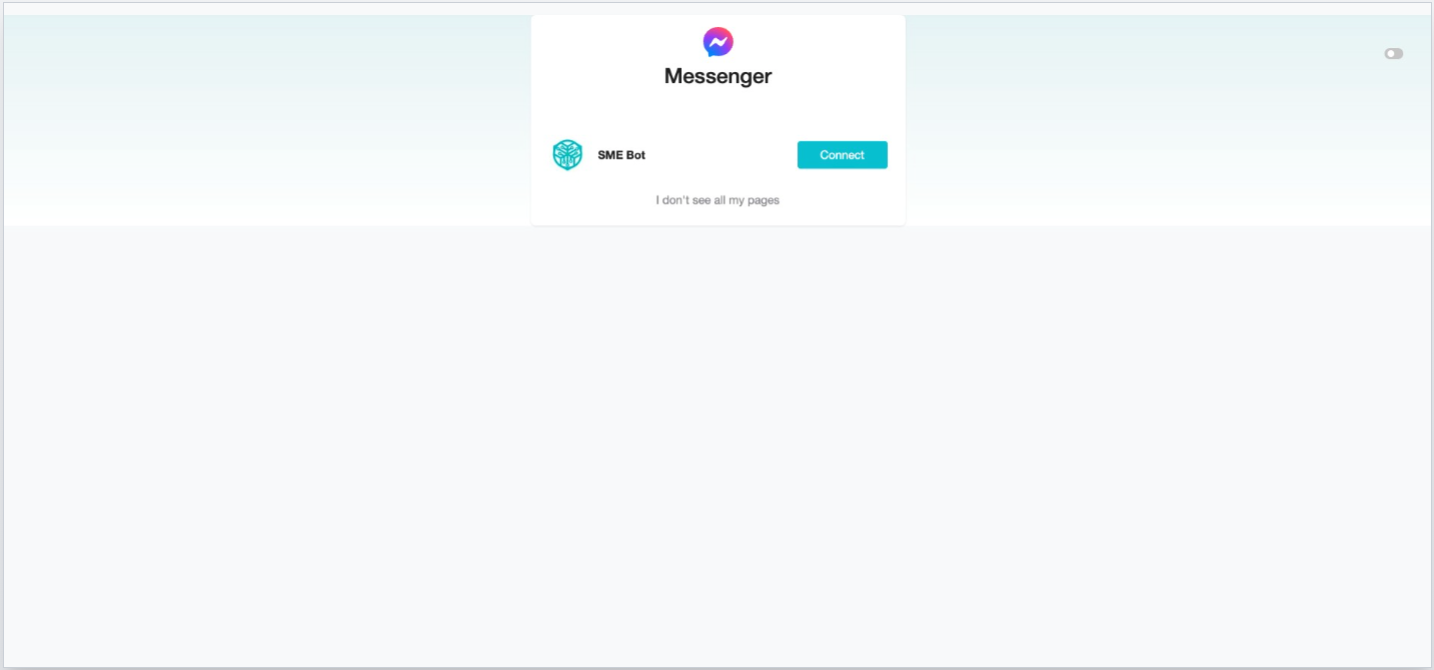
How to Troubleshoot Missing Facebook Page Account During Messenger or Instagram Integration
Learn how to resolve the issue of a missing Facebook Page account when integrating Messenger or Instagram. This problem usually doesn’t occur during the first integration but may happen in subsequent setups. Follow step-by-step troubleshooting methods to ensure a smooth integration and restore your page visibility.
Navigate to https://www.facebook.com/
In your personal Facebook account, click your profile image at the top right, then select "Settings & Privacy" from the dropdown.
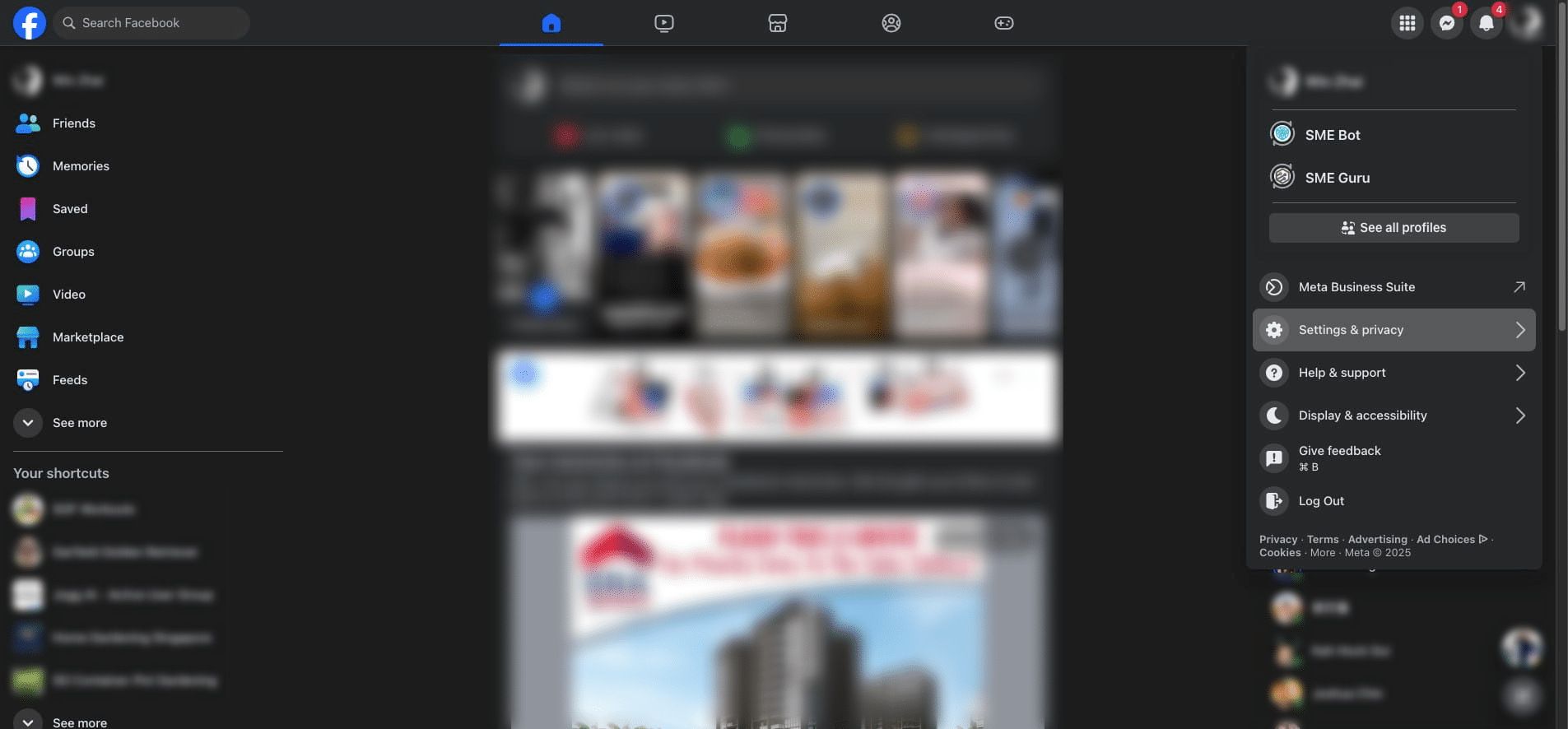

Click "Settings"
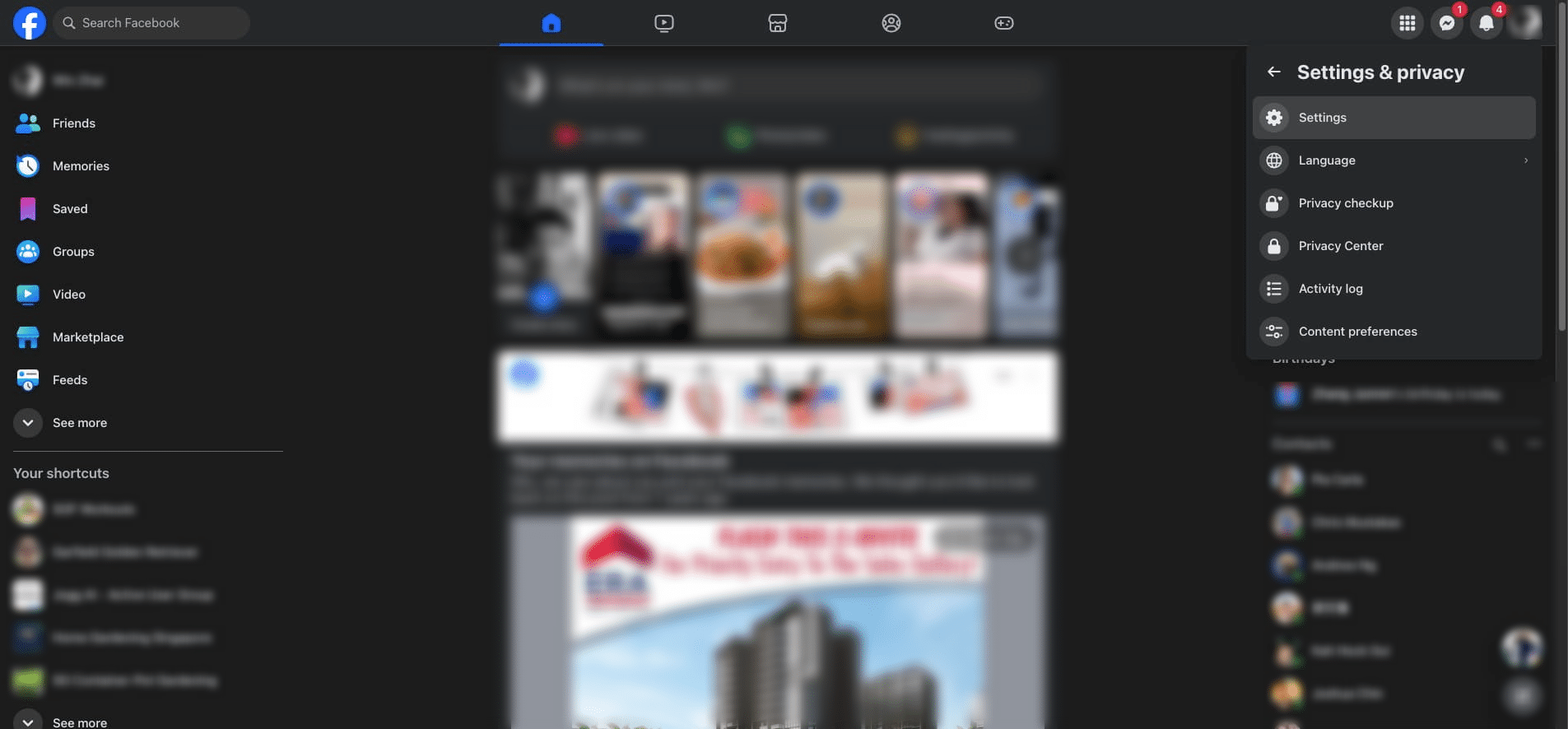
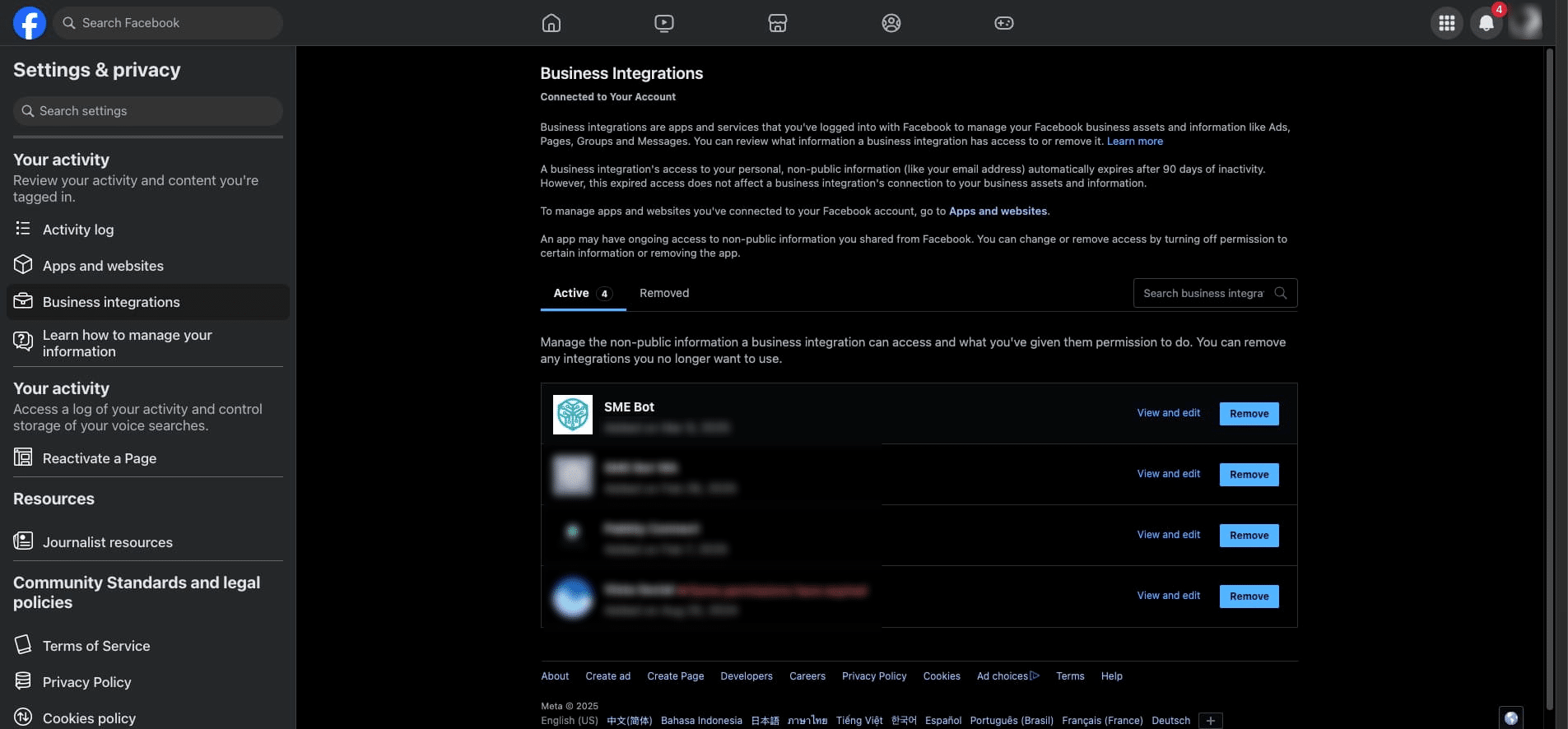
Scroll down in the left navigation menu. Click "Business integrations"
Click "View and Edit" at SME Bot.
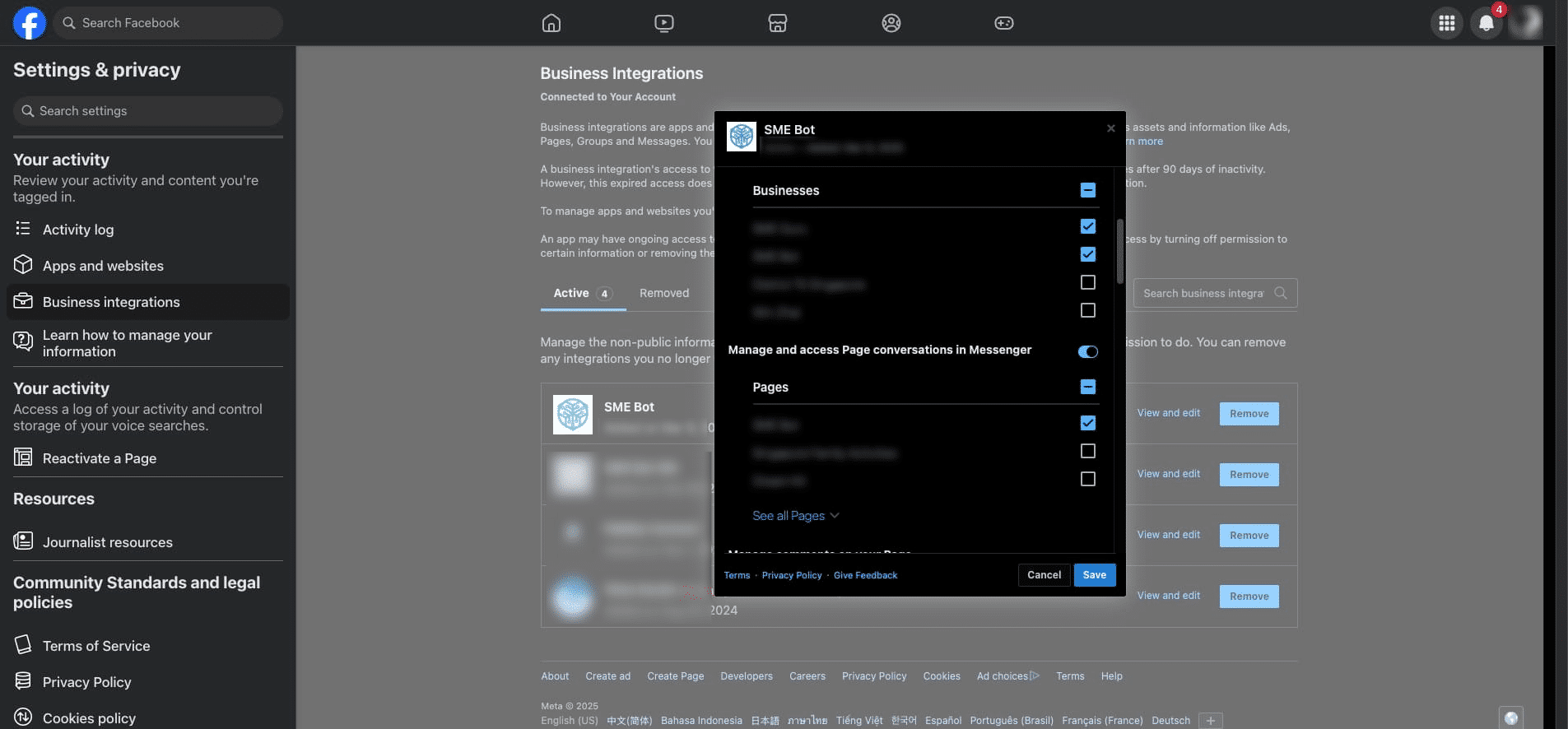
In the pop-up, scroll through and ensure all relevant options for the page you intend to connect are selected. Then click "Save".
In your SME Bot account, redo the steps to integrate Facebook Messenger or the steps to integrate Instagram, or if you are at the connection step, refresh your internet browser. The intended page should then be available for selection. ✅ Done!