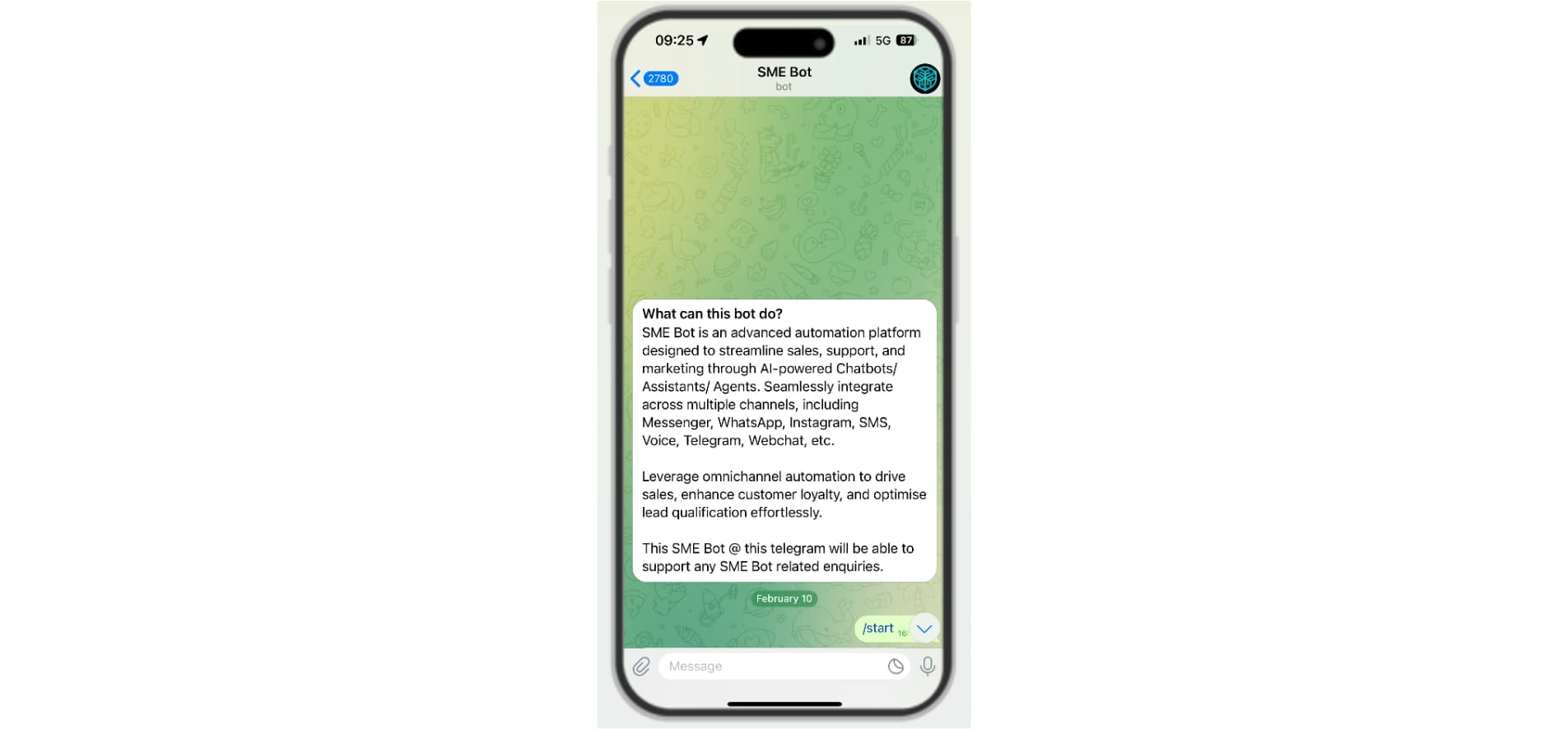
Telegram Integration
Learn how to integrate Telegram with SME Bot to enhance customer engagement. Follow these simple steps to create a new bot or connect an existing one using Telegram’s BotFather. Once integrated, generate a link or QR code to make it easy for users to interact with your Telegram bot anytime, anywhere.
Navigate to https://app.smebot.ai/
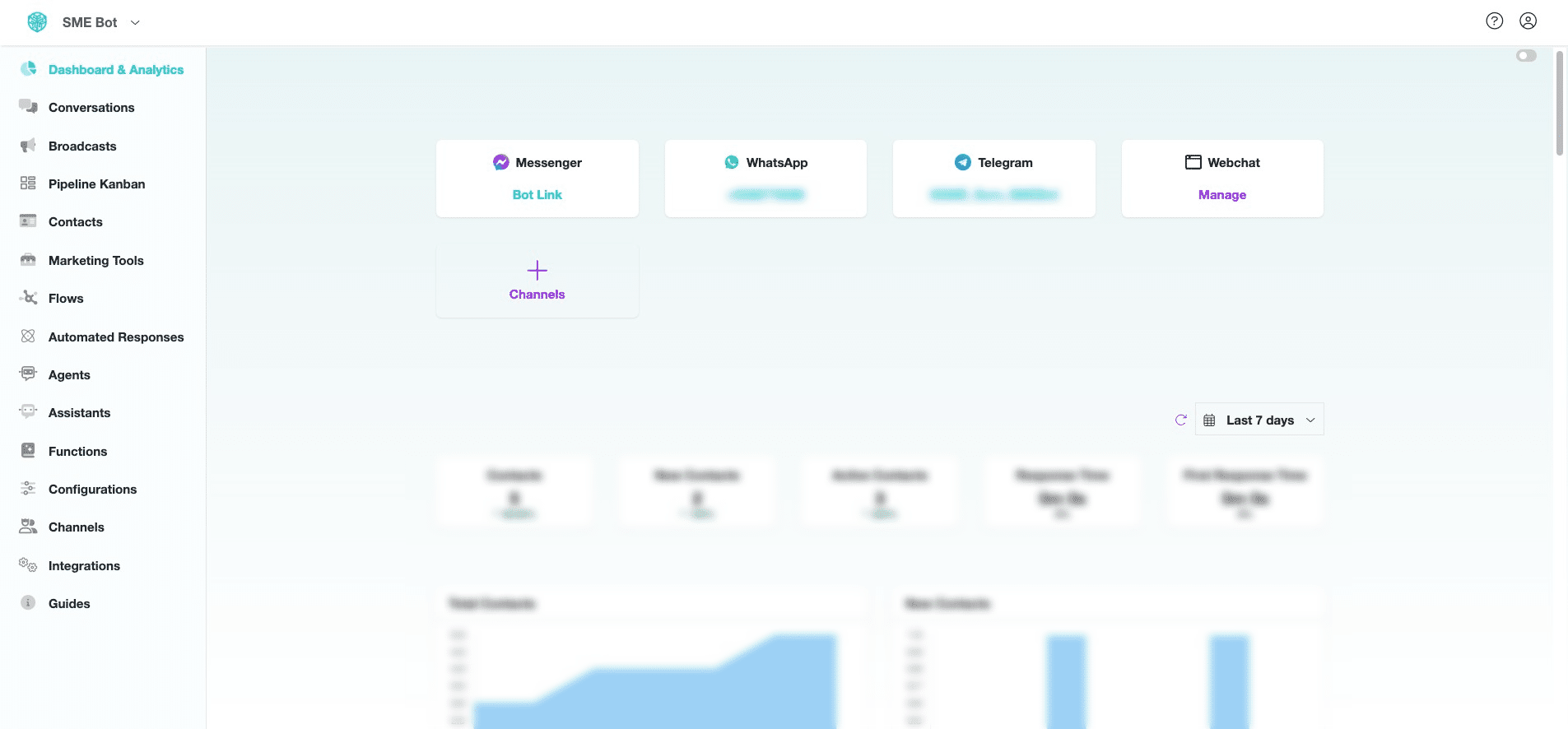
In SME Bot, Click "Channels".
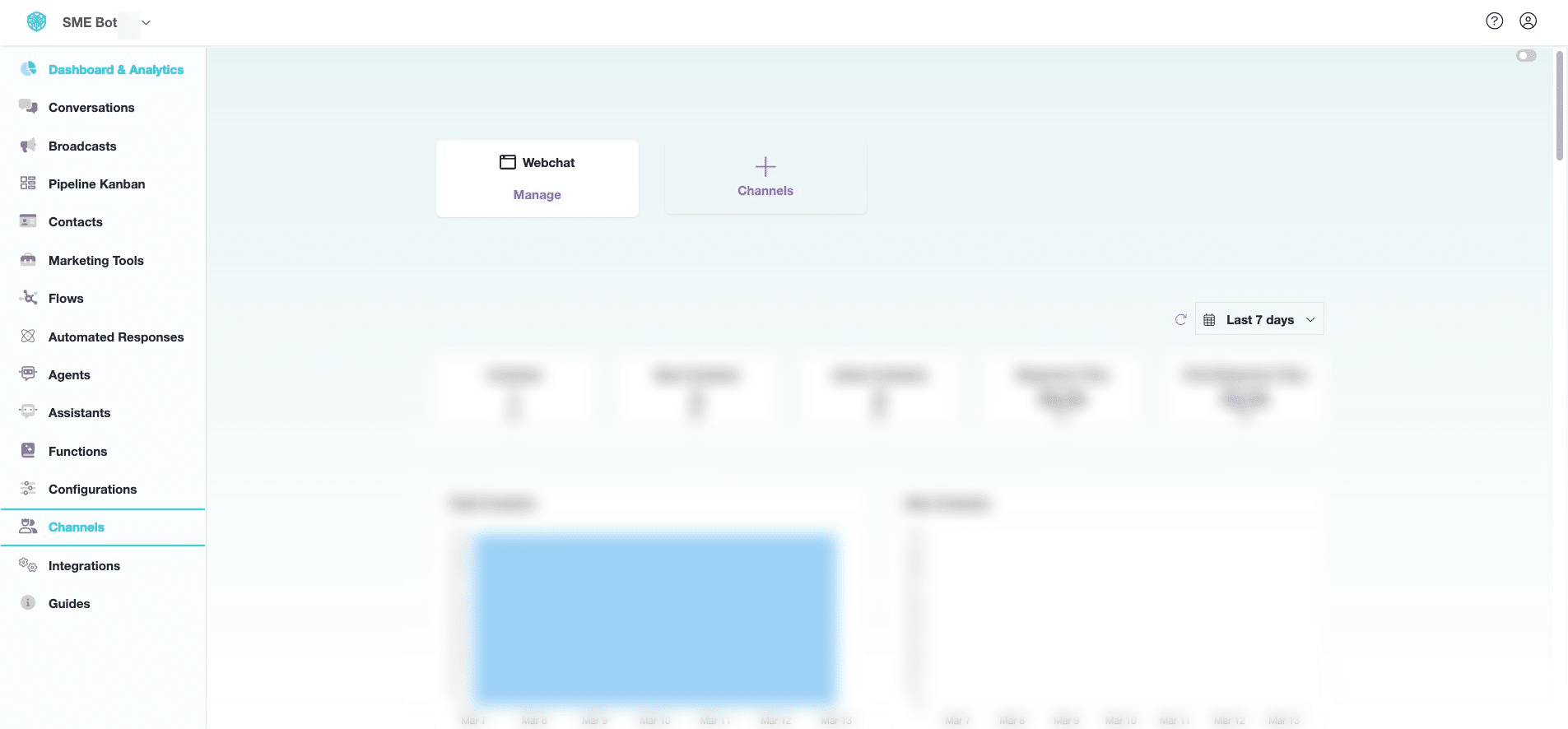

Click "Telegram".
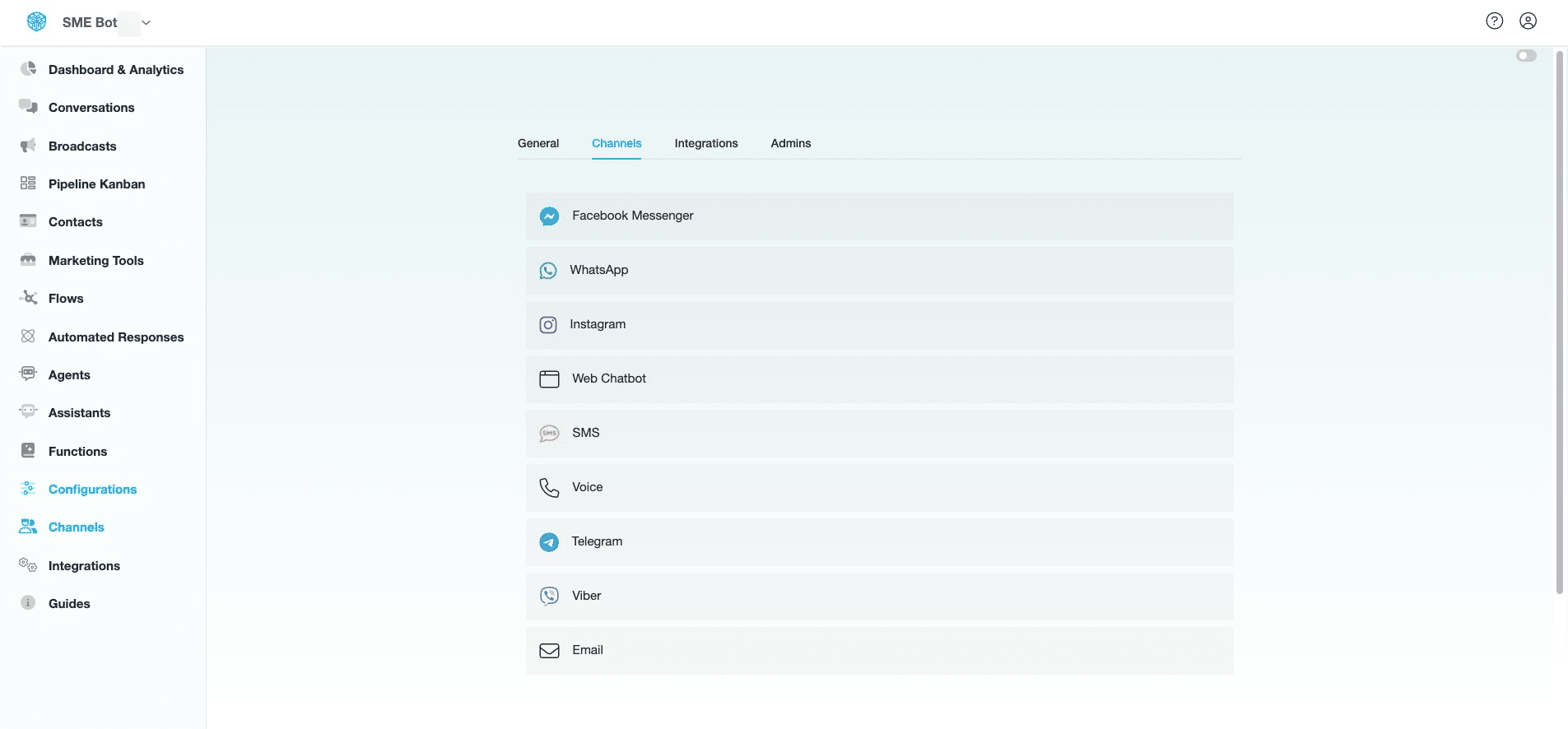
Click "Connect" to begin the Telegram Integration.
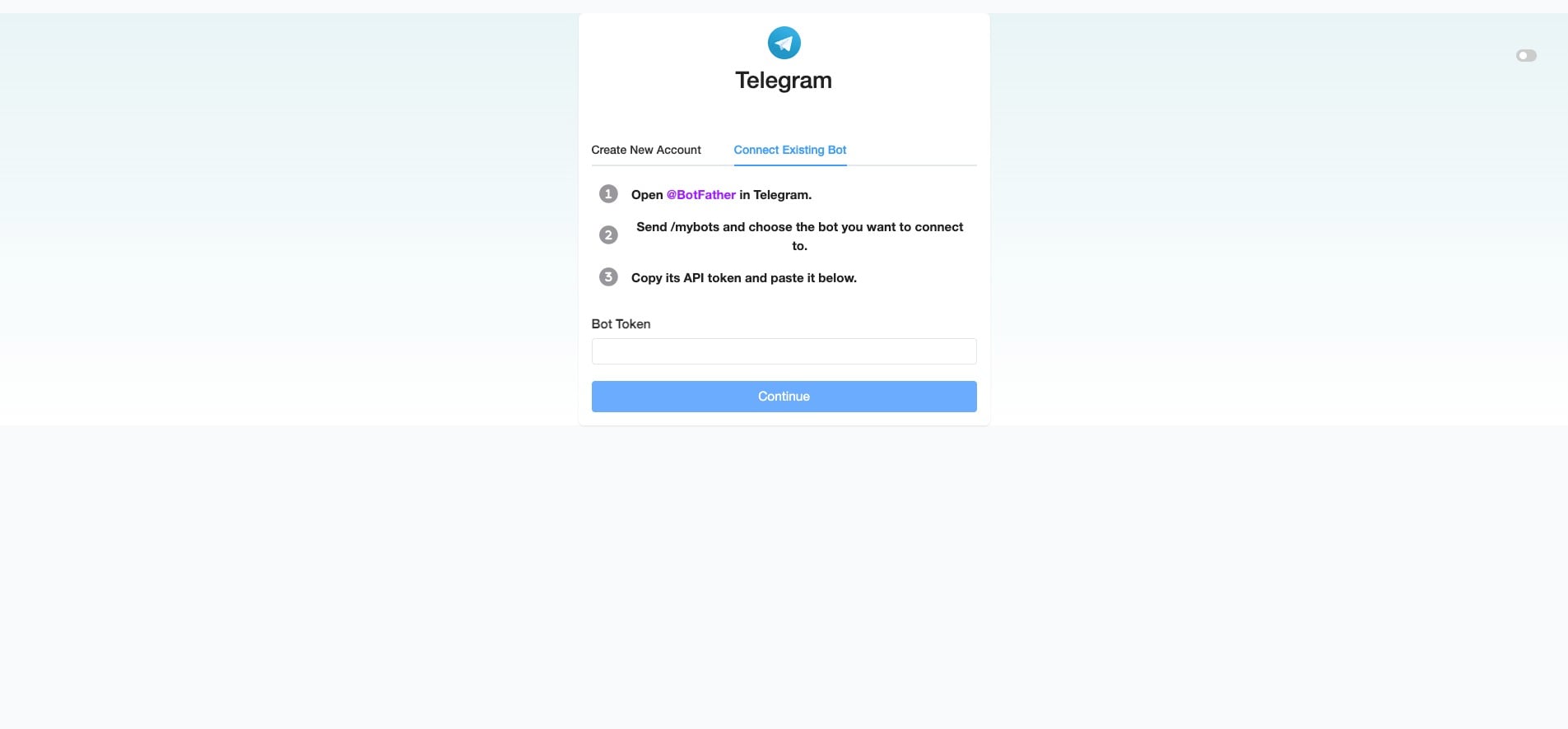
Click "Create New Account" to create a new bot in Telegram or click "Connect Existing Bot" to link an existing Telegram bot to SME Bot.
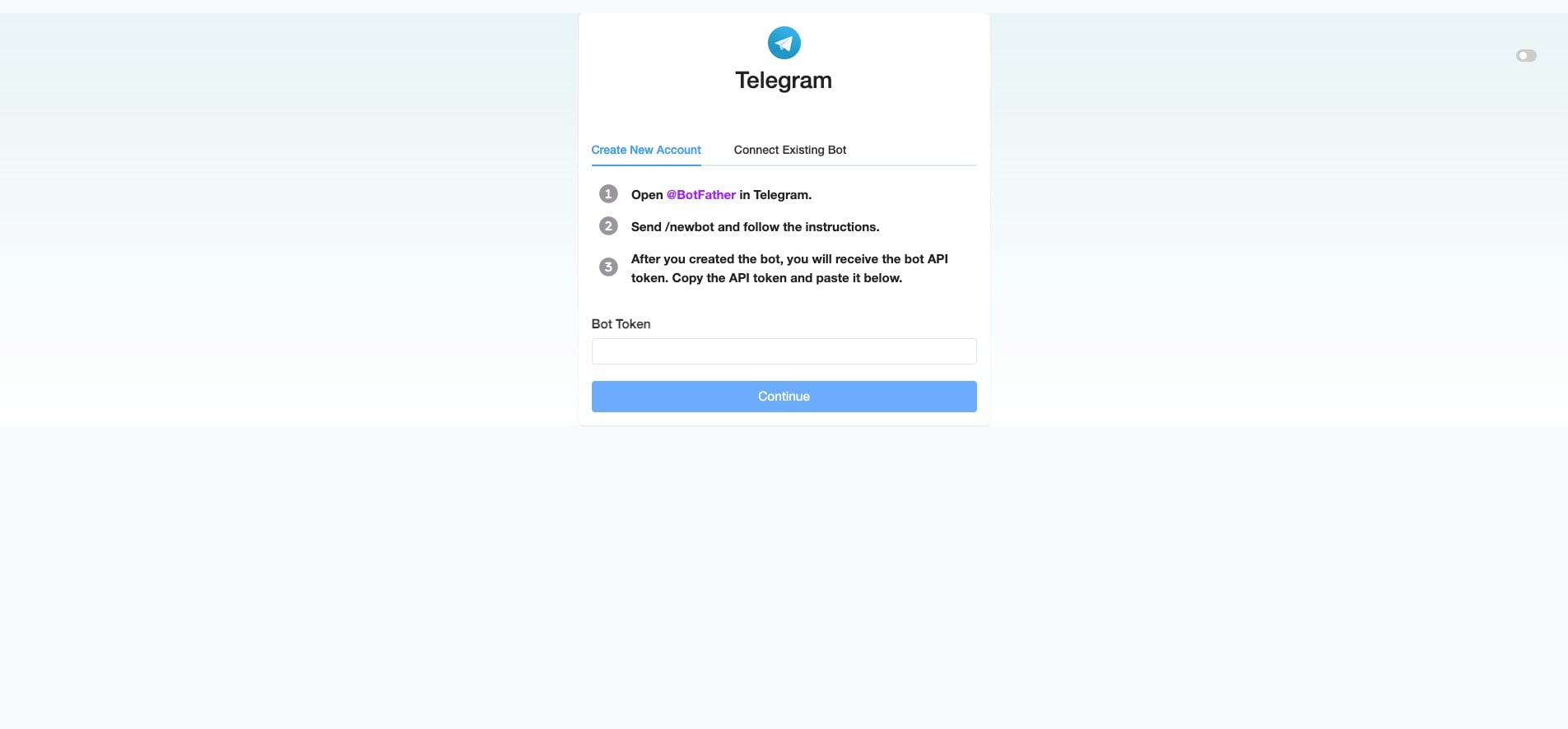
For "Create New Account", click @BotFather and send /newbot and follow the instructions to create your bot in Telegram. Once done, copy the Bot's API Token provided and paste it into your SME Bot's "Bot Token" field. Click "Continue" to complete the integration.
 and send /newbot and follow the instructions to create your bot in Telegram. Once done, copy the Bot's API Token provided and paste it into your SME Bot's "Bot Token" field. Click "Continue" to complete the integration.](https://assets.guidejar.com/uploads/01301a09-dd80-473d-9c6f-4af593f7852b/oP4PD8qOFVglaEHJwcYKbX5jyJh1/fac7dd4e-54d3-4a70-ab25-37f2f2c8afcb/1741827438733.jpeg)
or, for "Connect Existing Bot", click @BotFather and send /mybots. Choose the bot you want to connect, then copy the Bot's API Token provided by Telegram. Paste it into your SME Bot's "Bot Token" field. Click "Continue" to complete the integration.
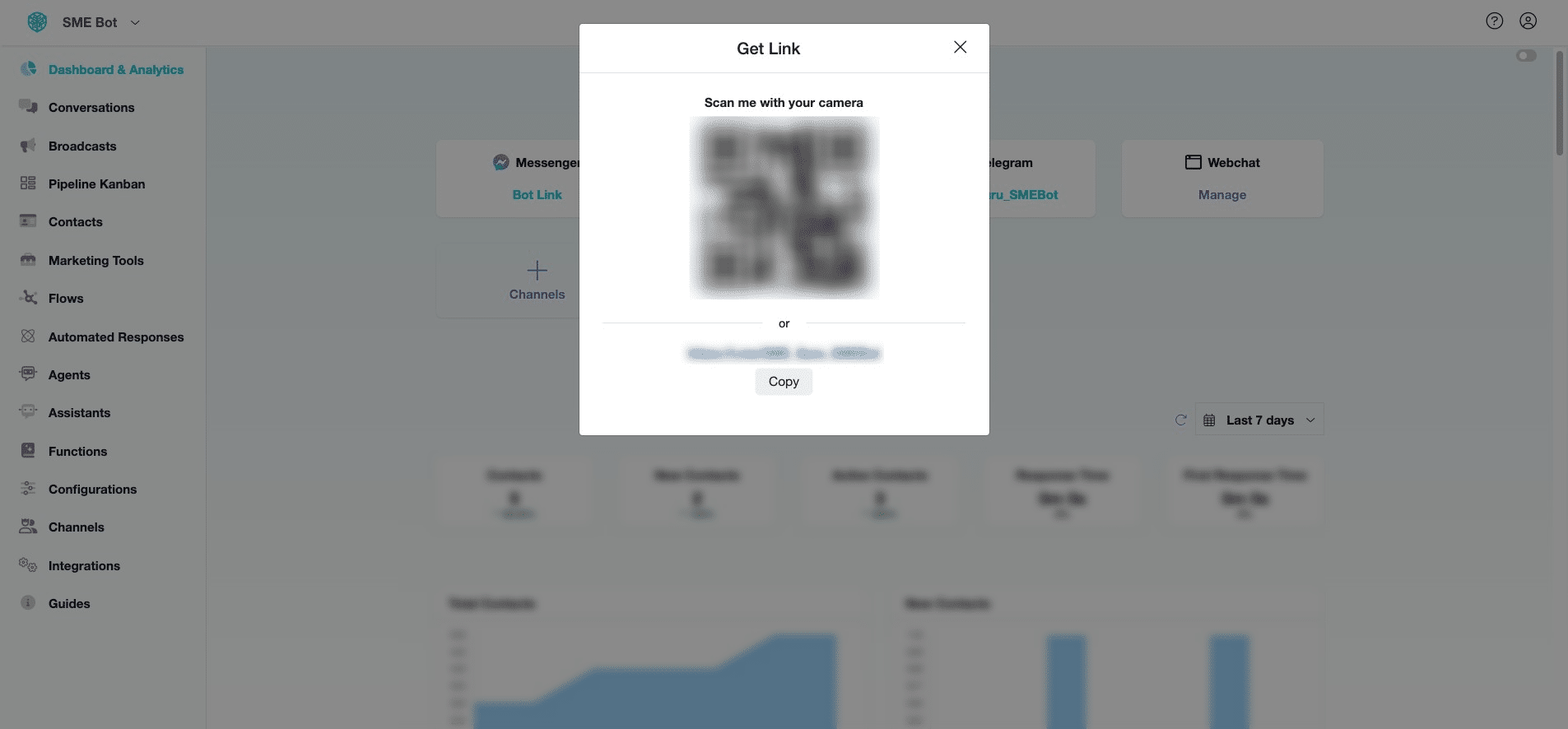
Click on the integrated Telegram Channel to generate a link or QR Code for chatting with your Telegram SME Bot. You can add the provided link to your website or print the QR Code to display at your business premises, allowing users to interact with your Telegram SME Bot easily.
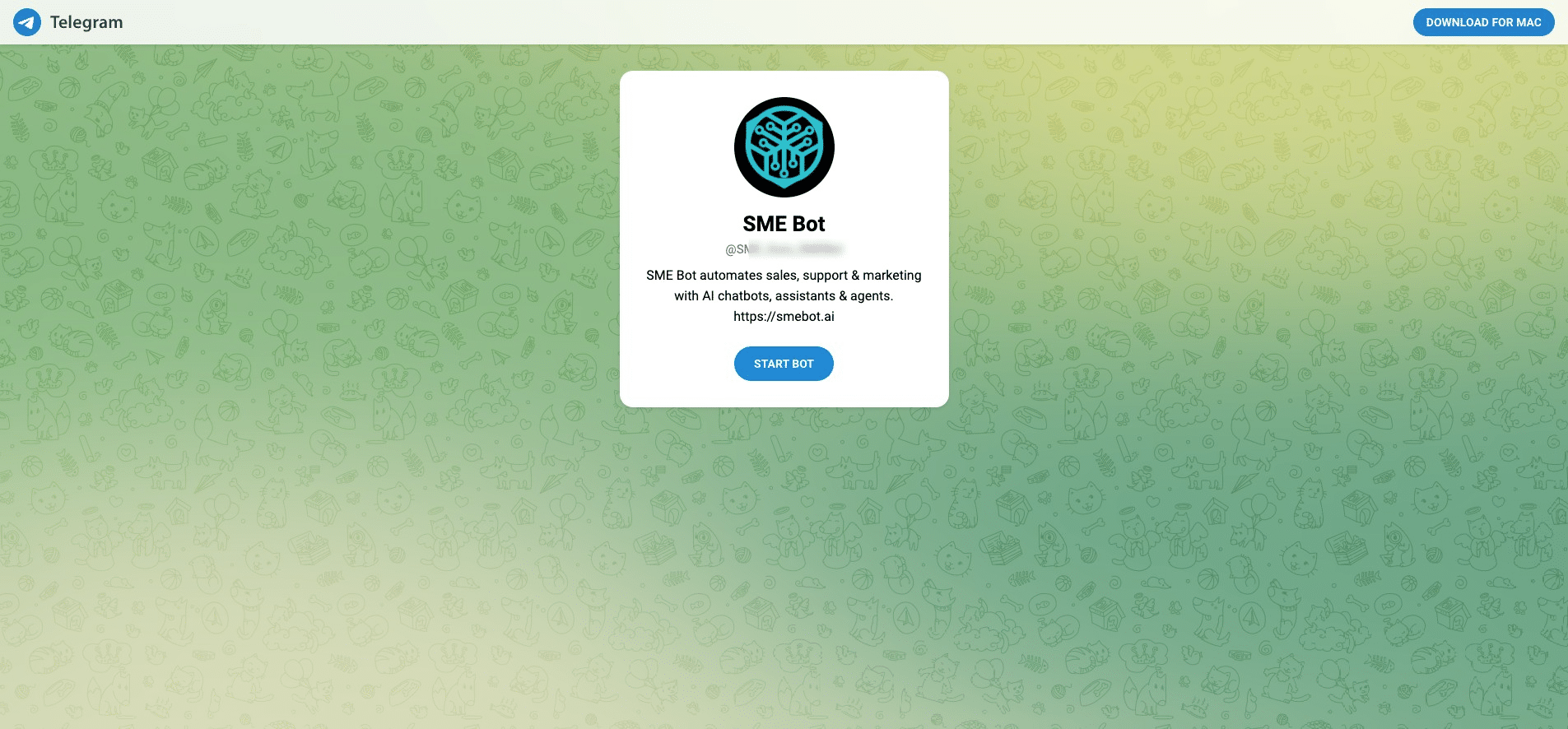
Click on the link or scan the QR Code to test your Telegram SME Bot.
Click "Start Bot"
✅ Done! You’ve successfully integrated Telegram with SME Bot. 🚀