
Rename Account and Change Account Logo in SME Bot
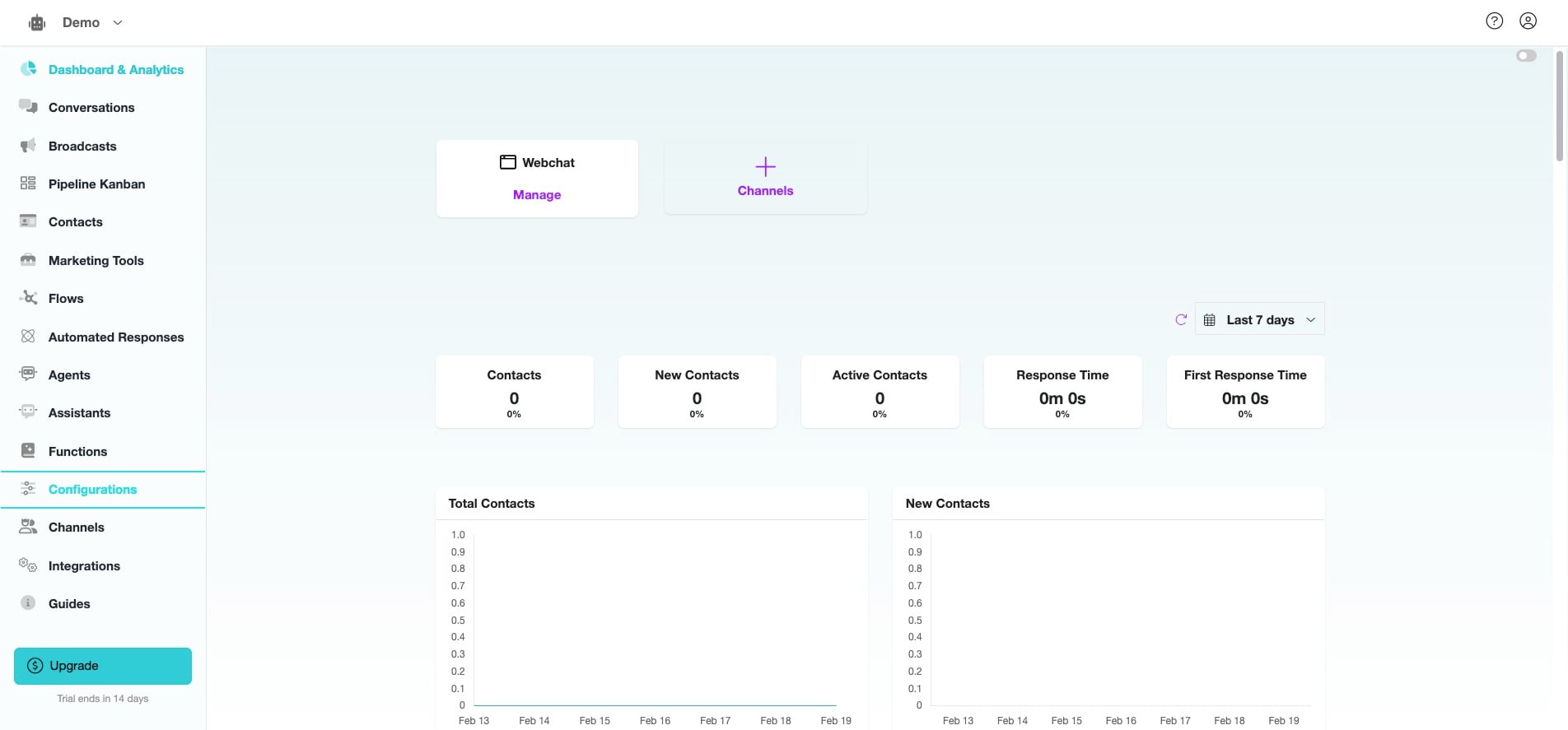
Learn how to rename your Account in SME Bot to better organize and identify your SME Bot, especially when managing multiple bots, and see the updated name reflected in the Webchat Widget Header. Additionally, discover how to change your Account Logo to customize your bot’s persona, ensuring it appears consistently in the Webchat Widget for a more branded and engaging user experience.
Mar 10, 2025●
 0
0Frequently Asked Questions
- How does the Account Name impact the Chatbot?
The Account Name identifies your SME Bot, particularly if you have multiple bots in your SME Bot Account. It will also appear in the Webchat Widget Header.
- How does the Account Logo impact the Chatbot?
The Account Logo serves as your Persona in the Webchat Widget.