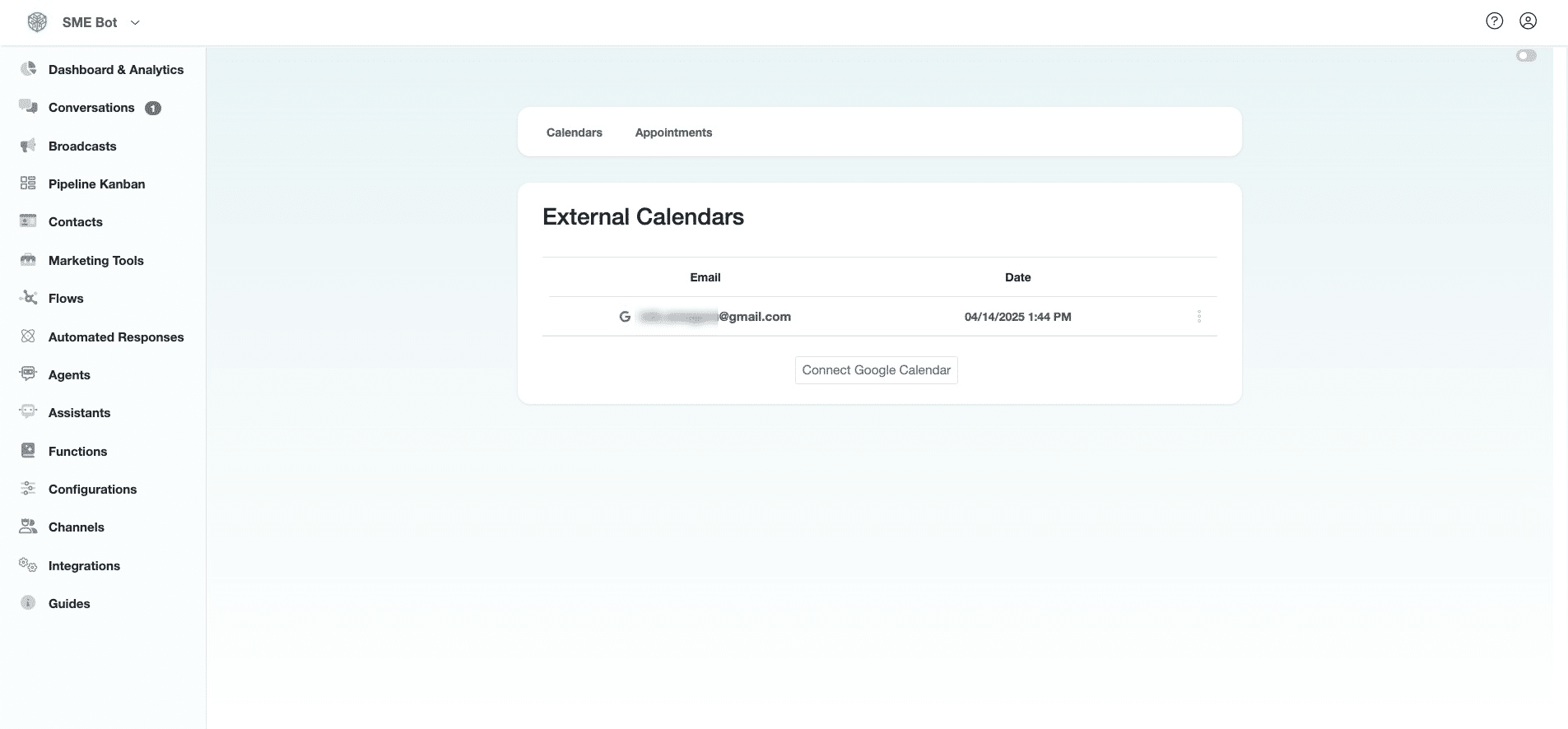
Calendar Integration
Learn how to integrate your Calendar with SME Bot for seamless appointment scheduling.
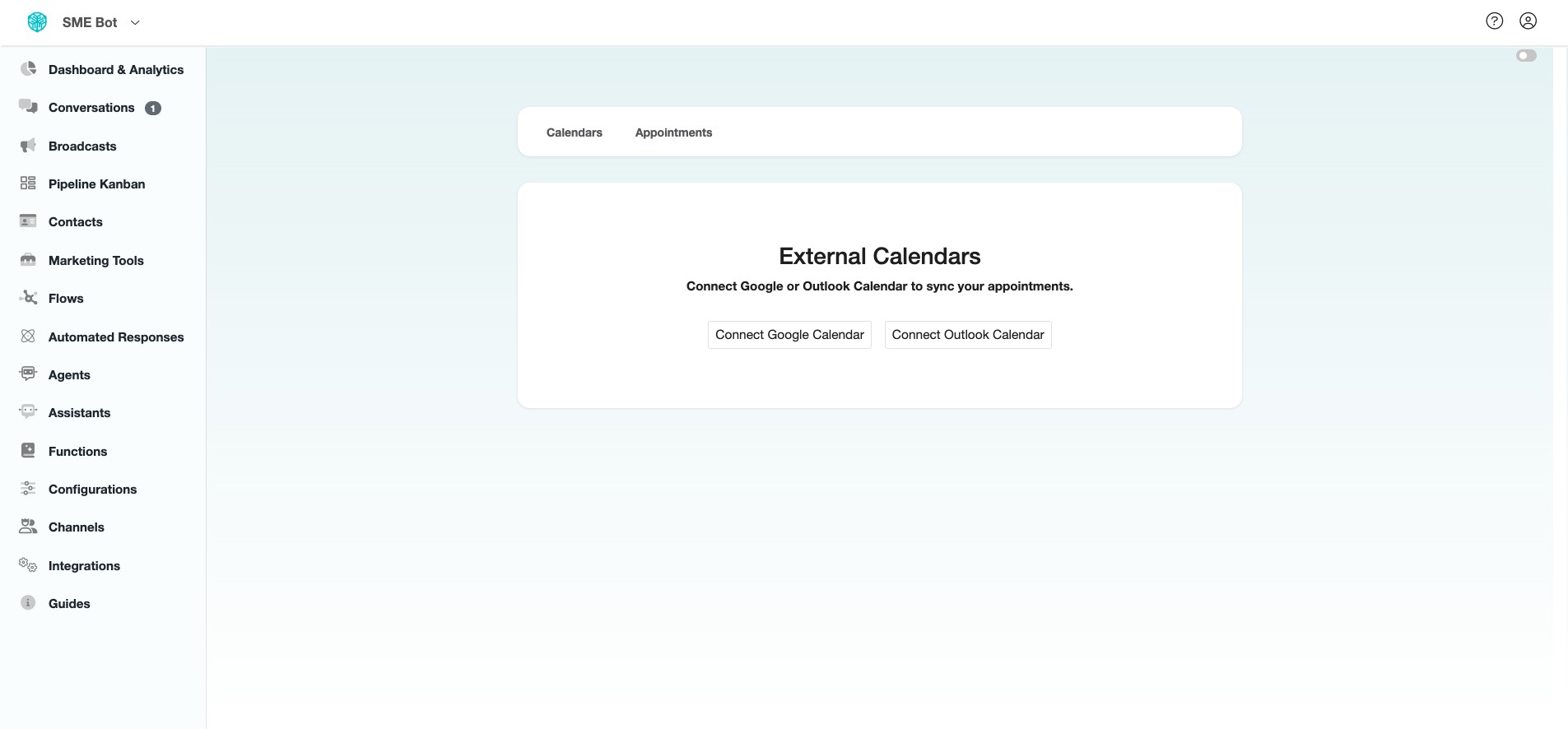
Navigate to https://app.smebot.ai/en/calendar-connections
Click "Marketing Tools"
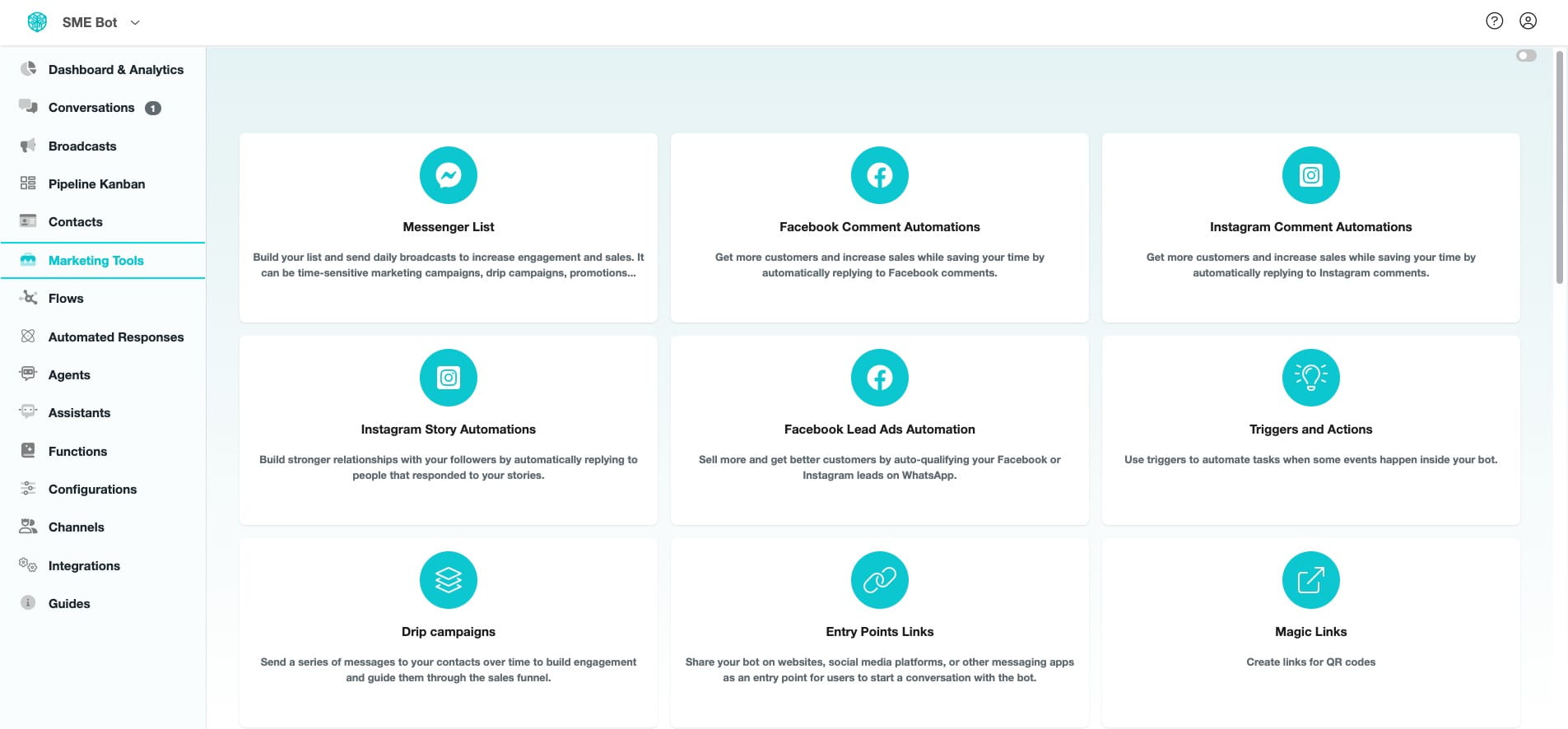

Scroll down and click "Appointment Scheduling"
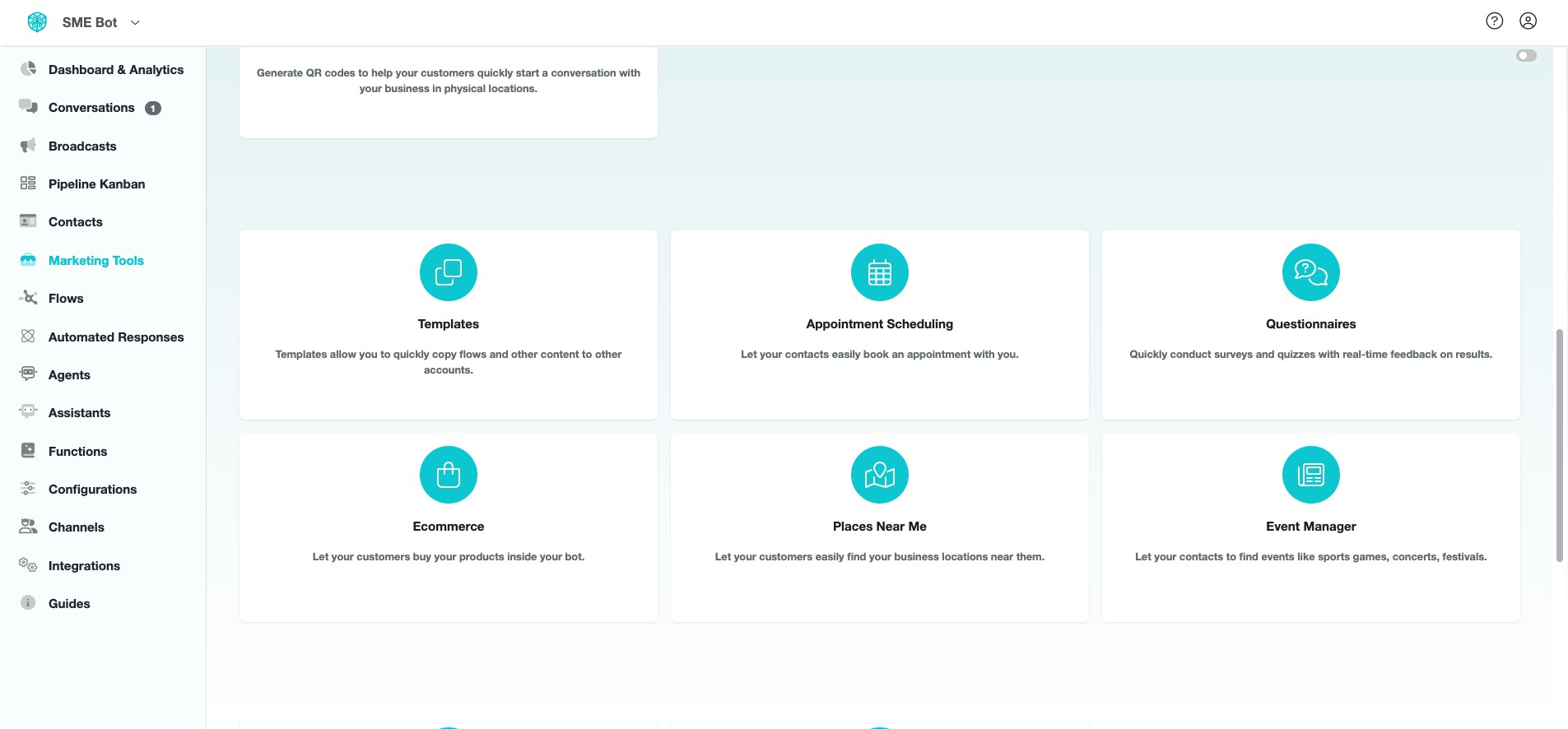
Click "Integrations"
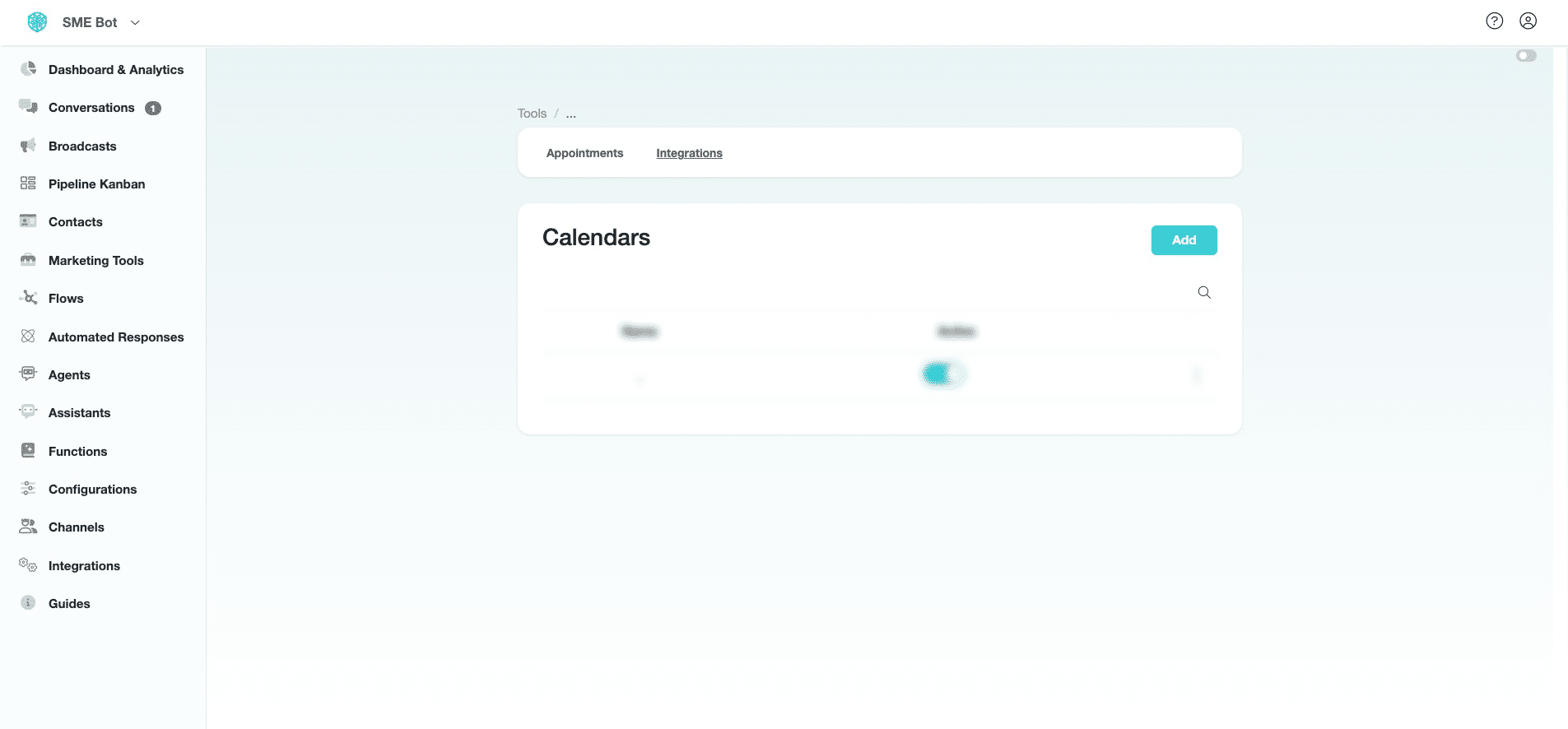
Click "Connect Google Calendar". Outlook Calendar is not available yet.
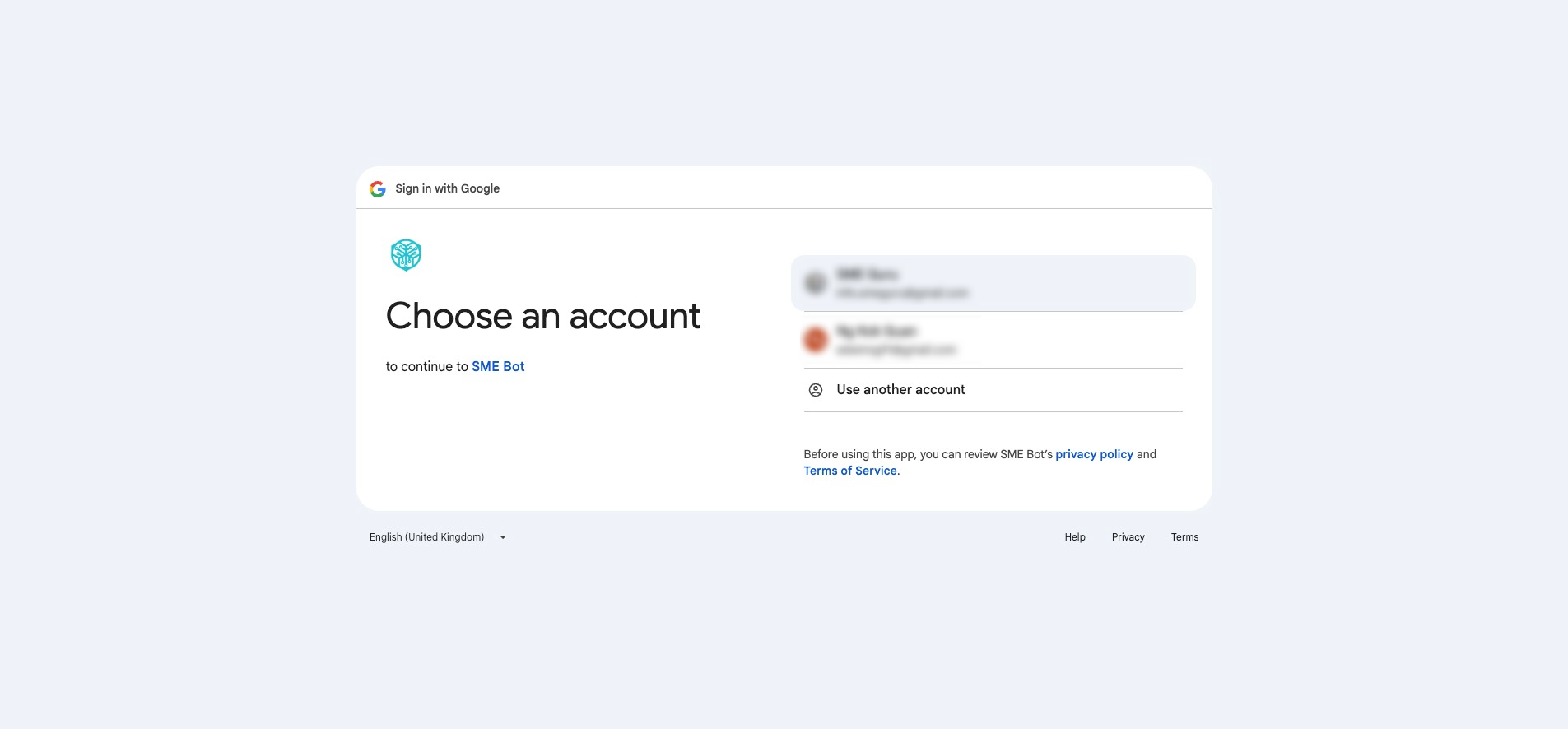
You will be directed to Google — click on the email account you want SME Bot to connect to.
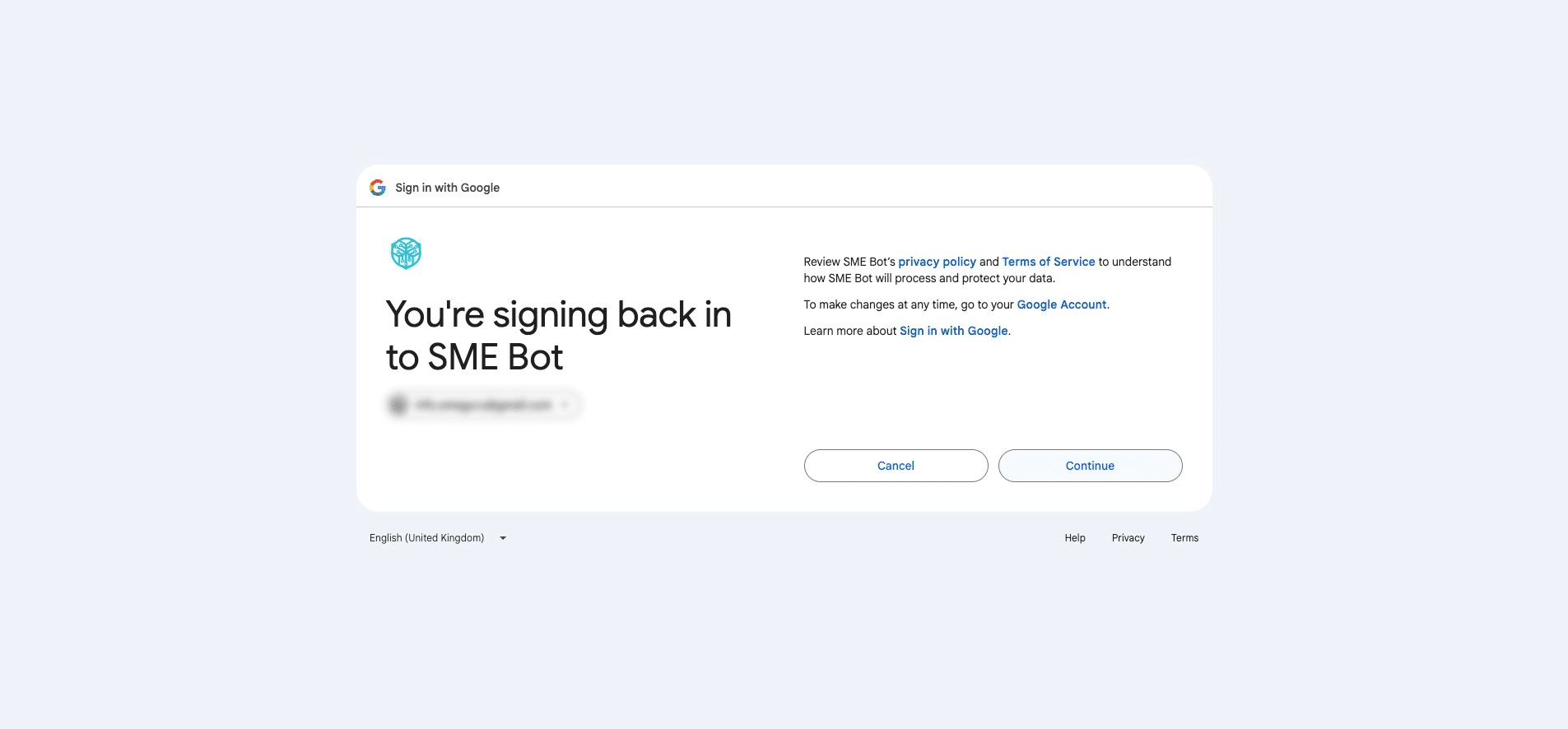
Click "Continue"
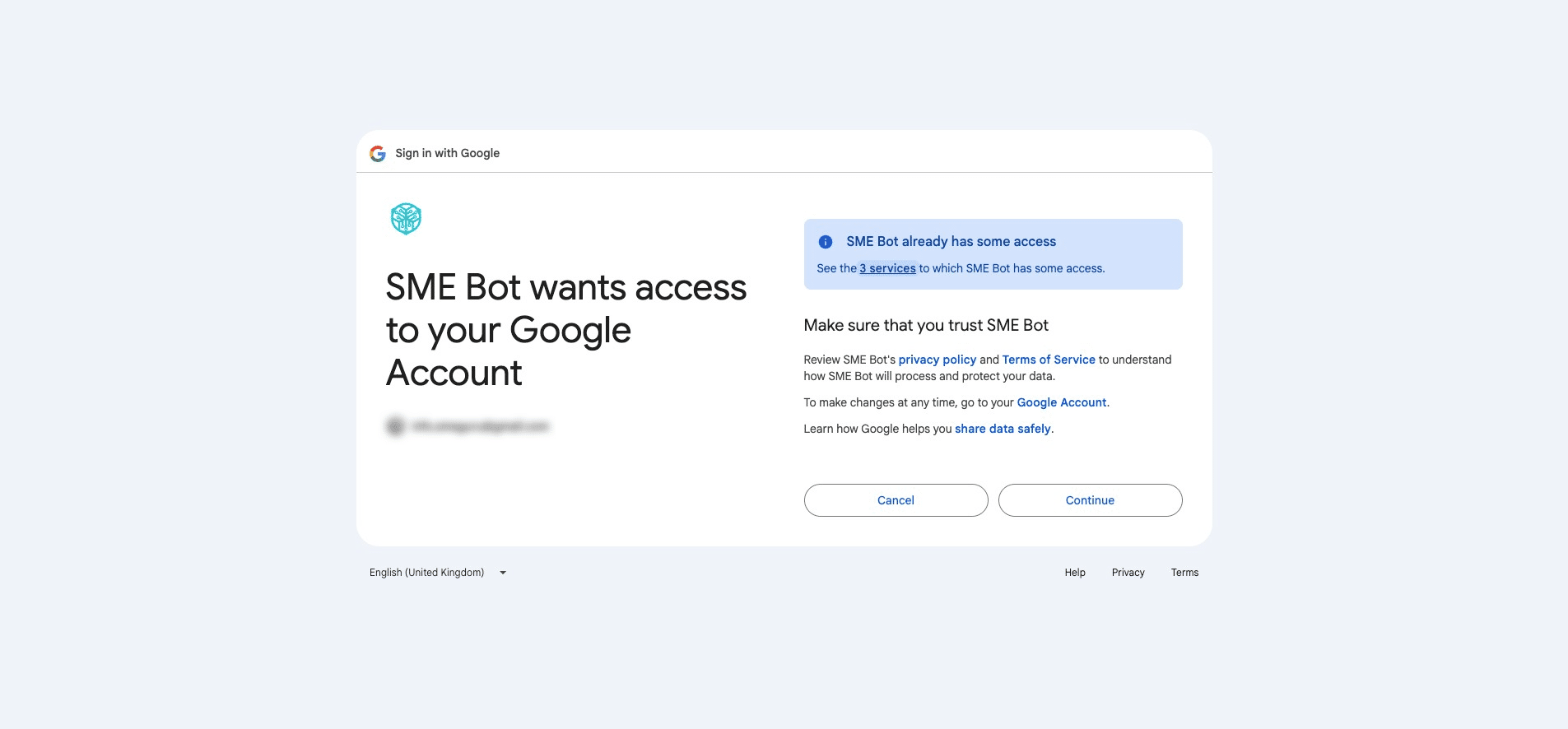
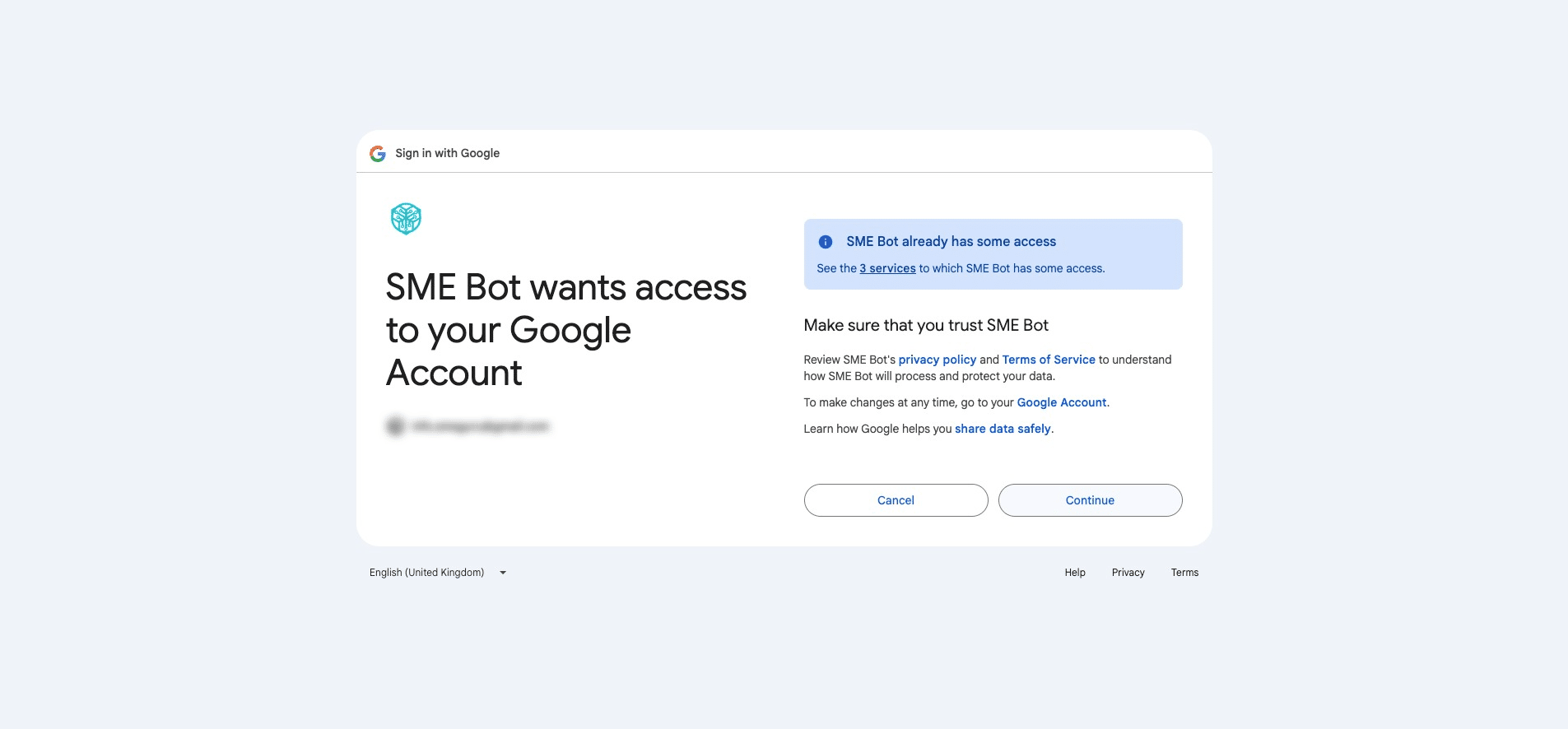
If you've connected SME Bot before, you’ll see a notice about the access you're granting. Click "3 services" to view more details of the permissions.
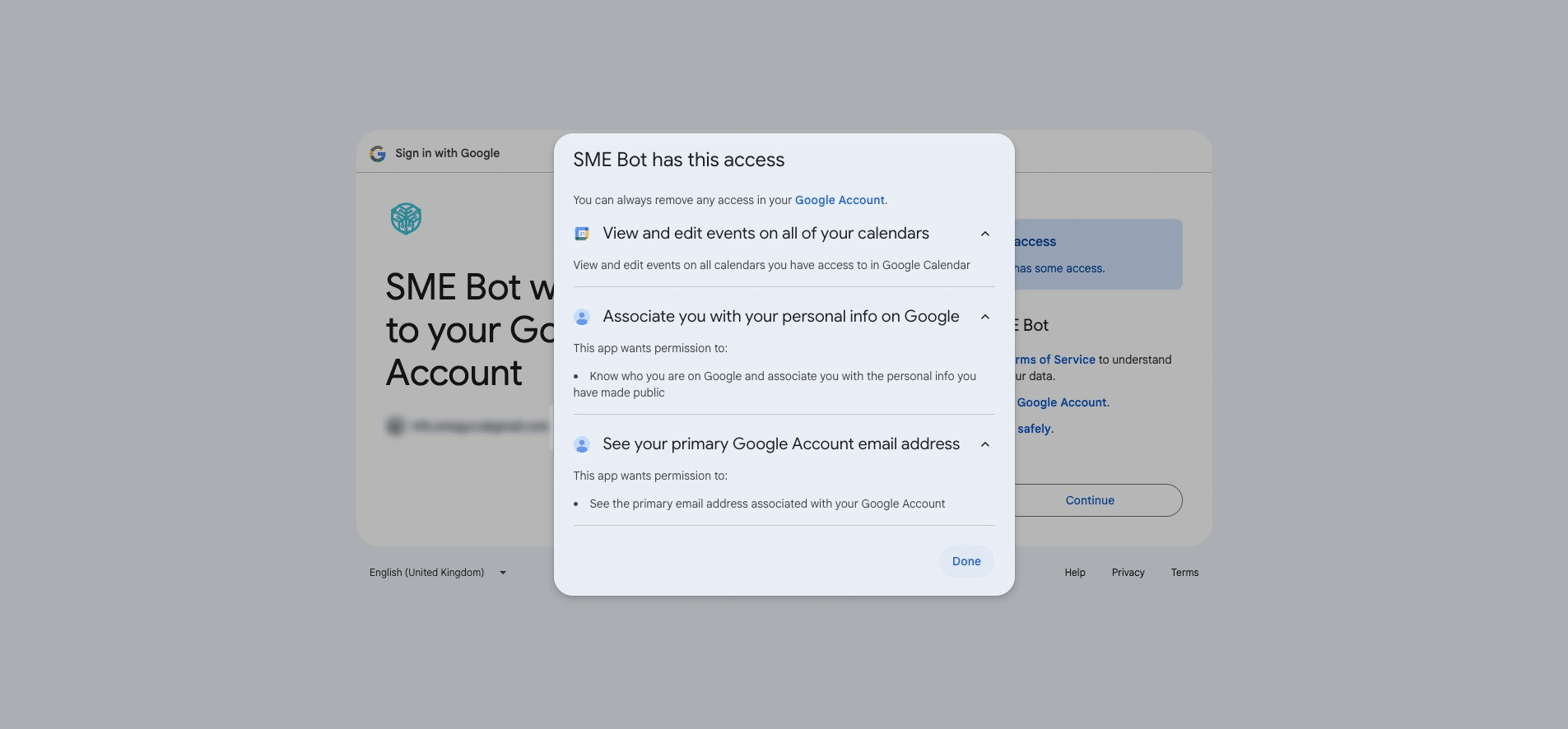
A pop-up will appear showing all the access permissions you’ve granted to SME Bot.
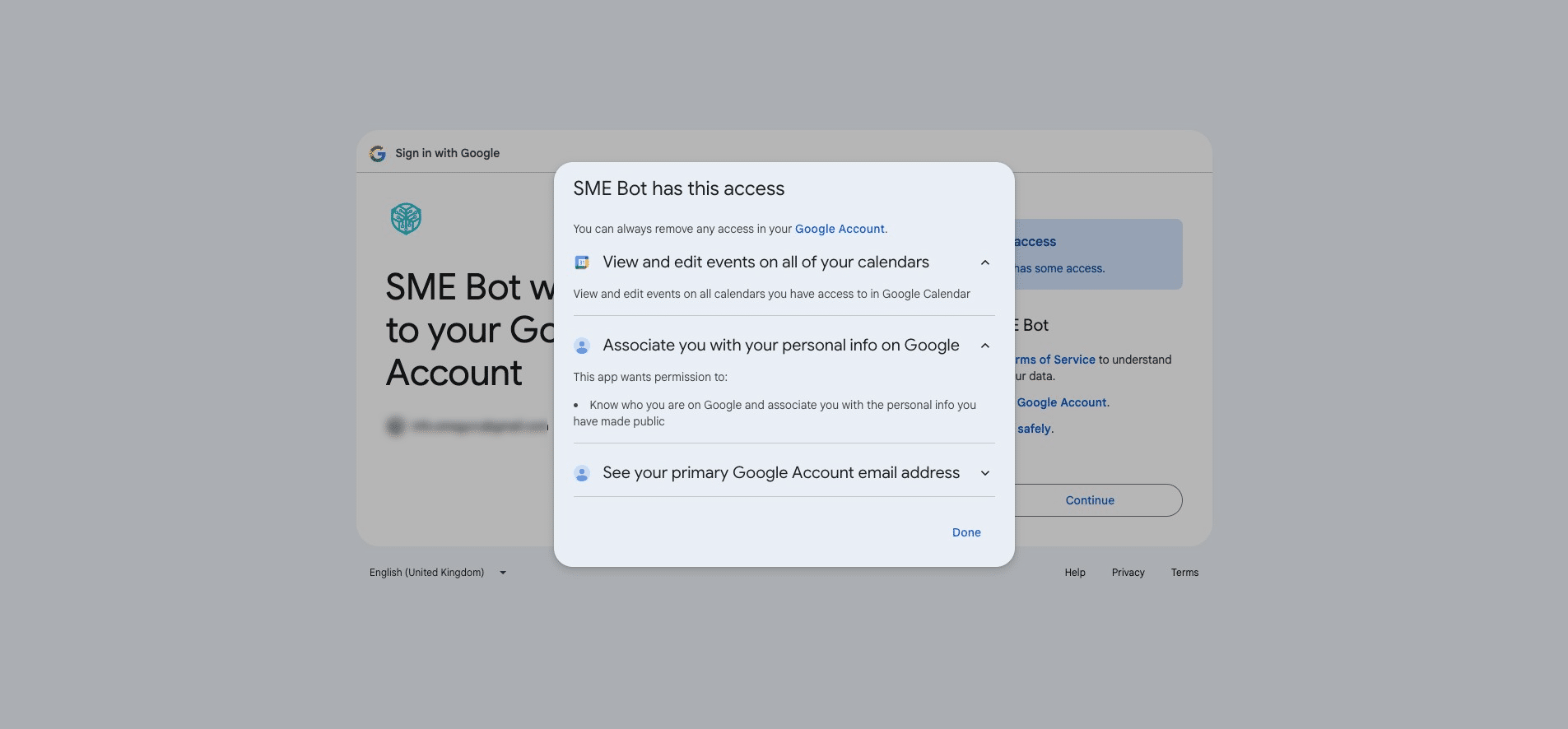
Click "Done"
Click "Continue" to complete the Calendar Integration.
✅ Done! You’ve successfully integrated your Calendar with SME Bot. 🚀