OpenAI Integration
Learn how to integrate OpenAI with SME Bot. This integration will unlock the AI capabilities of your SME Bot, enabling it to generate intelligent, human-like responses and provide personalized interactions with users.
Navigate to OpenAI
New Tip! Once the OpenAI account is created, you should have a $5 credit and after you have an estimated usage (for about 3-6 mths), it is recommended to top up some credit (this credit will expire in 1 year).
Click on "Billing" to add credit when necessary
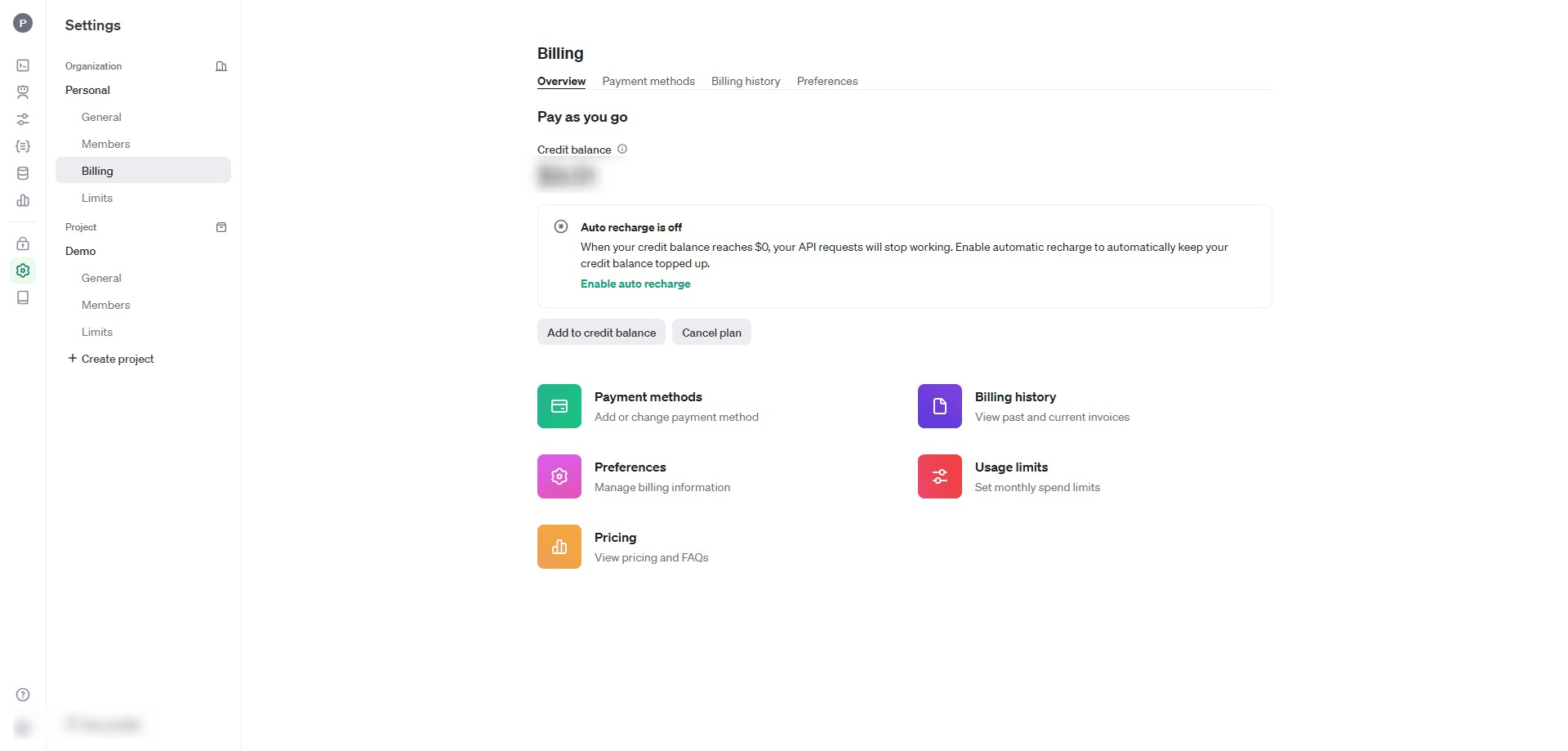

New Tip! You may create a project. Projects are shared environments where teams can collaborate and share API resources. You can set custom rate limits and manage access to resources. Learn more.
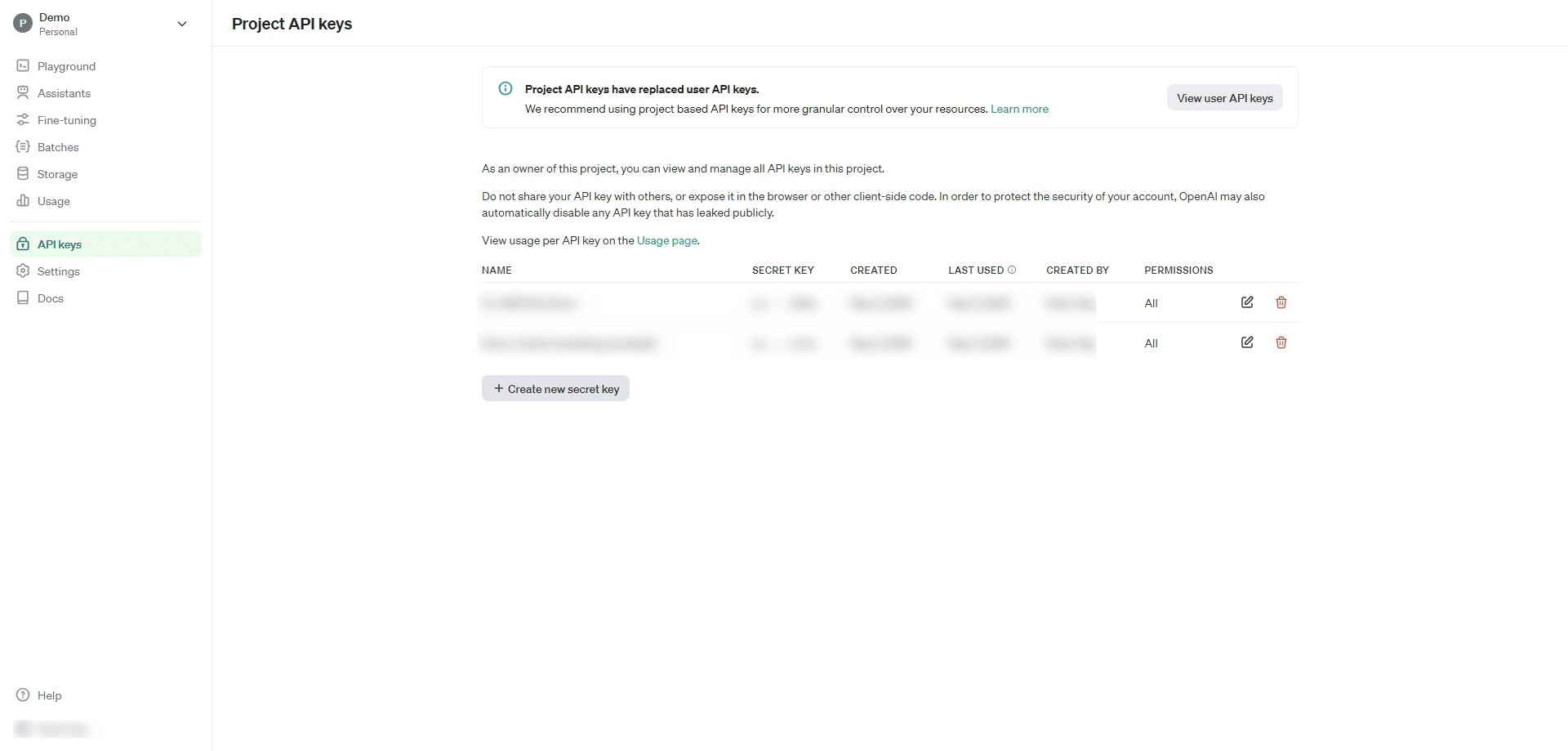
Click on "API keys" and than click "Create new secret key"
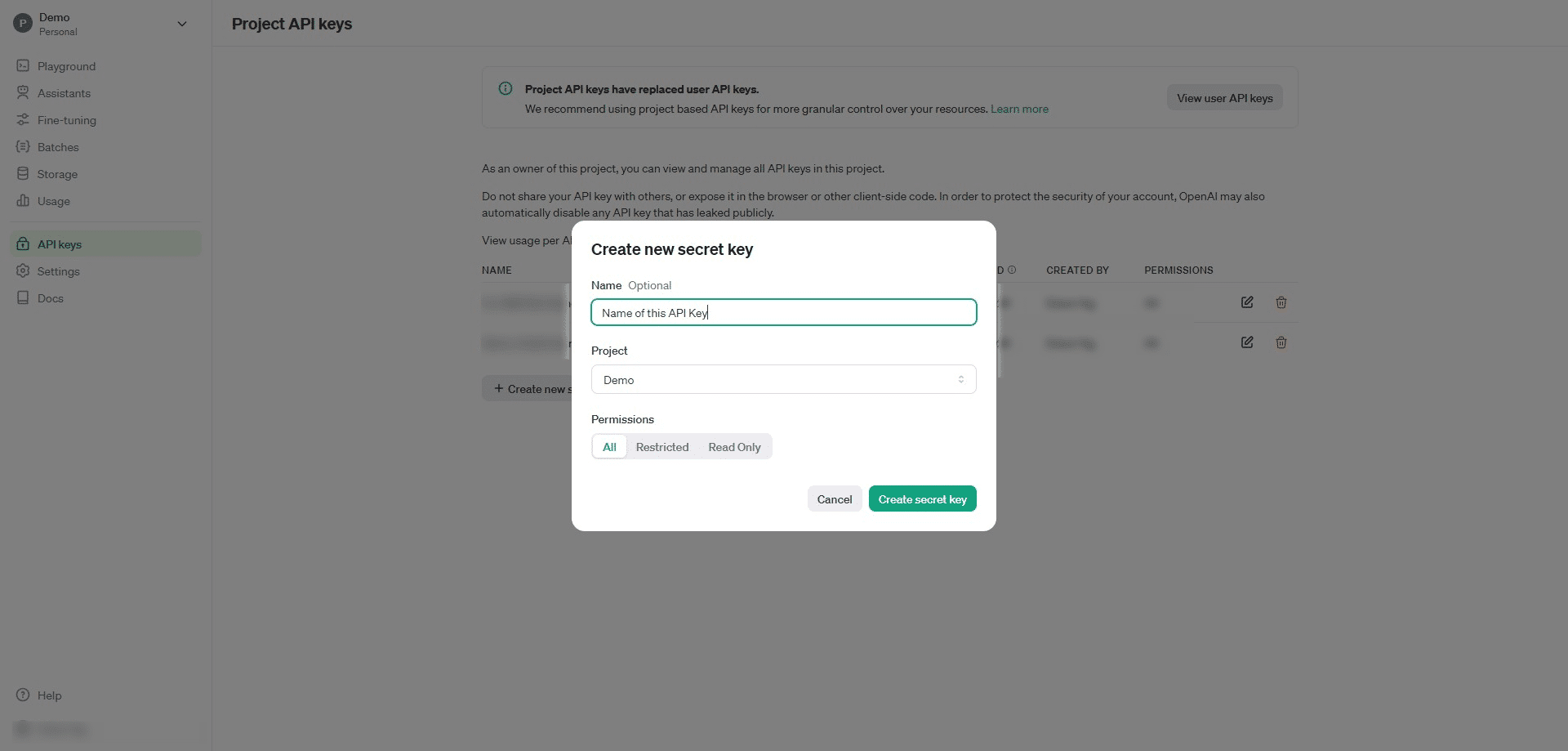
Click on "Create new secret key"
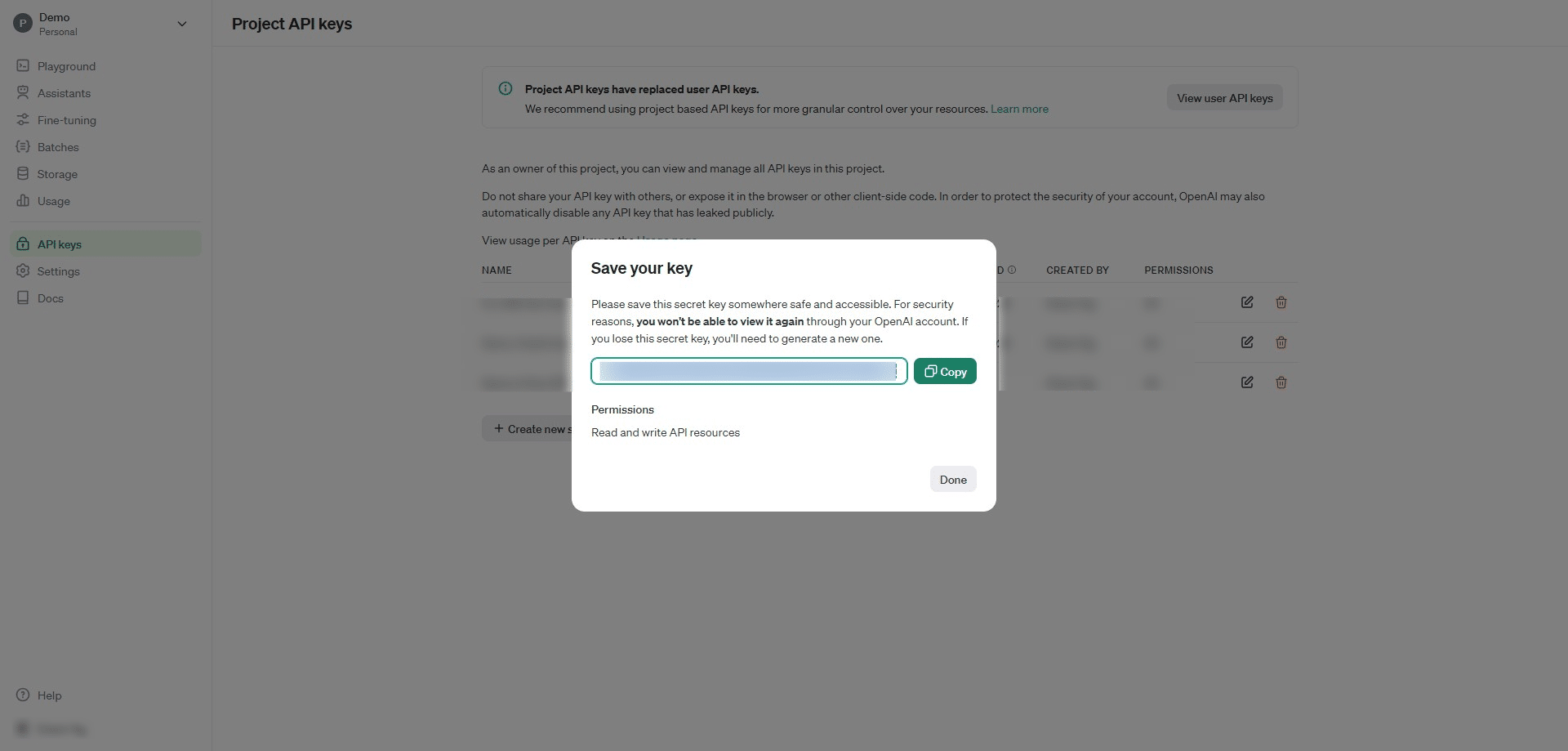
Click on "Copy" and "Done"
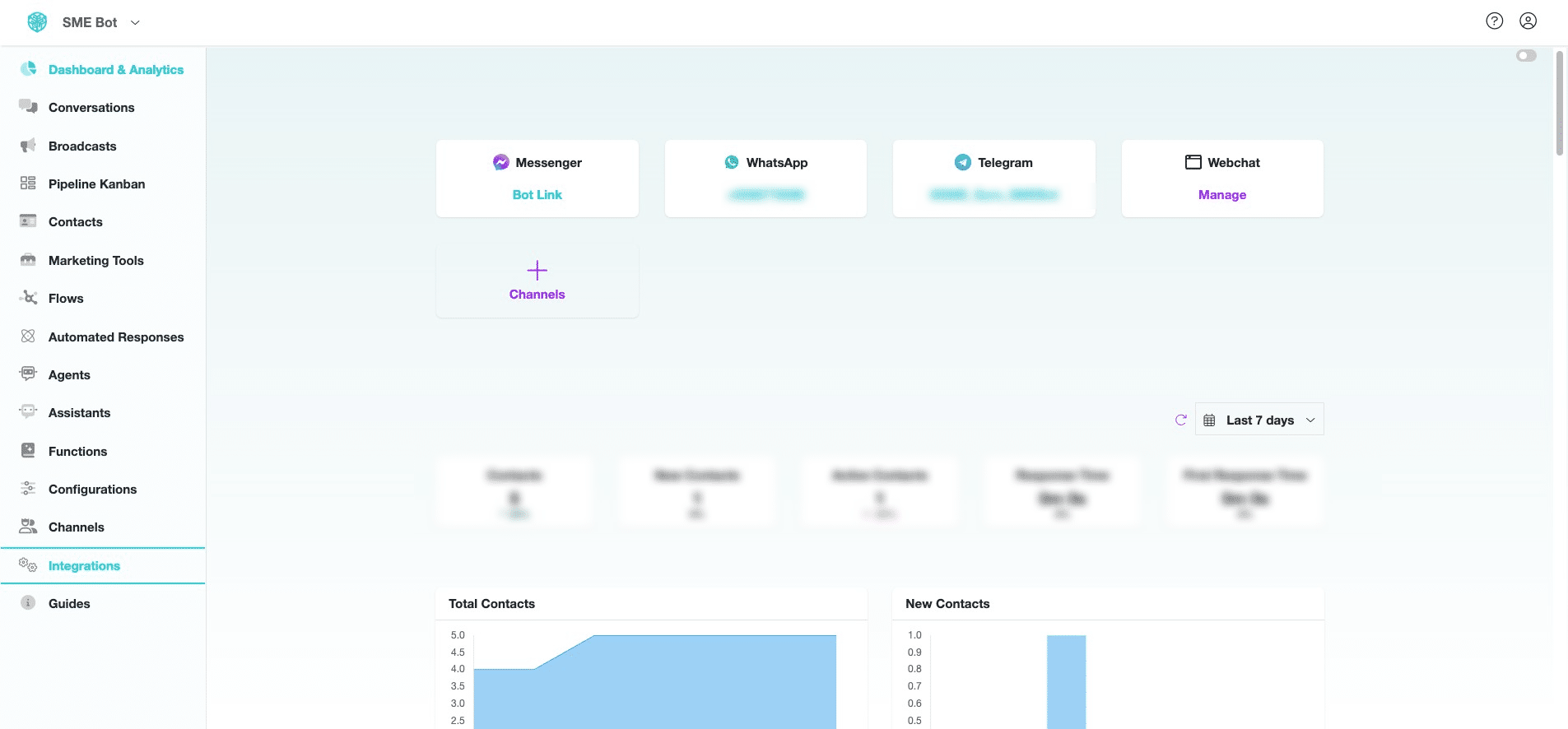
Go to your SME Bot account and click "Integrations".
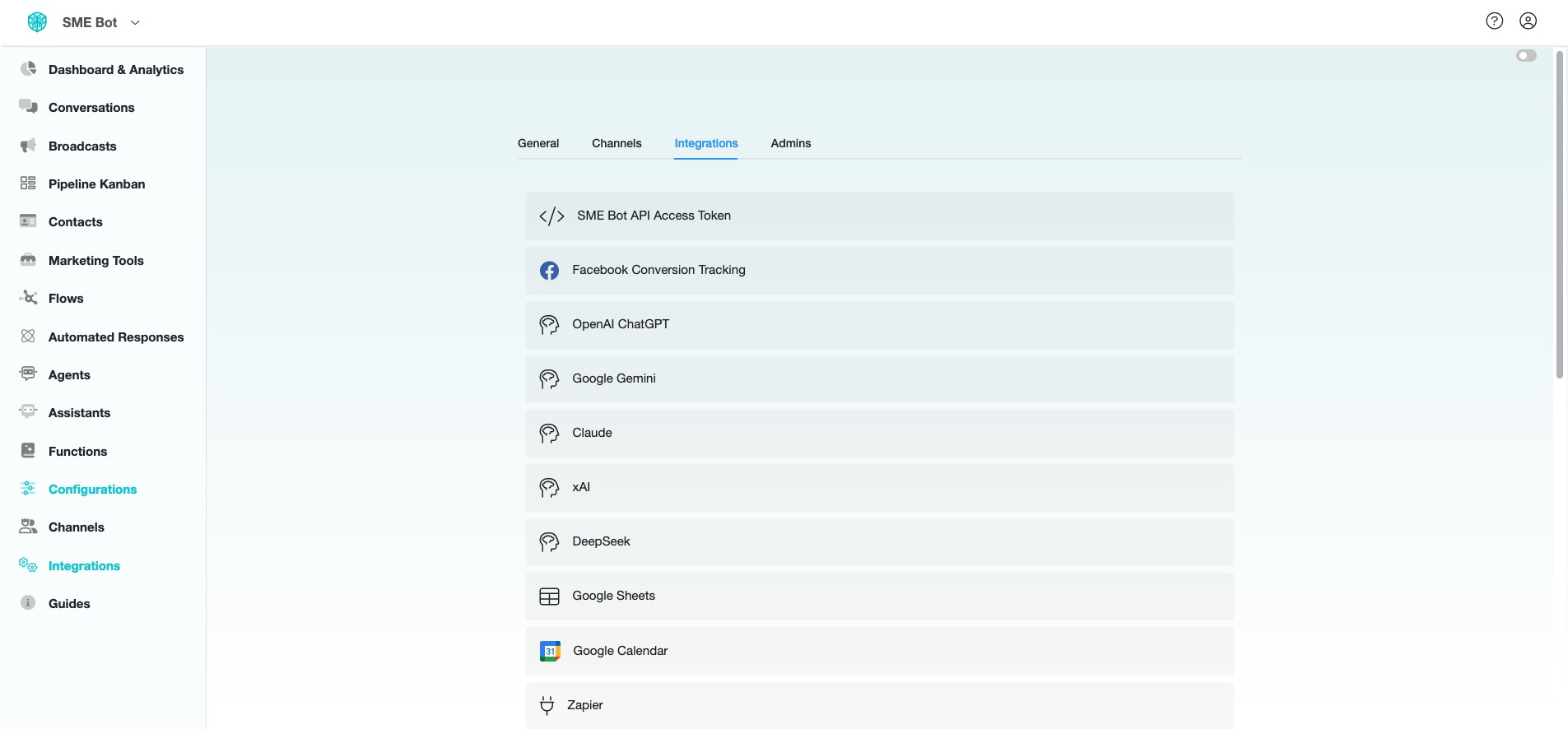
Click "OpenAI ChatGPT".
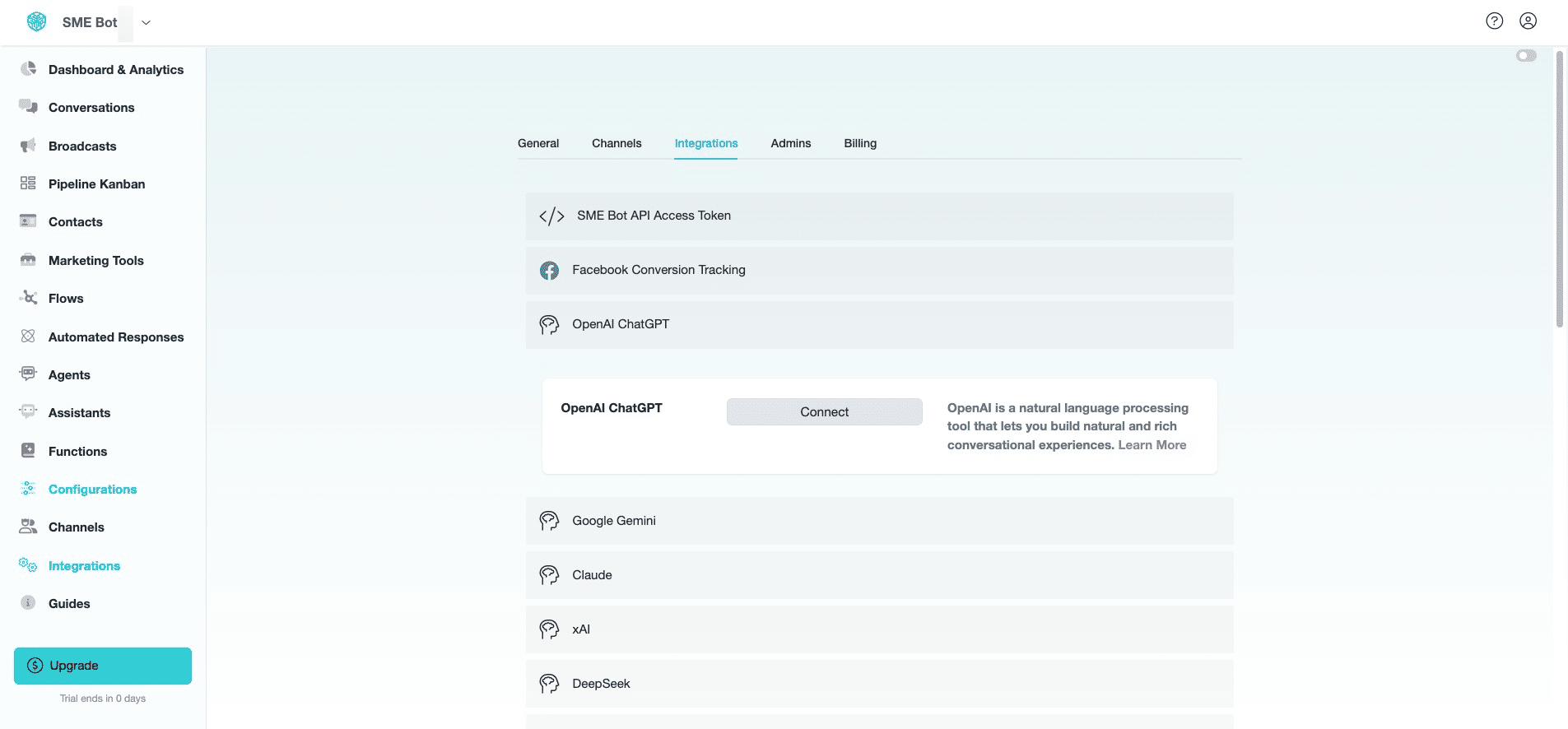
Click "Connect"
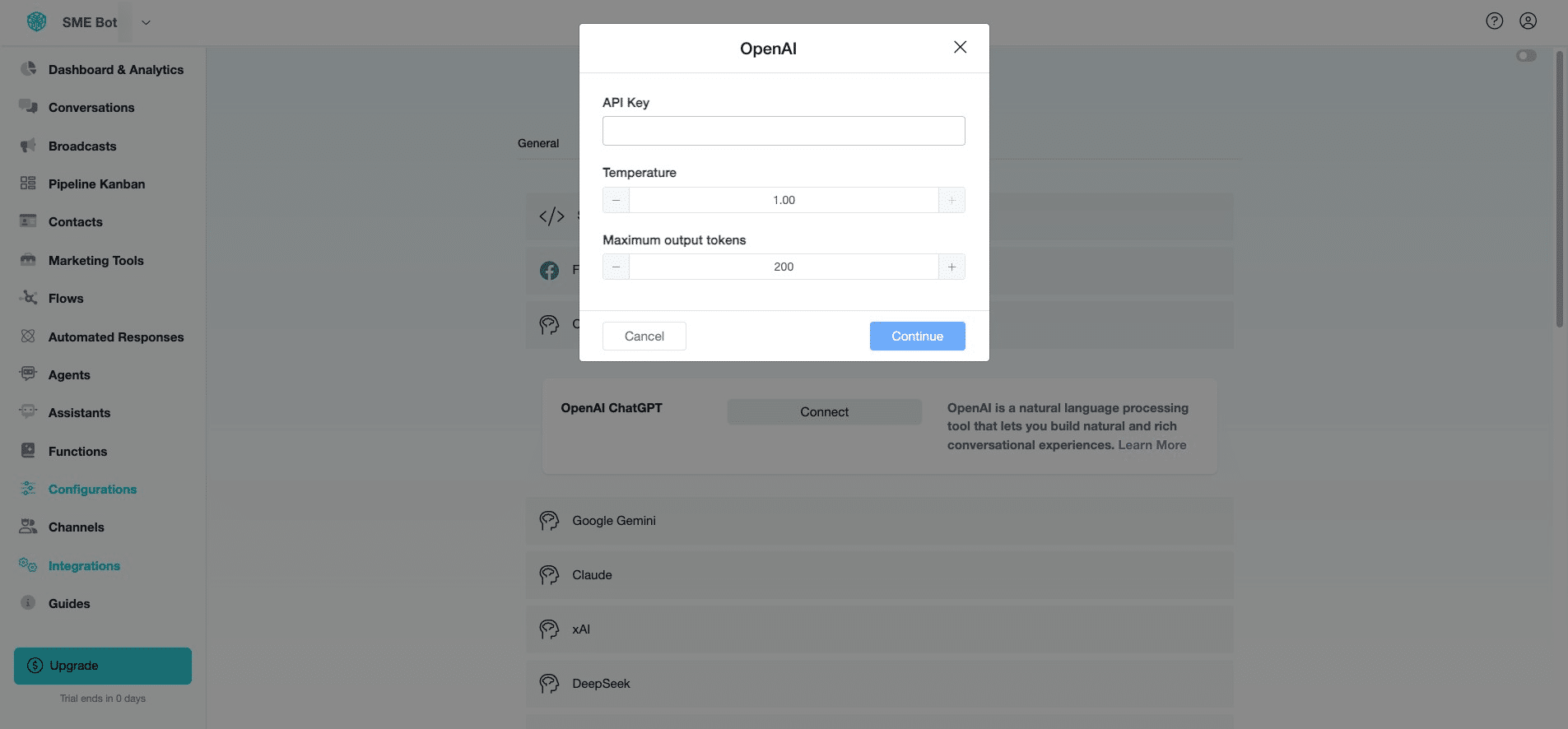
Insert your OpenAI API Key. Click "More Options" to set the "Temperature" and "Maximum Output Tokens".
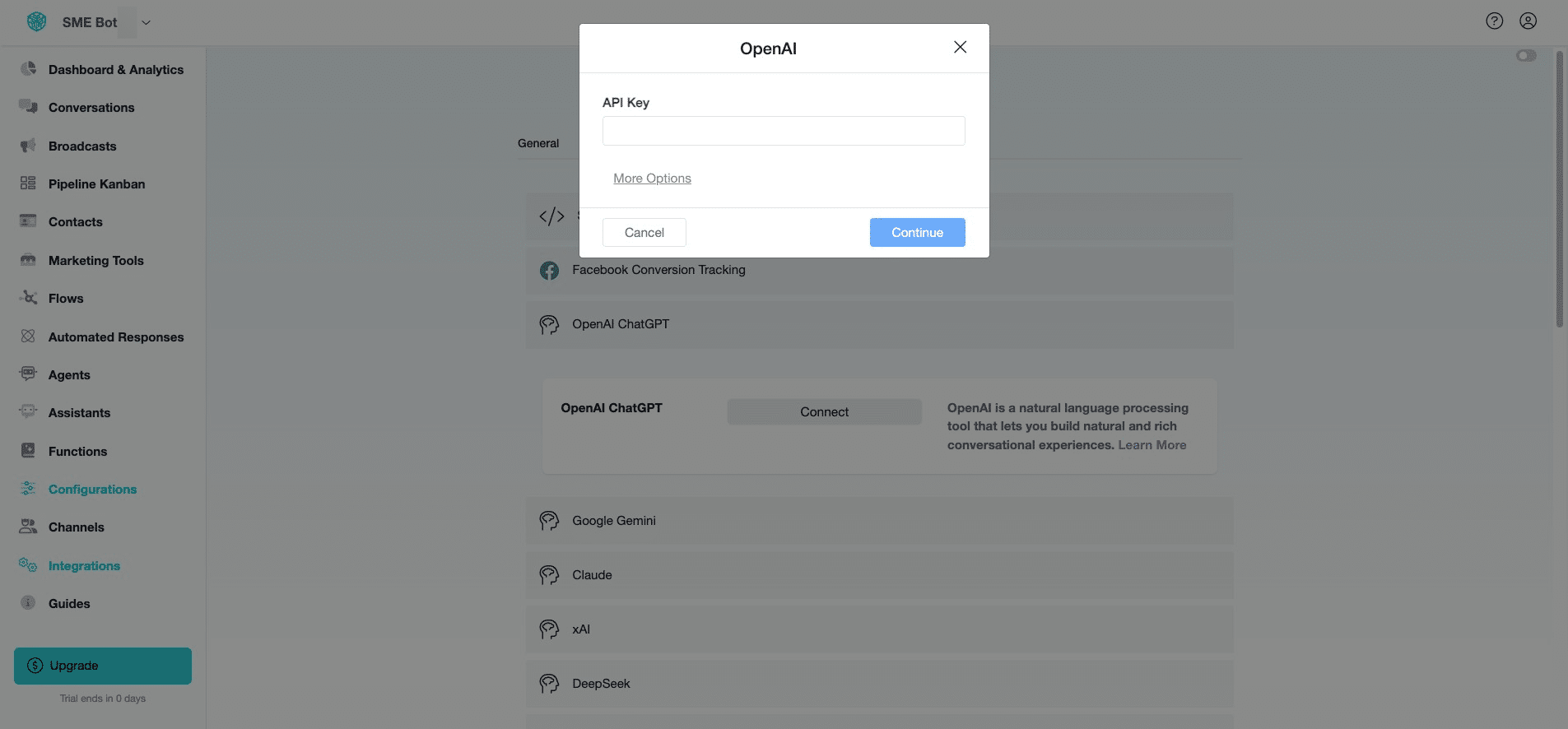
Click "Continue". ✅ Done! You’ve successfully integrated OpenAI as an LLM tool into SME Bot. 🚀