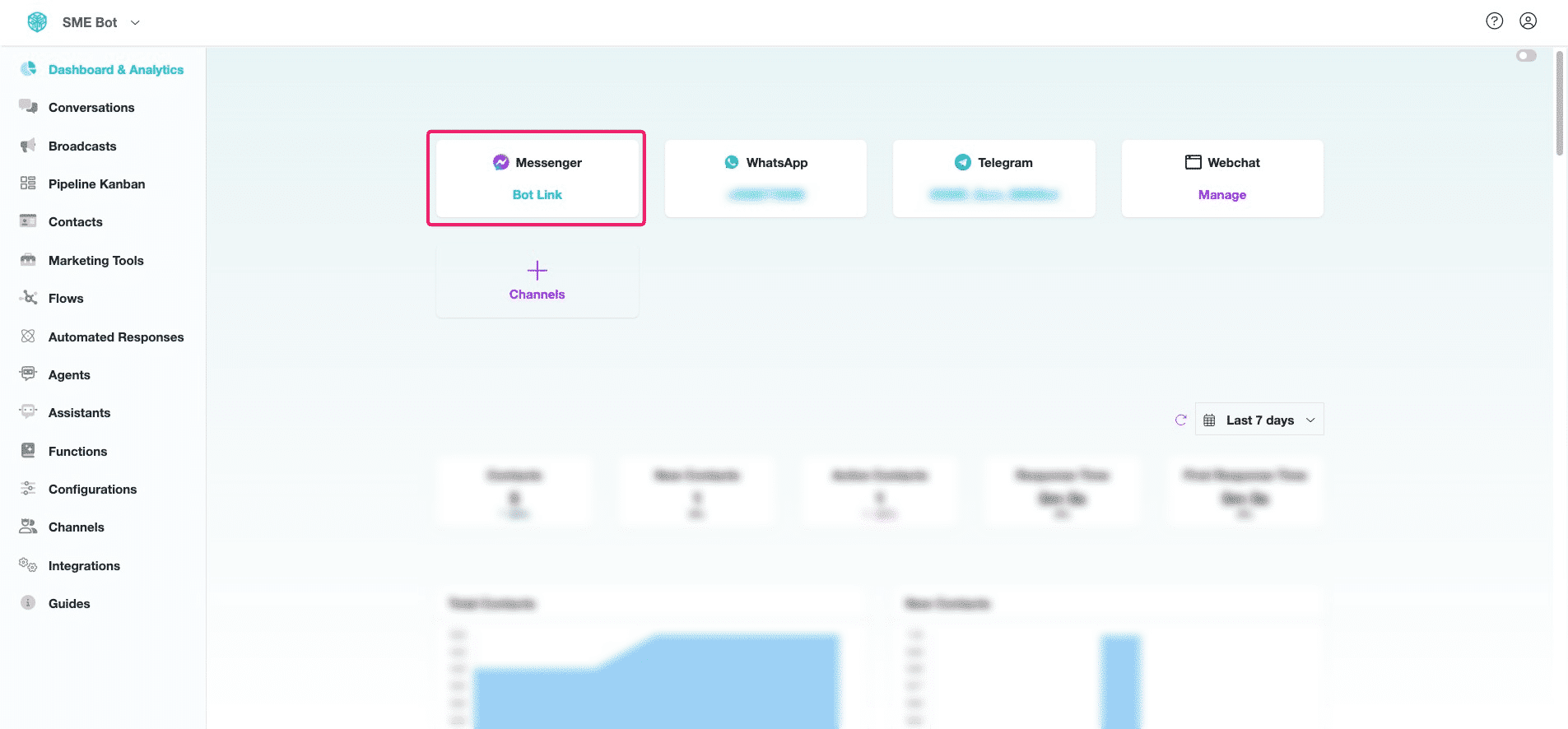
Messenger Integration
Learn how to seamlessly integrate Facebook Messenger with SME Bot to enhance customer engagement and lead generation. By training your SME Bot with your business information and creating automated Flows, you can optimize interactions, capture leads effectively, and deliver personalized experiences. This integration is essential for maximizing your reach within Facebook Messenger.
Navigate to https://app.smebot.ai/
In your SME Bot, Click "Channels"
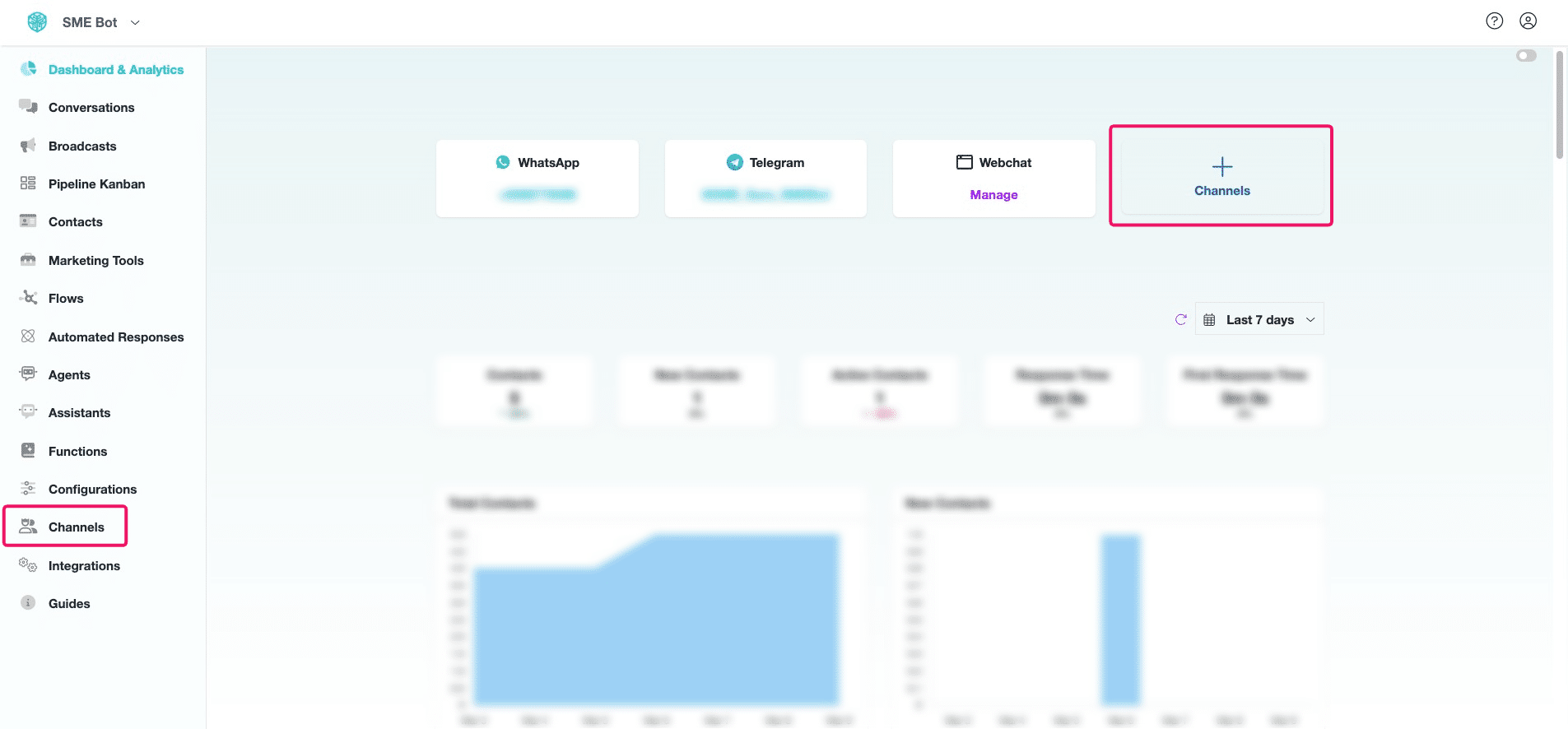

Click "Facebook Messenger"
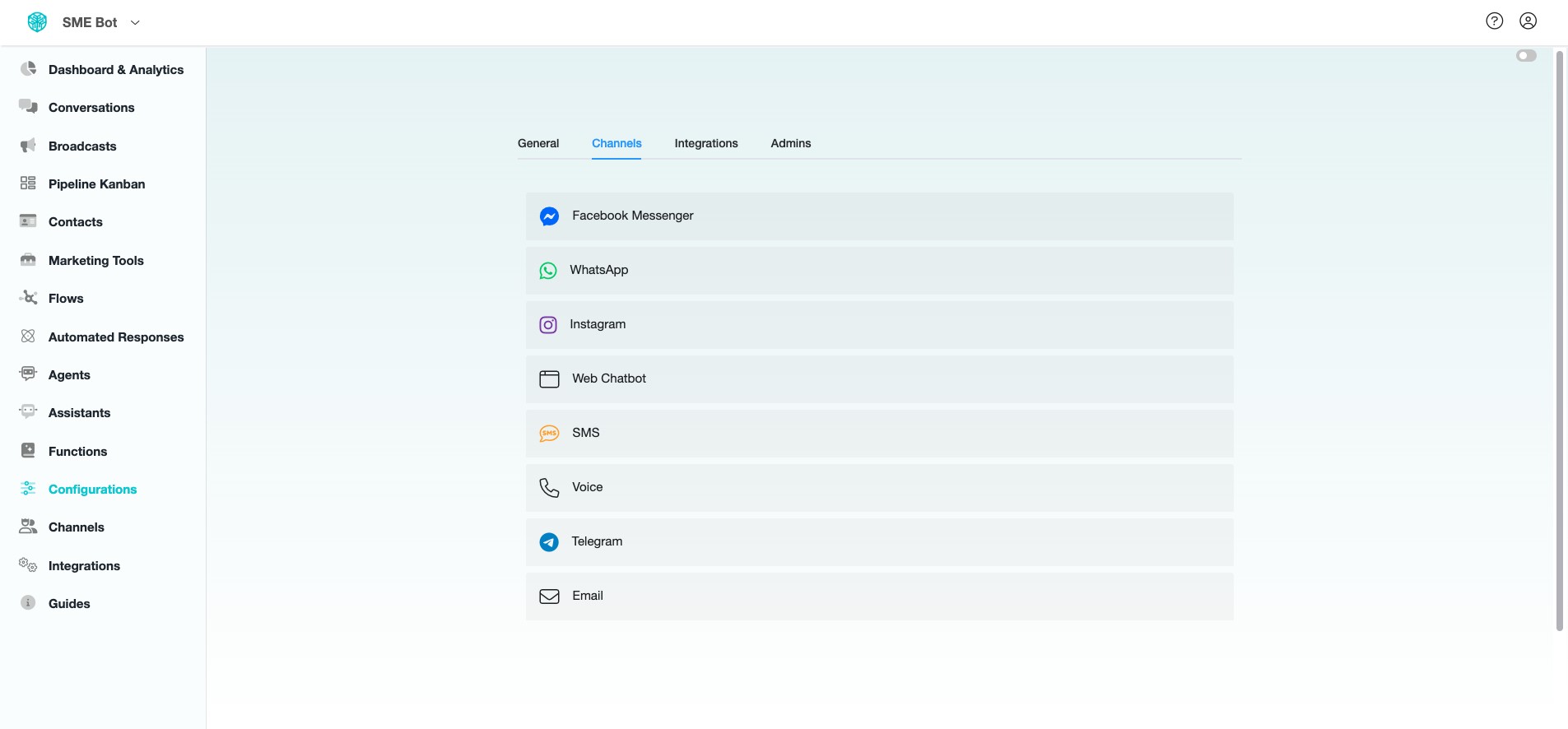
Click "Connect" to start the SME Bot and Messenger Integration.
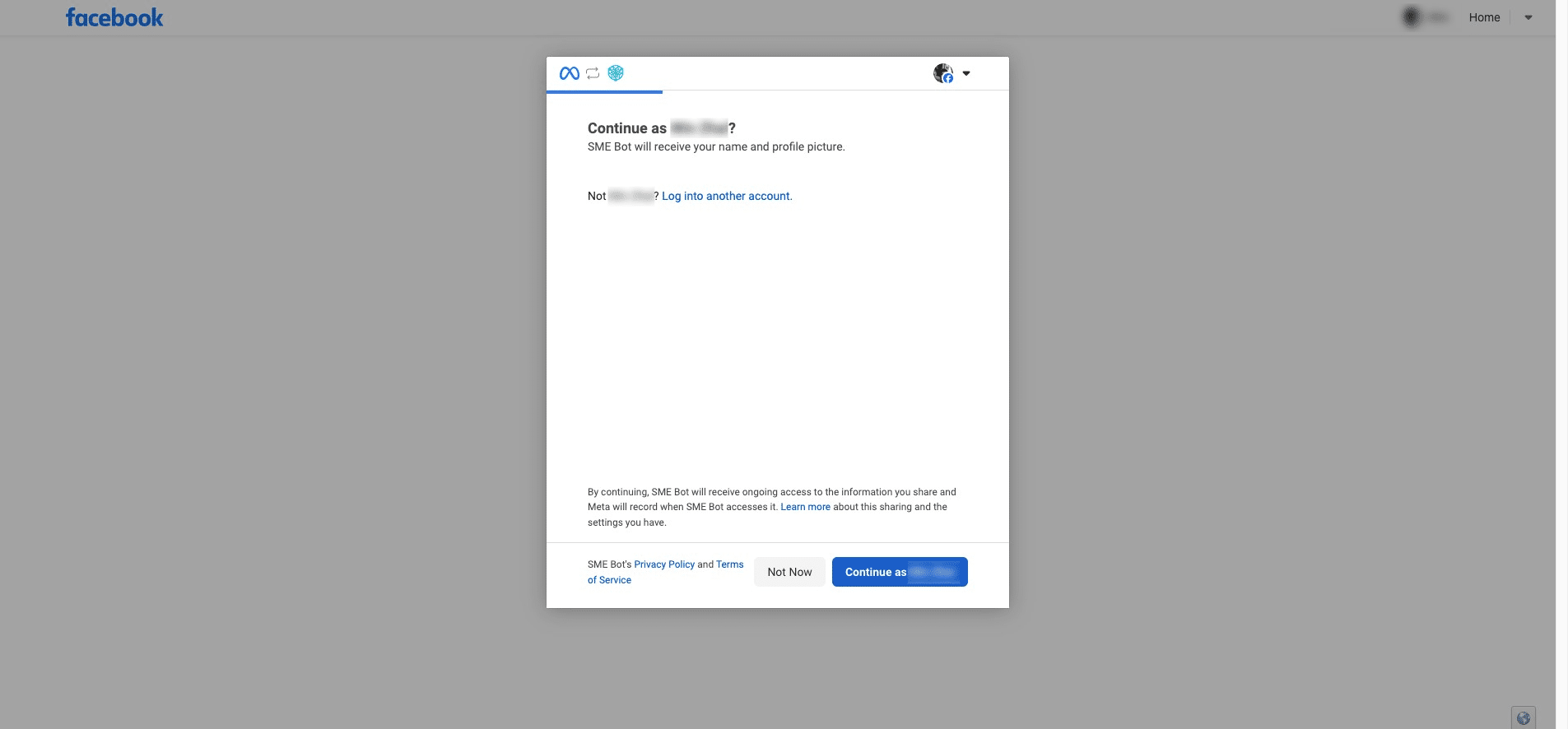
You will be directed to Facebook, Click "Continue as your name"
You will be prompted to choose the Facebook Page you want SME Bot to connect with. You can either opt-in for all current and future Facebook Pages or select only the current Facebook Pages.
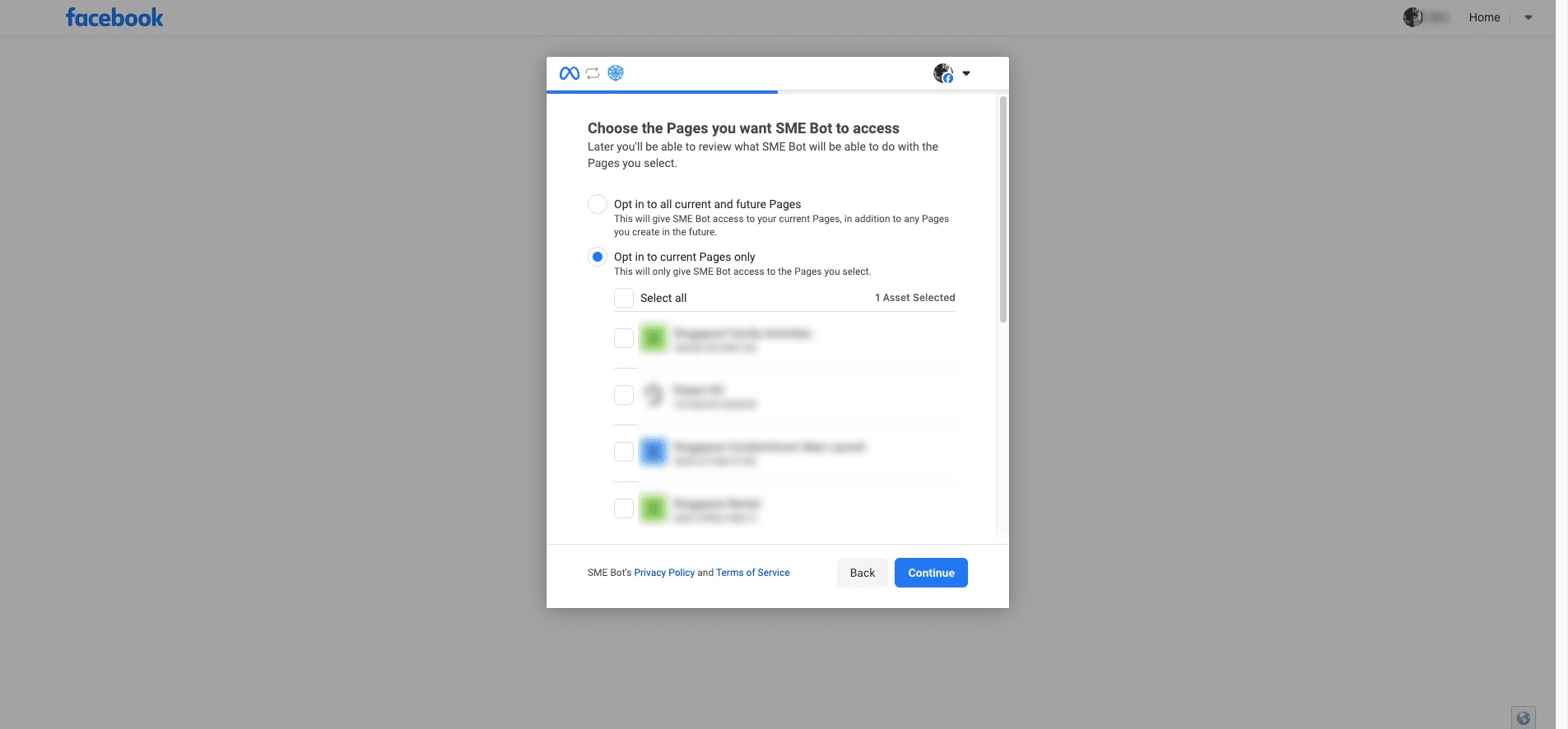
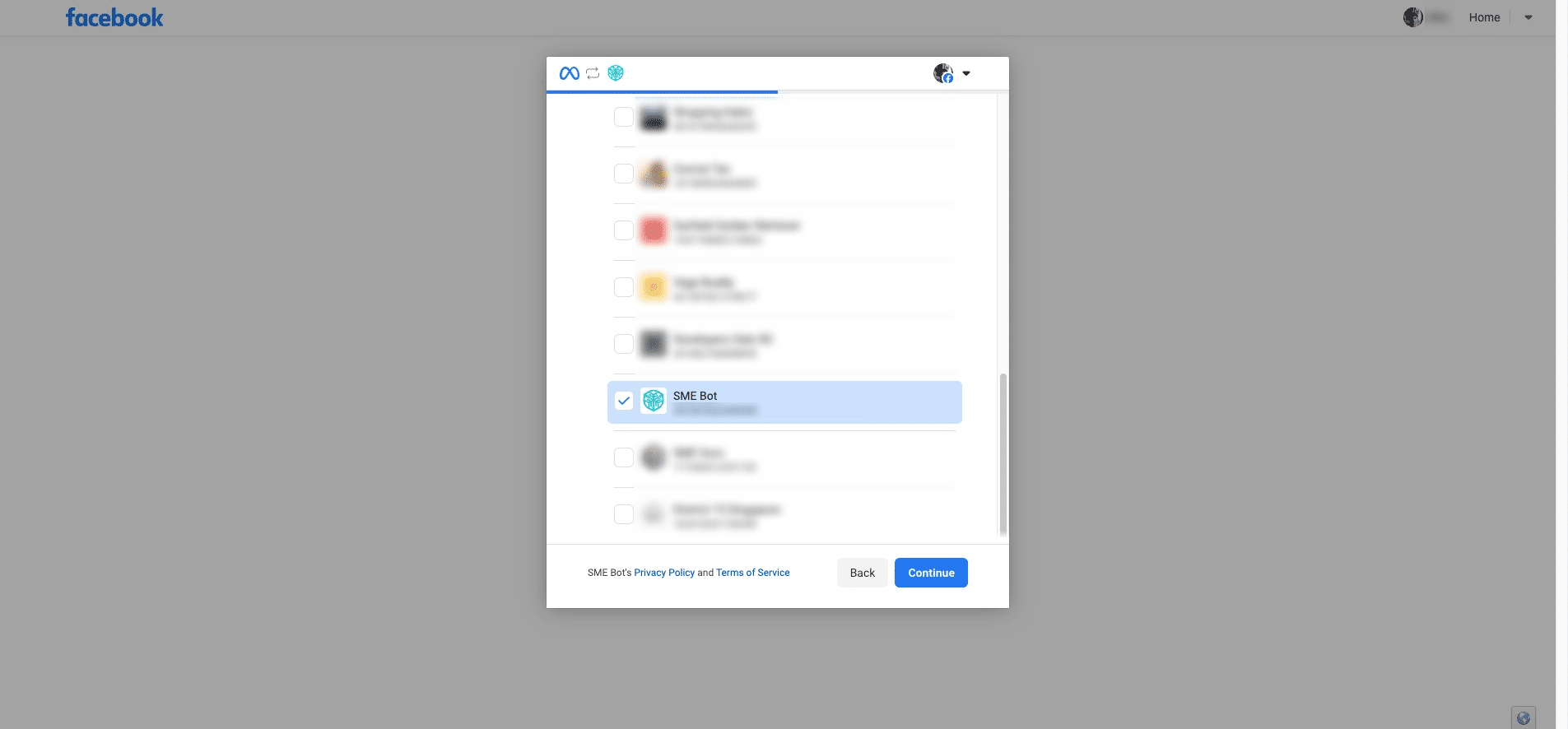
Select the intended Facebook Page and click "Contiune".
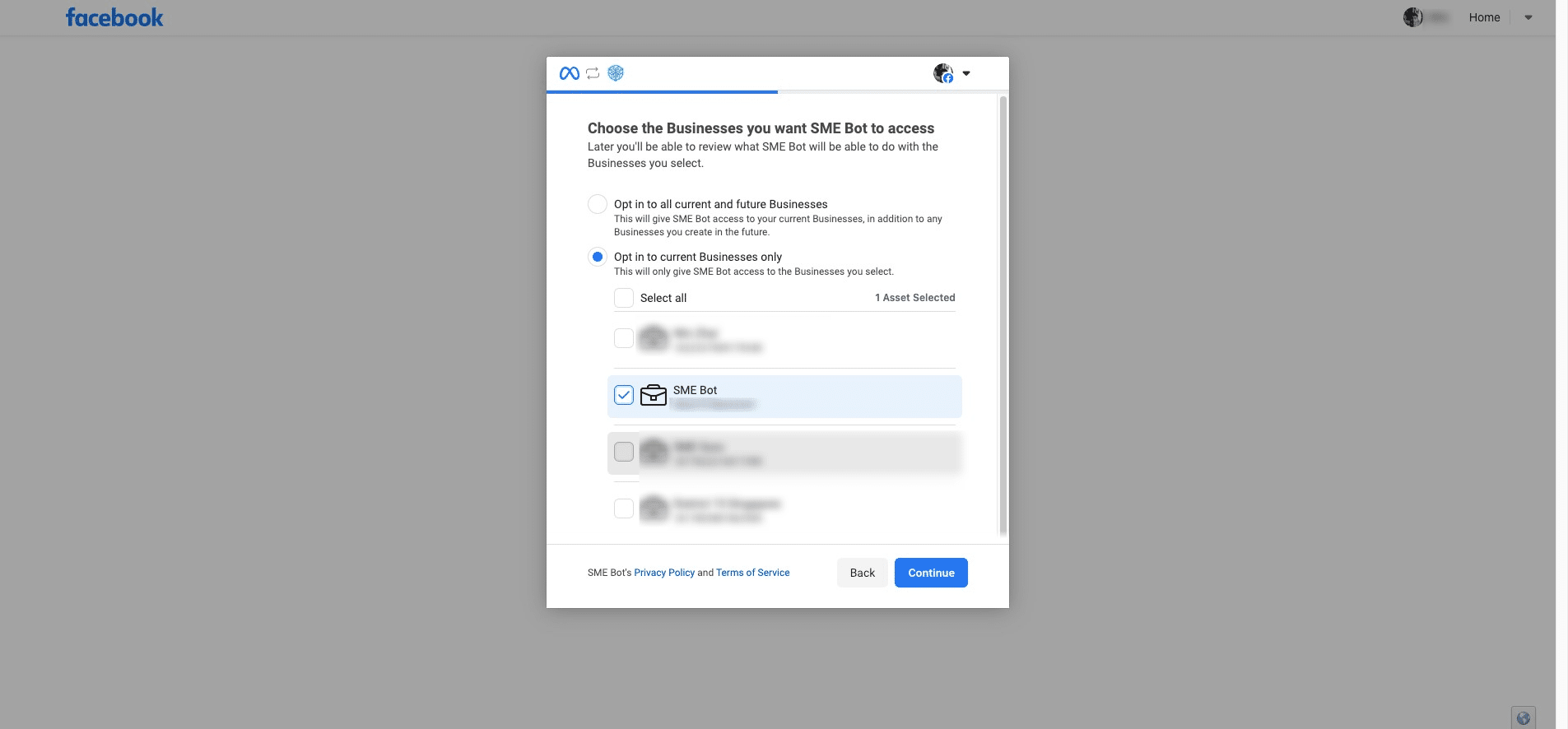
You will be prompted to choose the Business Portfolio you want SME Bot to access. You can either opt-in for all current and future Business Profiles or select only the current Business Profiles. Select the Business Portfolio, then click "Continue".
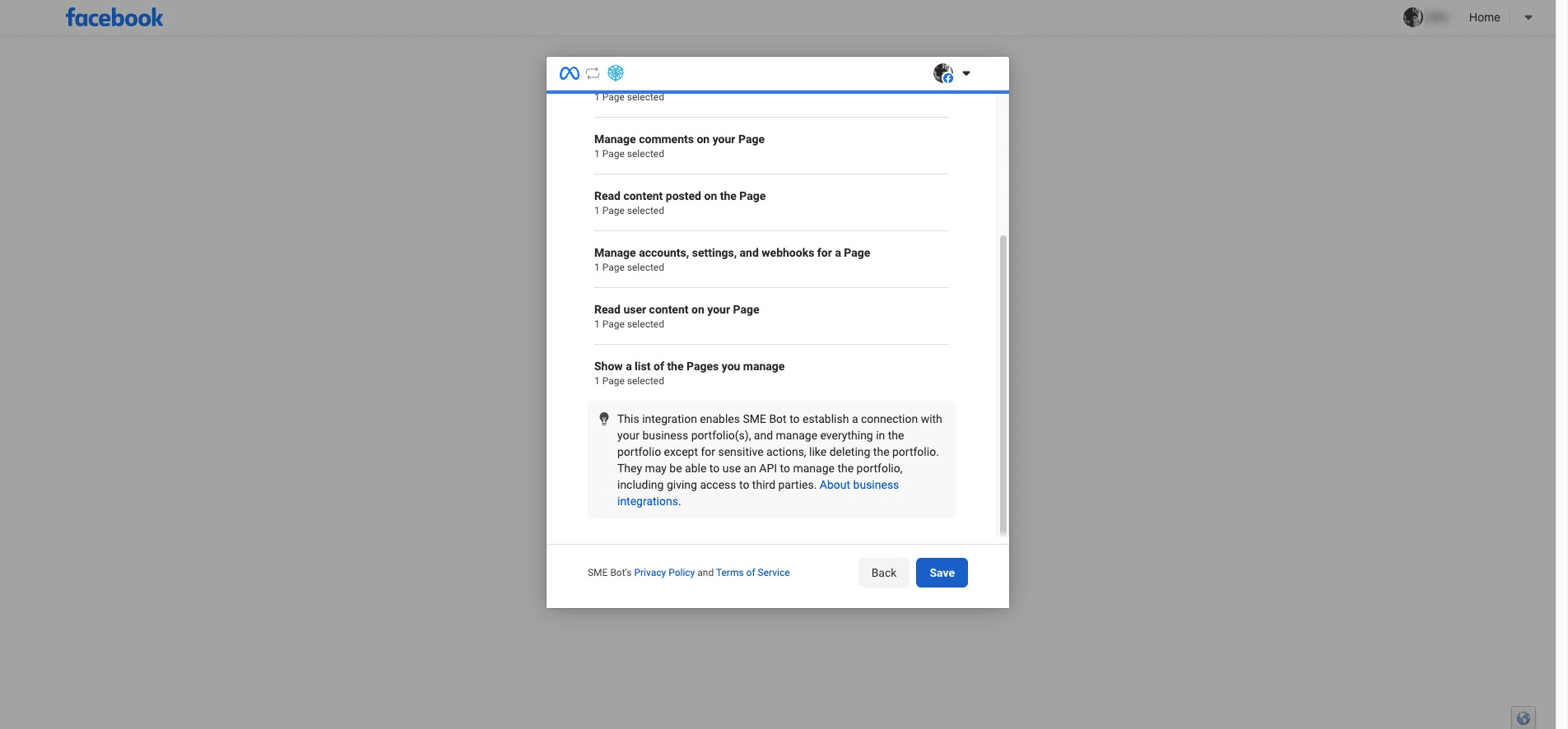
Review the access and Click "Save".
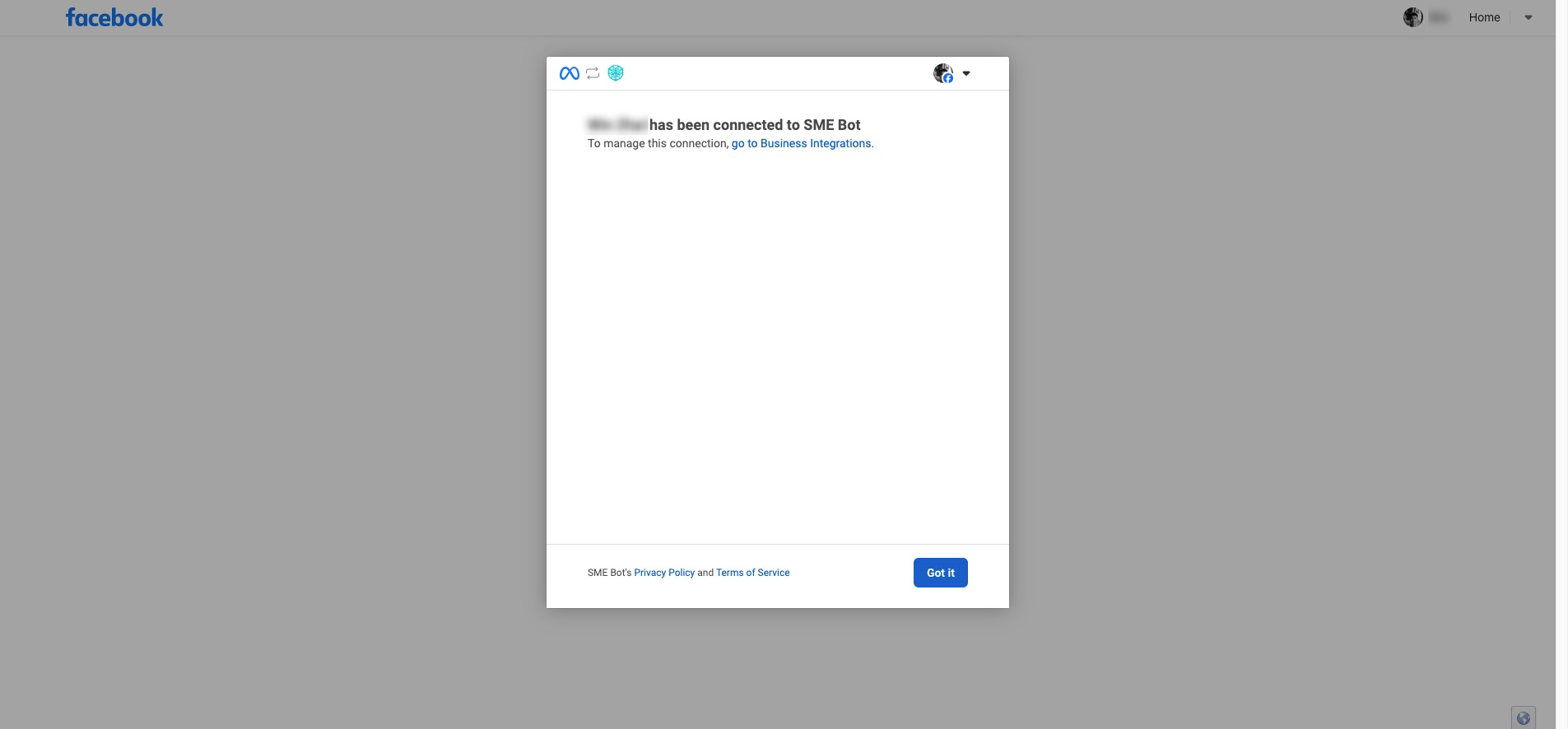
You will be prompted that you have been connected to SME Bot, Click "Got it"
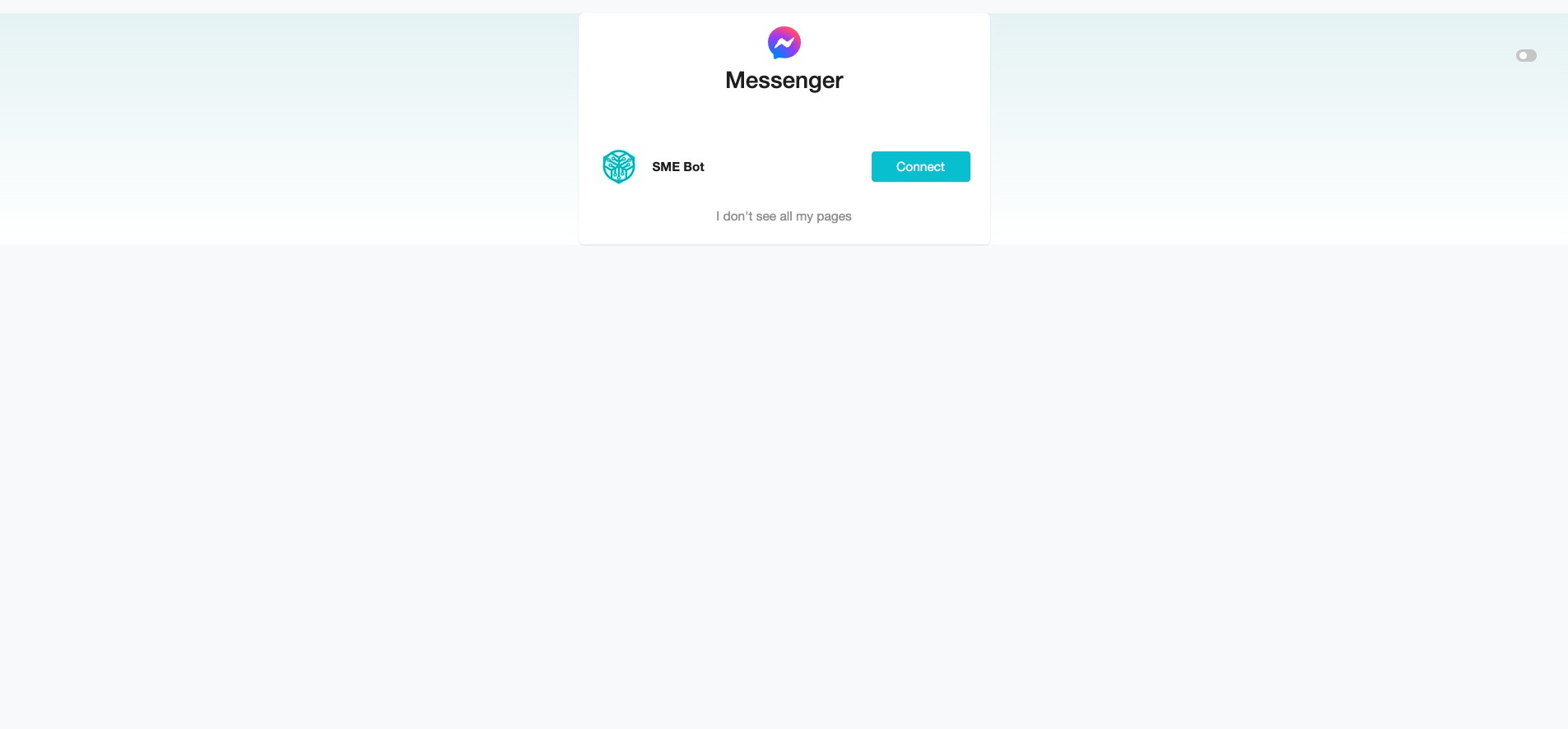
You will be redirected back to your SME Bot account. Click "Connect" at the Facebook Page to complete the integration.
✅ Done! You’ve successfully integrated Messenger as a channel into SME Bot. 🚀