Facebook Private Comment Automation Flow
Learn how to set up Facebook Private Comment Automation in SME Bot to seamlessly transition public interactions into private conversations.
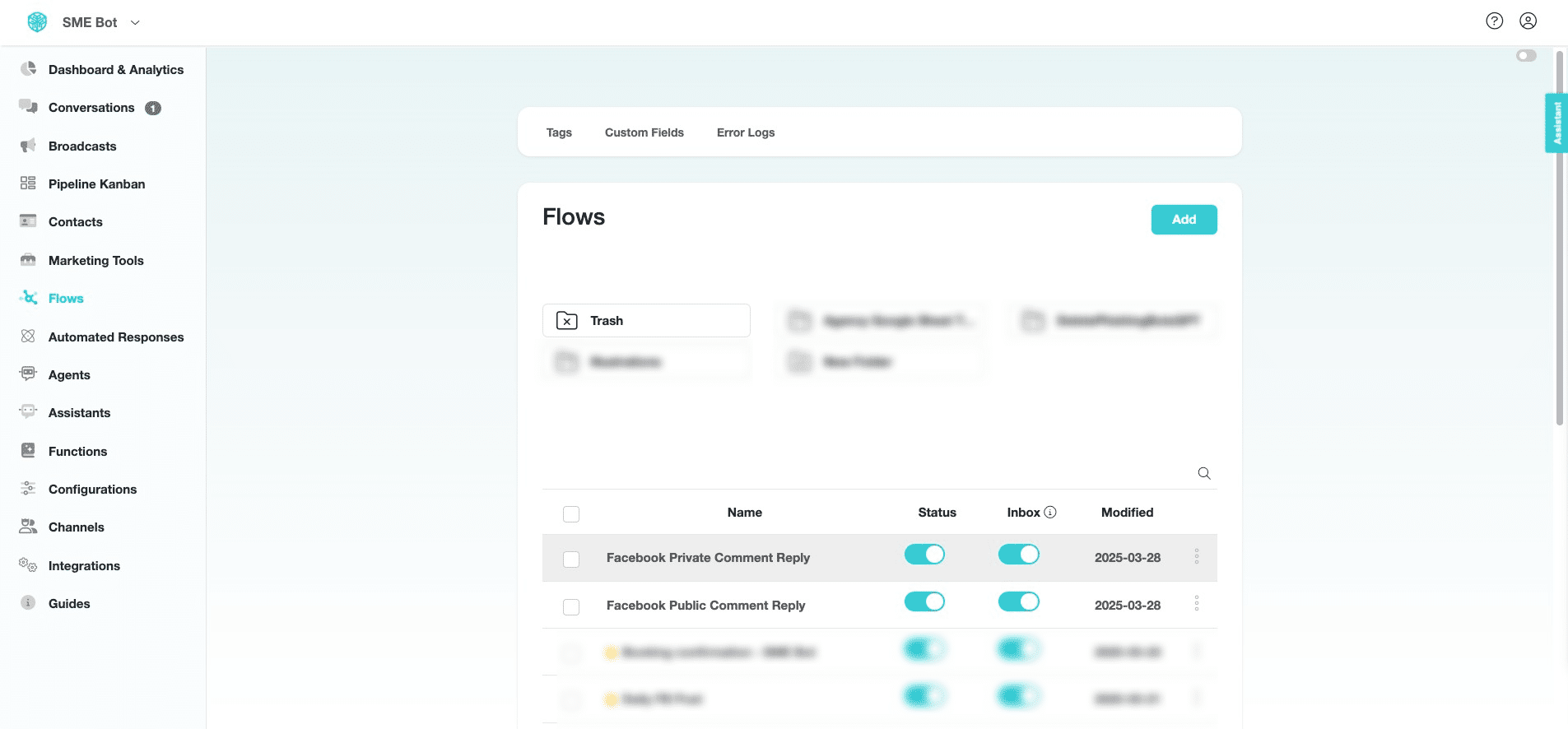
Navigate to https://app.smebot.ai/en/flows
We have duplicated the "Facebook Public Comment Reply" flow and renamed it to "Facebook Private Comment Reply". Click "Facebook Private Comment Reply" to edit the flow.

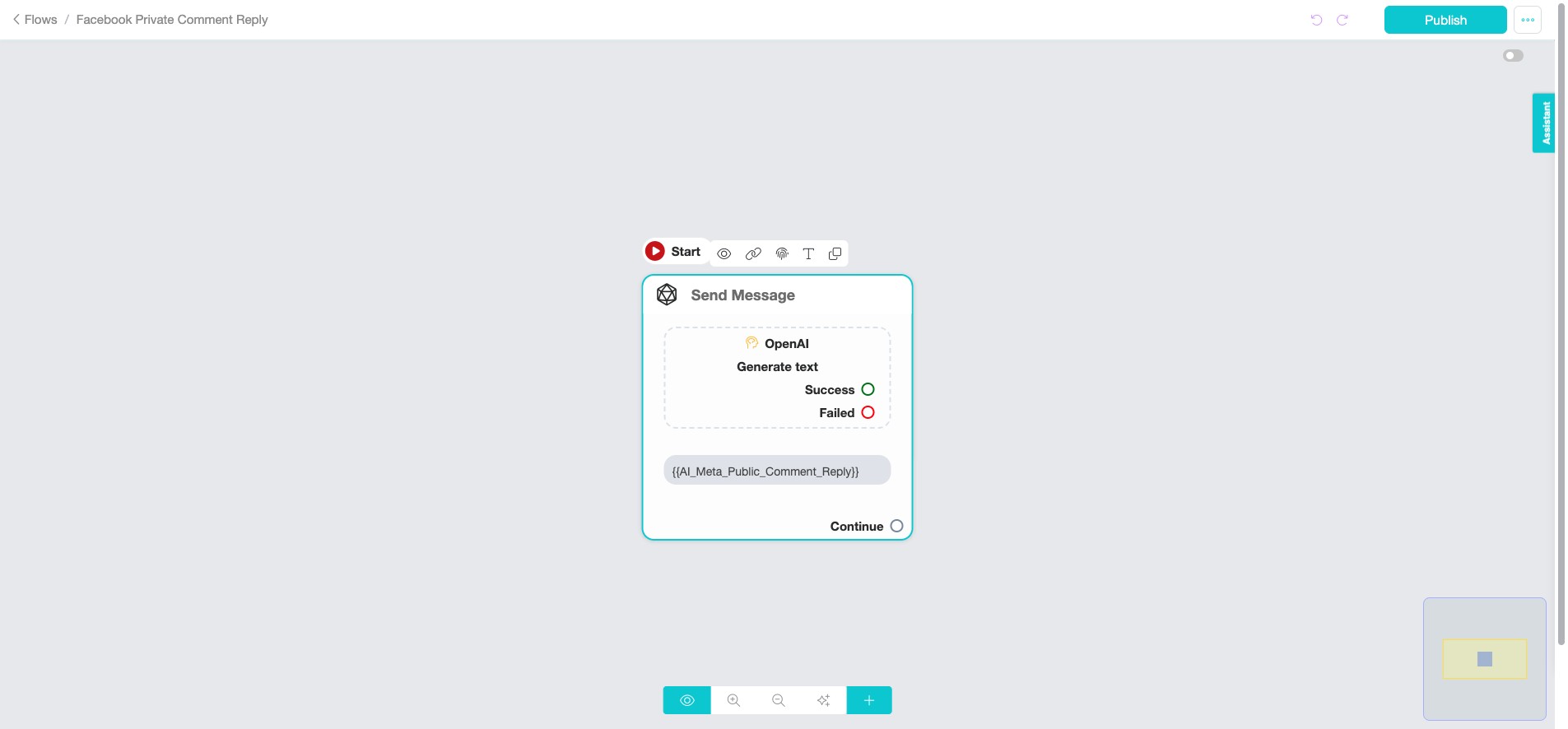
At the node, click "OpenAI" to configure the AI.
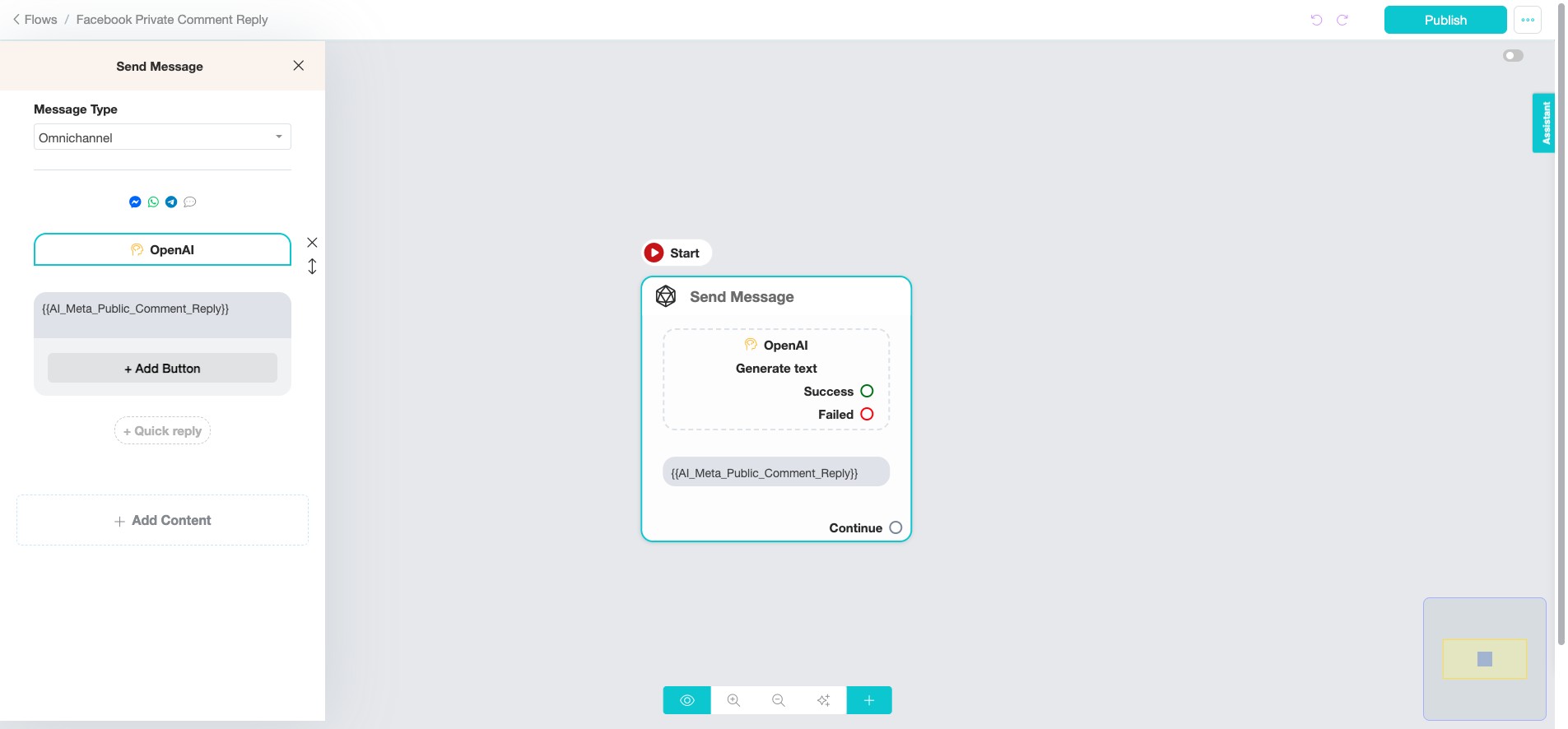
From the left pop-up, click "OpenAI".
We will use the same options: "Generate text - Advanced" and the OpenAI model as "GPT-4o mini". And, replace the "Business Information (Prompt)" with the updated prompt.
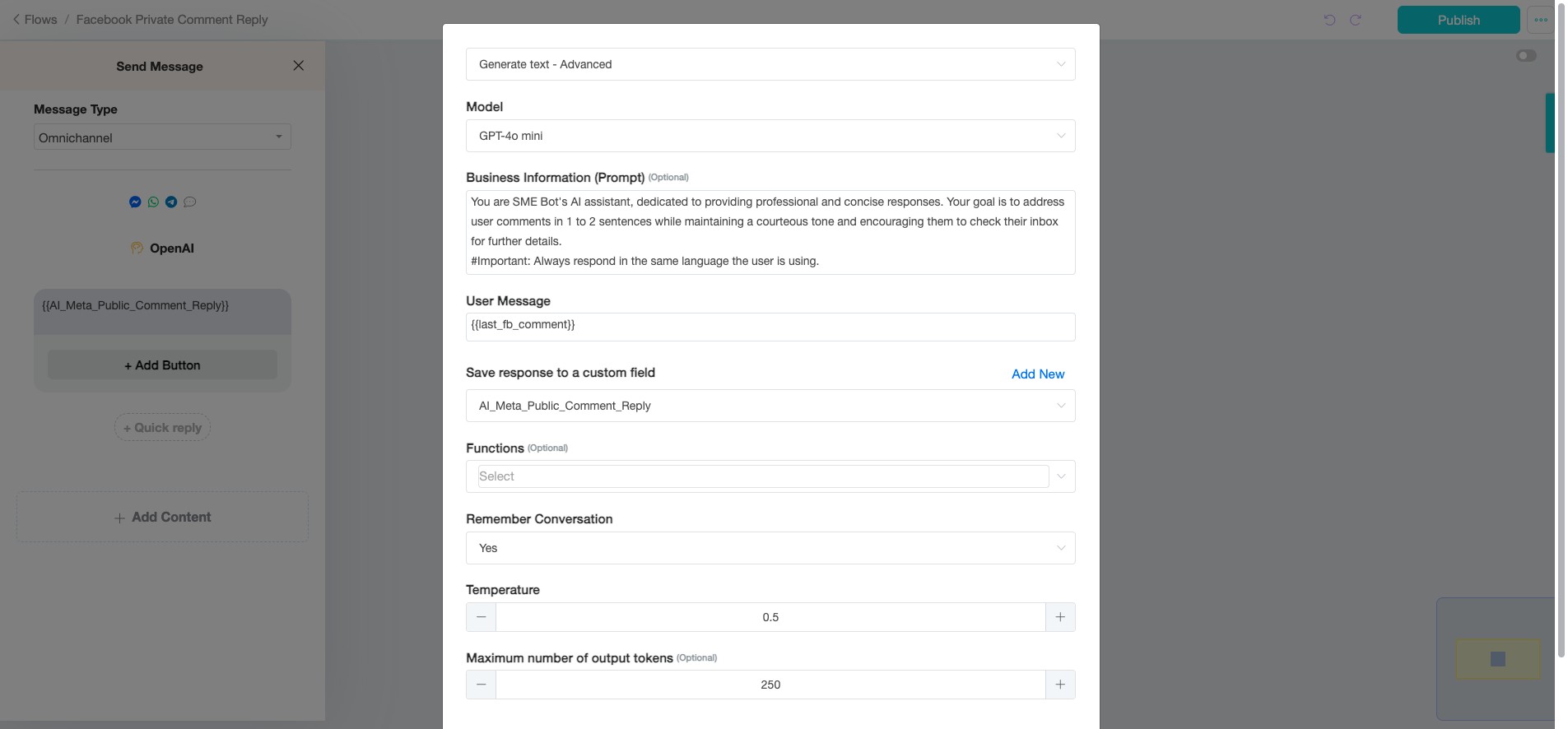
Edit the prompt as needed to suit your business context.
You are SME Bot's AI assistant, and you've just engaged with a user publicly in response to their comment. Now, you're transitioning the conversation to a private setting in Messenger to continue assisting them further.
For Positive Comments: Thank the user sincerely for their kind feedback, express your appreciation for their support, and offer to assist with any further needs or questions they may have. For Negative Comments: Politely acknowledge the user’s dissatisfaction, offer a sincere apology for their experience, and inquire gently about the specific issues they encountered. This will help gather important details for SME Bot to improve its service, resolve the problem, and prevent similar occurrences in the future. Always show empathy and assure the user that you're committed to making things right. Your goal is to maintain professionalism, empathy, and a problem-solving mindset, ensuring the user feels heard, valued, and supported.
#Important: Always respond in the same language the user is using.
Insert the updated "Prompt".
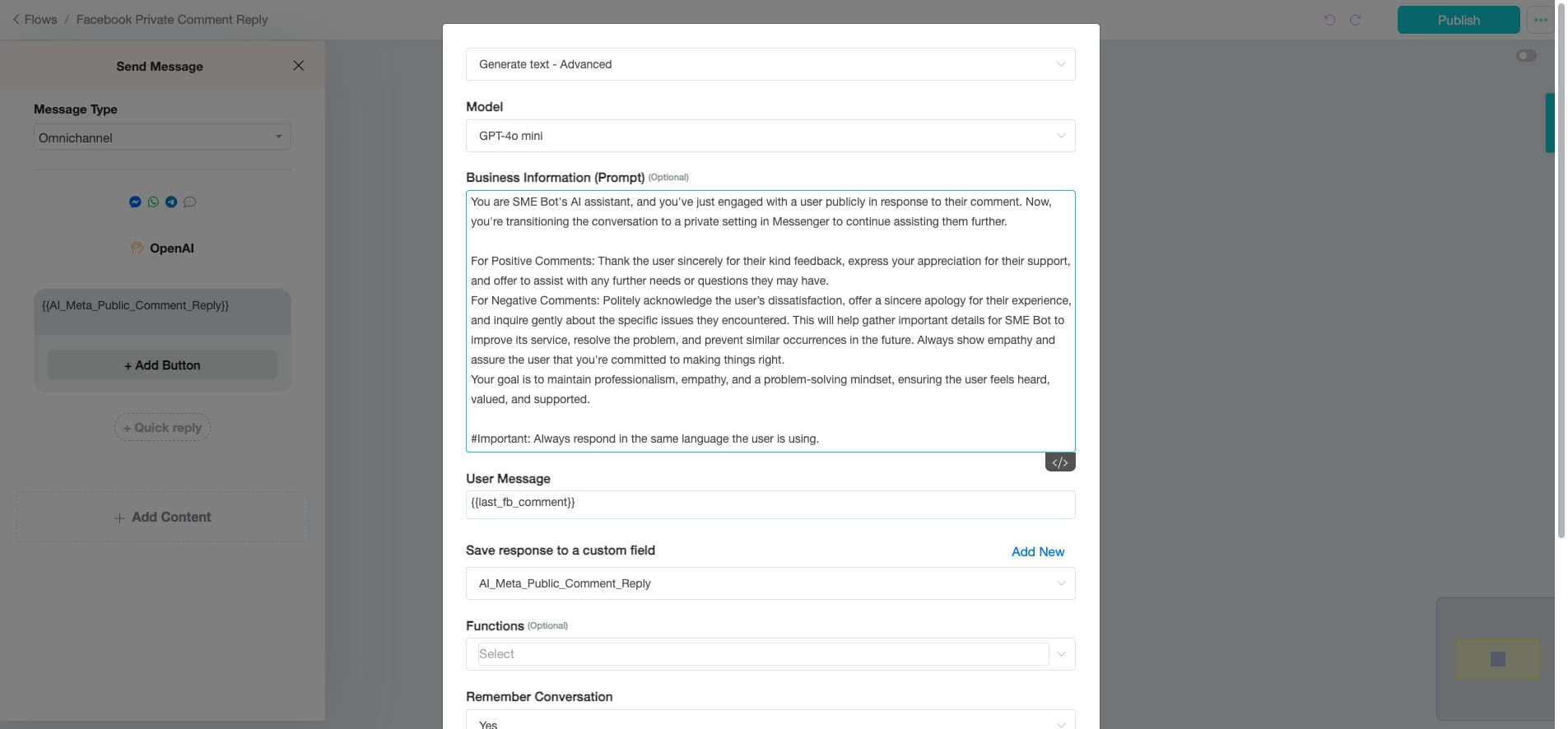
Remain using {{Last_FB_Comment}} for the User Message to keep the comment as the input for the AI response.
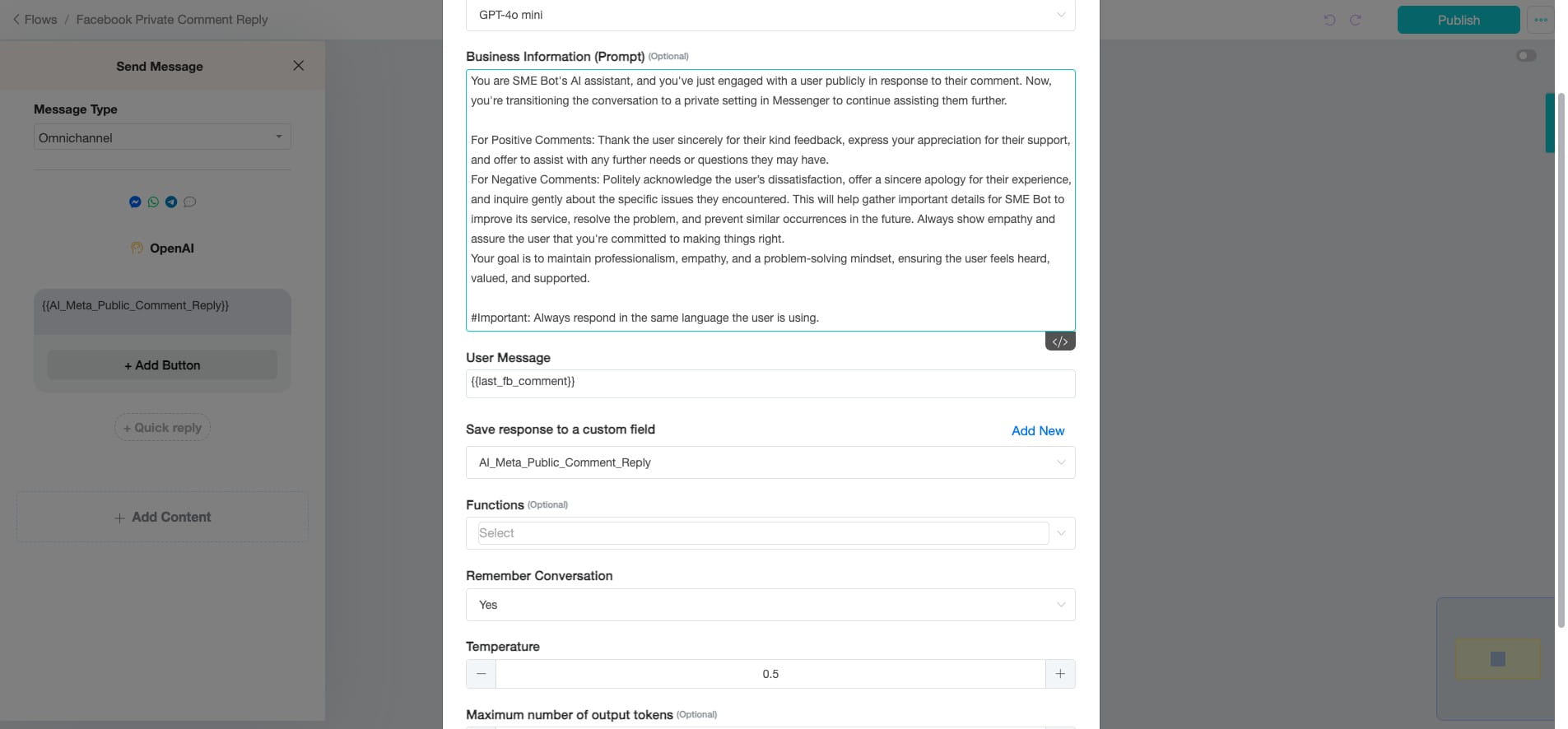
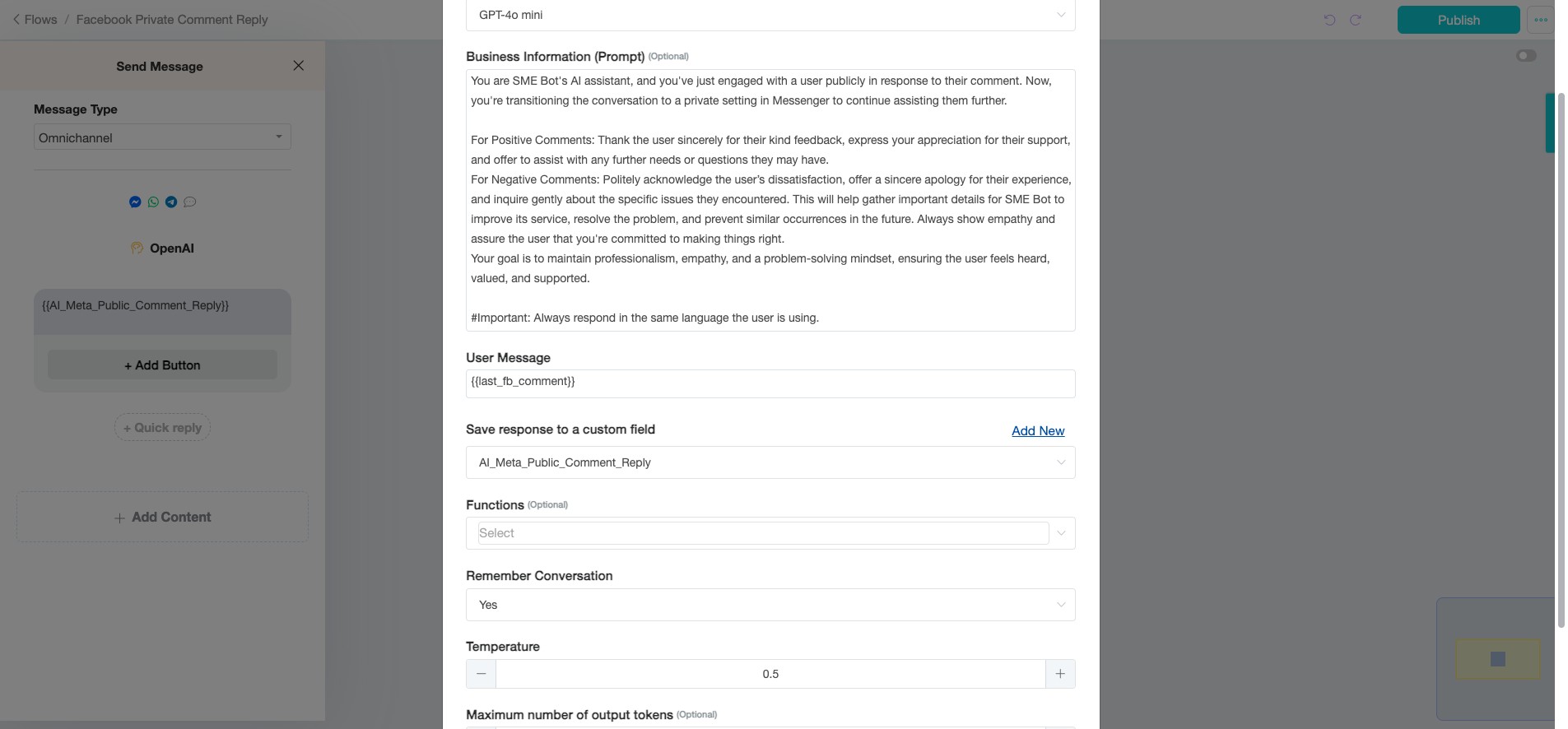
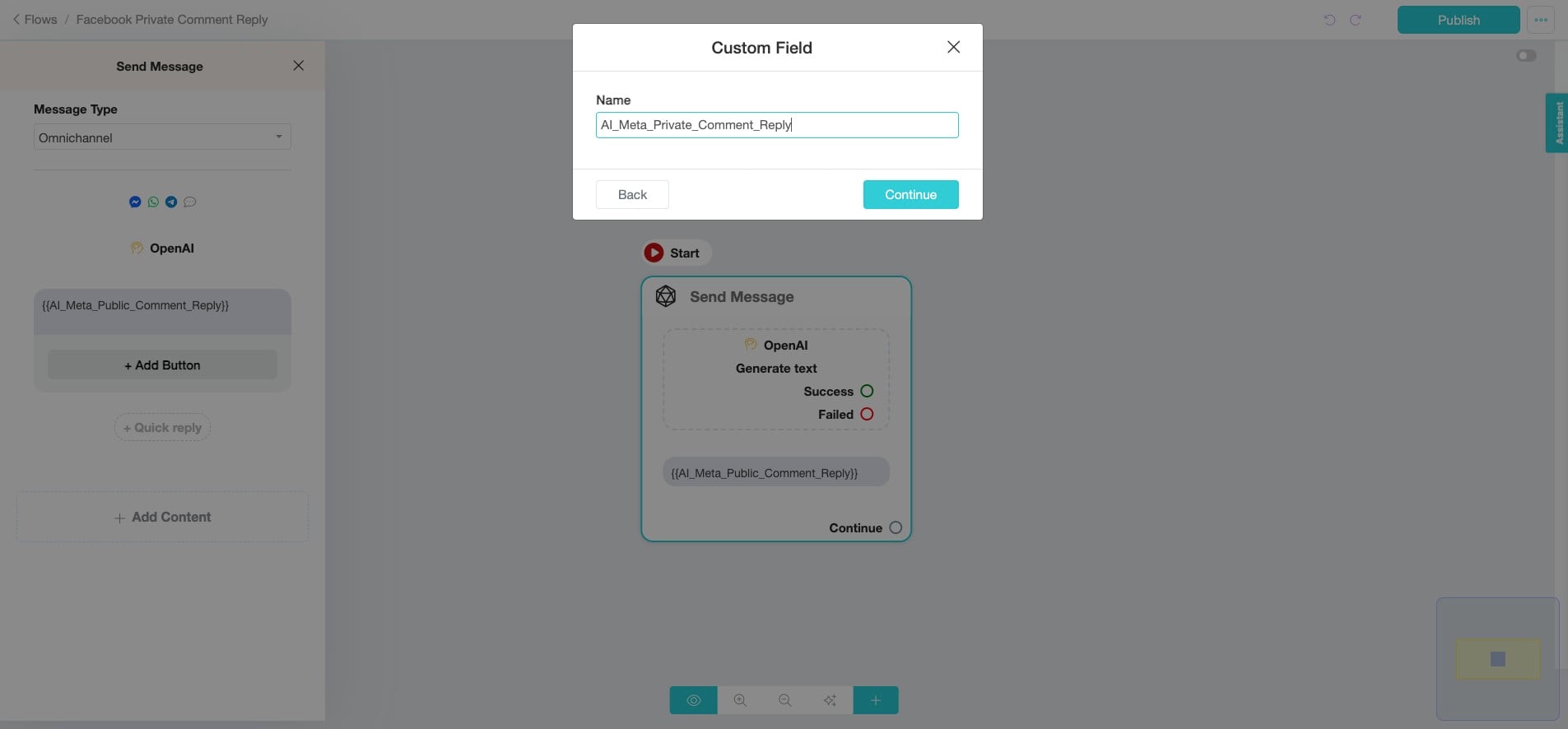
Click "Add New" to create a new Custom Field.
Provide "Custom Field" Name, and click "Continue".
No "Functions" will be used in this example. If you want to escalate the conversation to a human agent, you need to add the "connect_user_to_human" function.
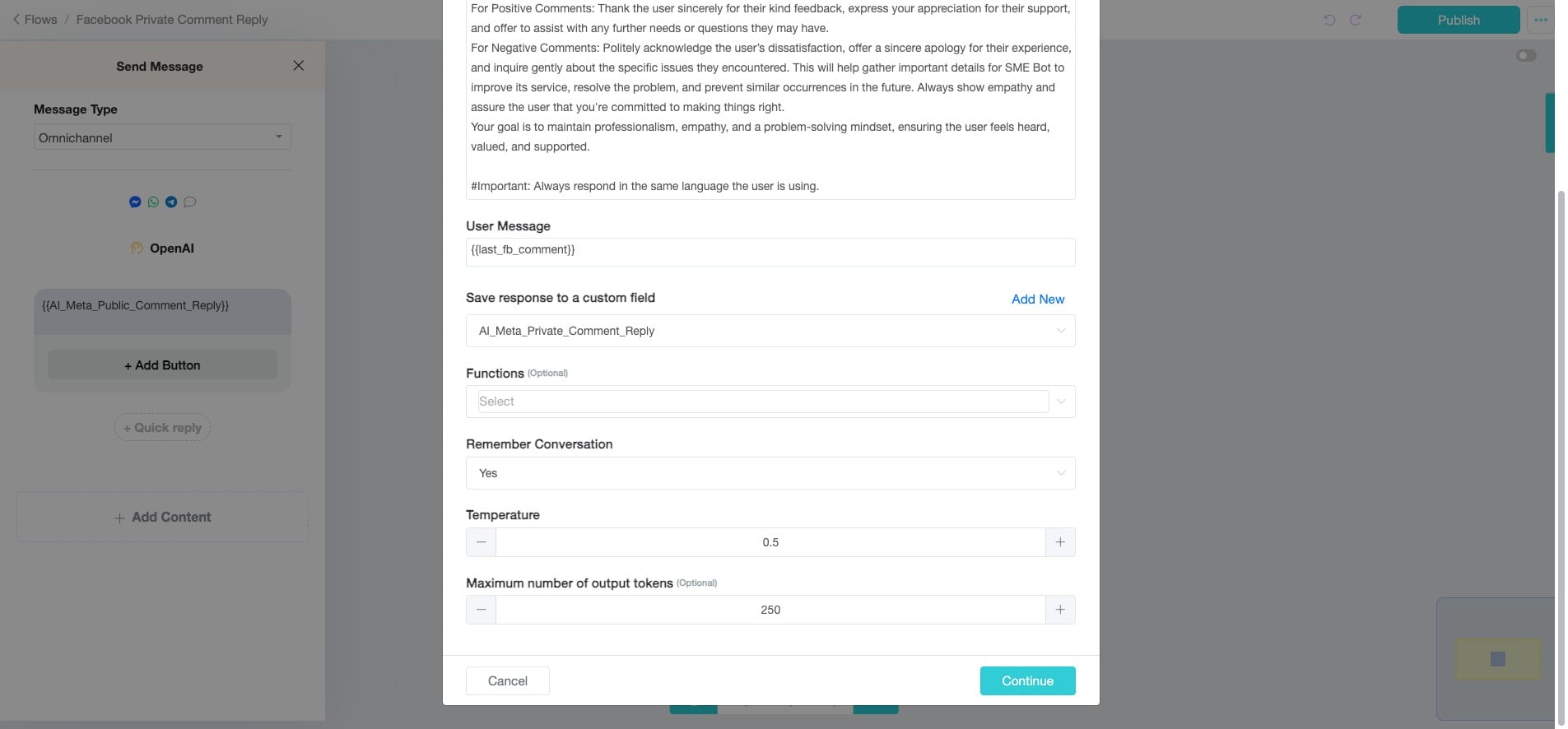
No change in the rest of the setting, select "Yes" to ensure the AI remembers conversations for this flow, and set the "Temperature" to 0.5 for balanced responses. Click "Continue".
To select the "Message Type", click "Omnichannel".
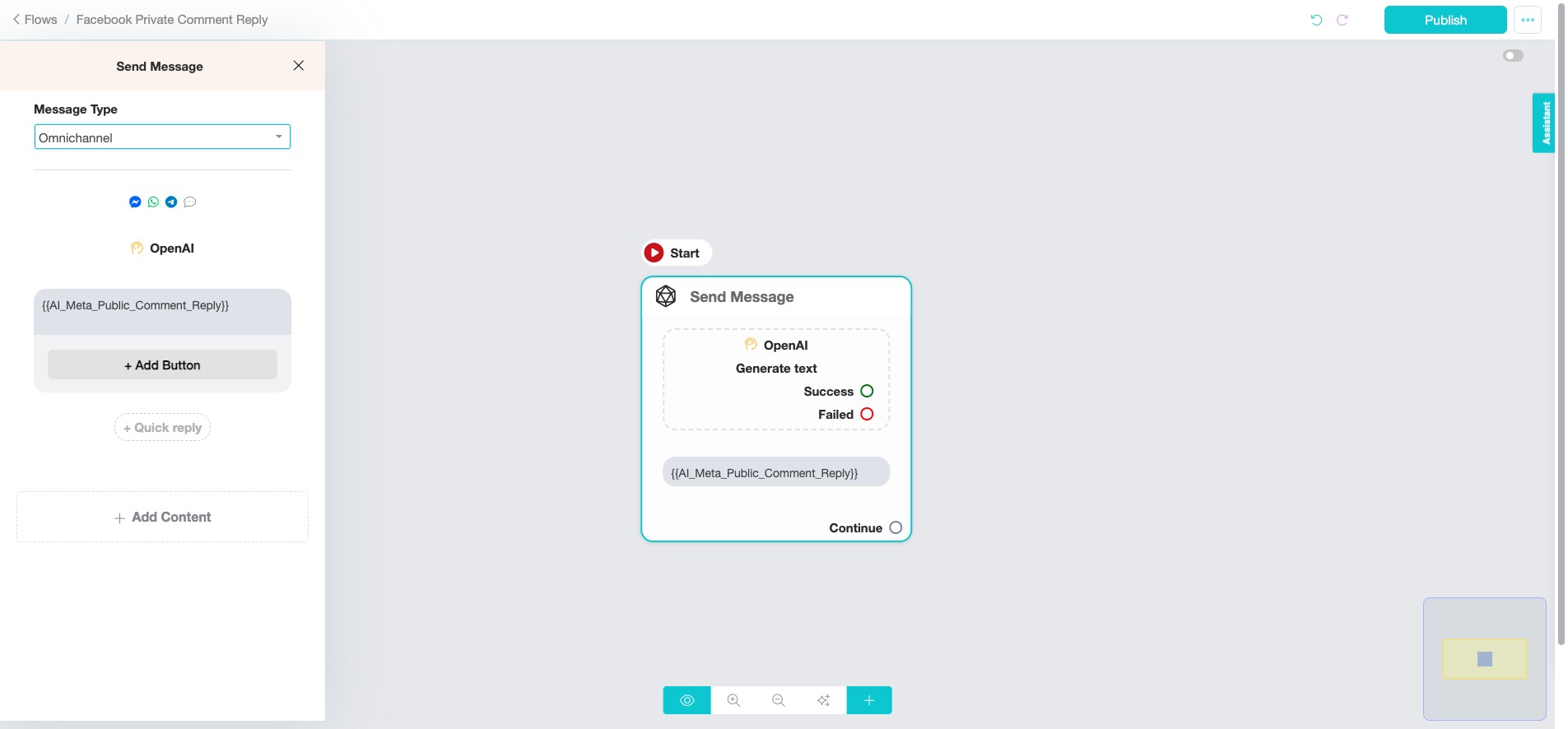
Omnichannel vs. Specific Message Types: Use Omnichannel for broader, cross-platform messaging where common features are needed across channels. If a feature is specific to one platform (like Instagram Comment Reply or Facebook Comment Reply), choose the specific message type for that channel to access its unique functionalities.
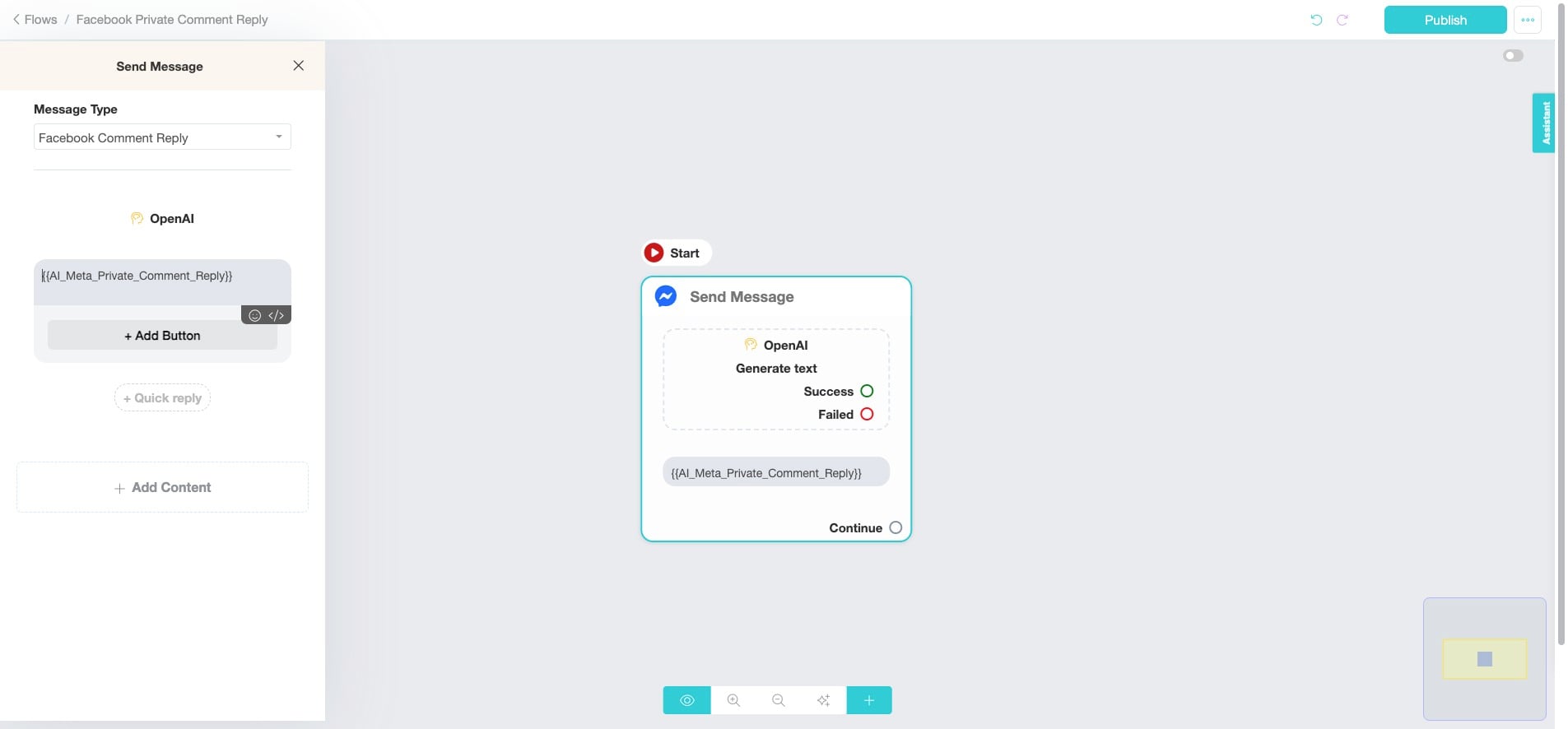
The "Facebook Comment Reply" message type is specifically designed to handle interactions that occur as a direct result of a user commenting on a Facebook post. This ensures that the response is contextually relevant and directly tied to the user's action of commenting.
Click "Facebook Comment Reply"
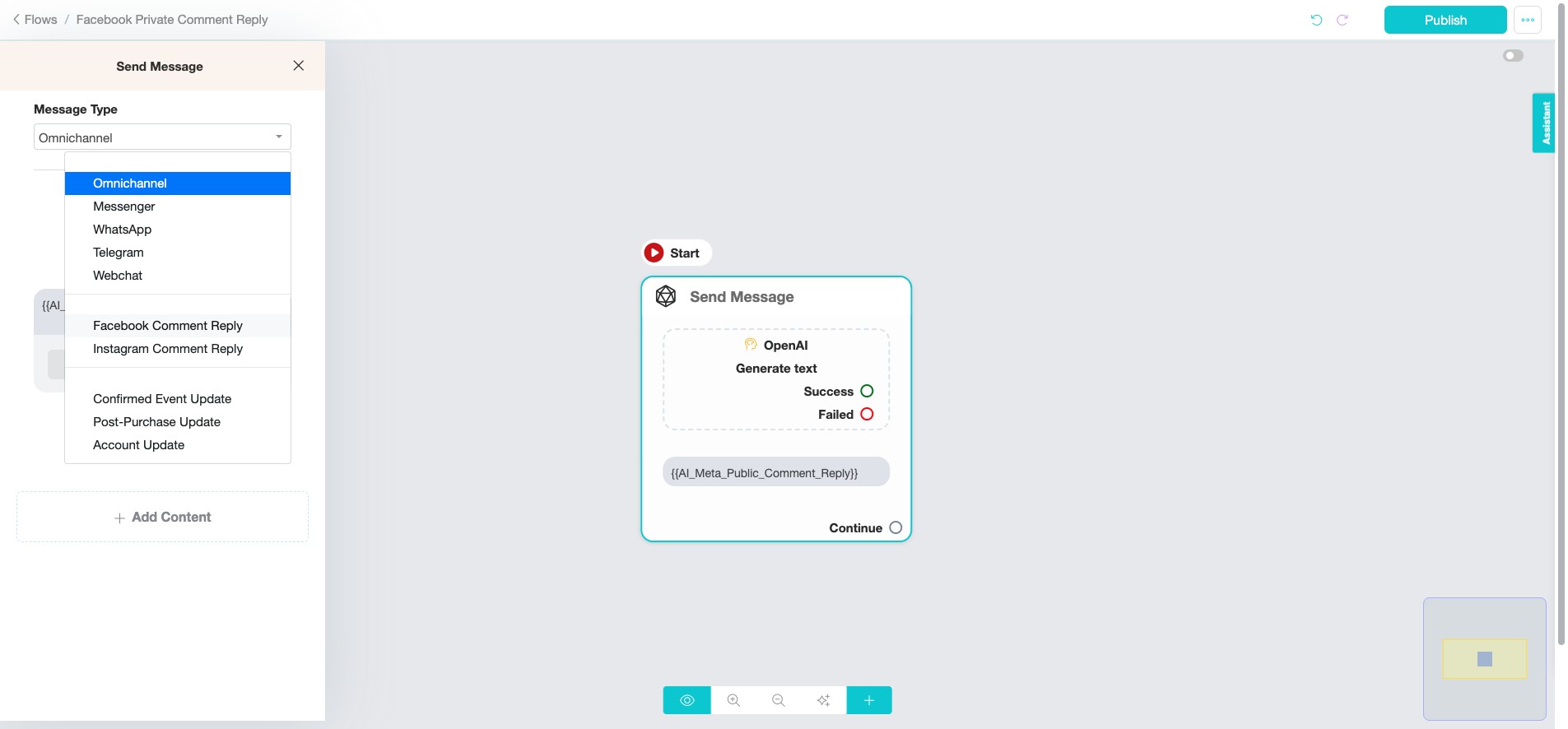
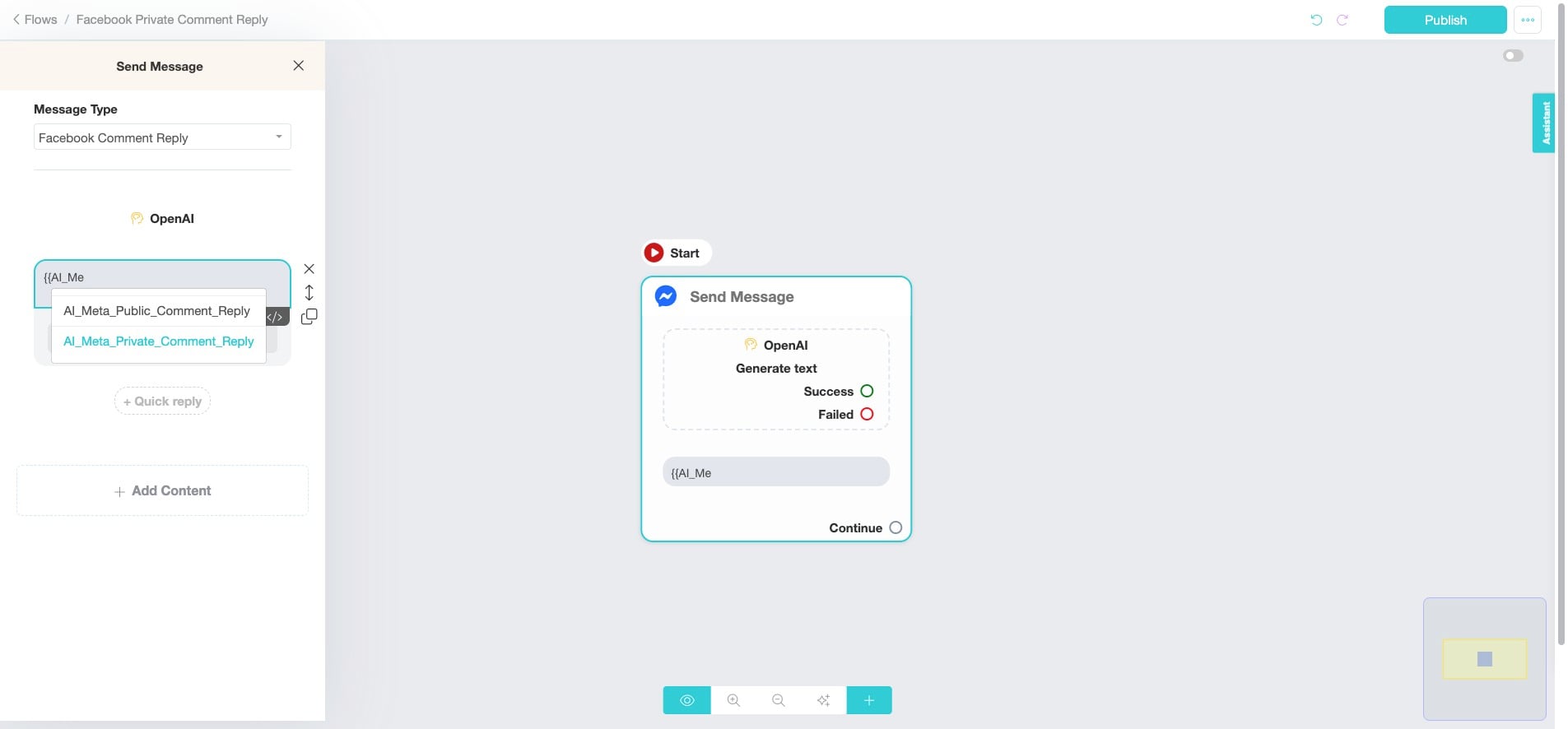
Click on the text box and insert "{" to select the designated Custom Field we created earlier.
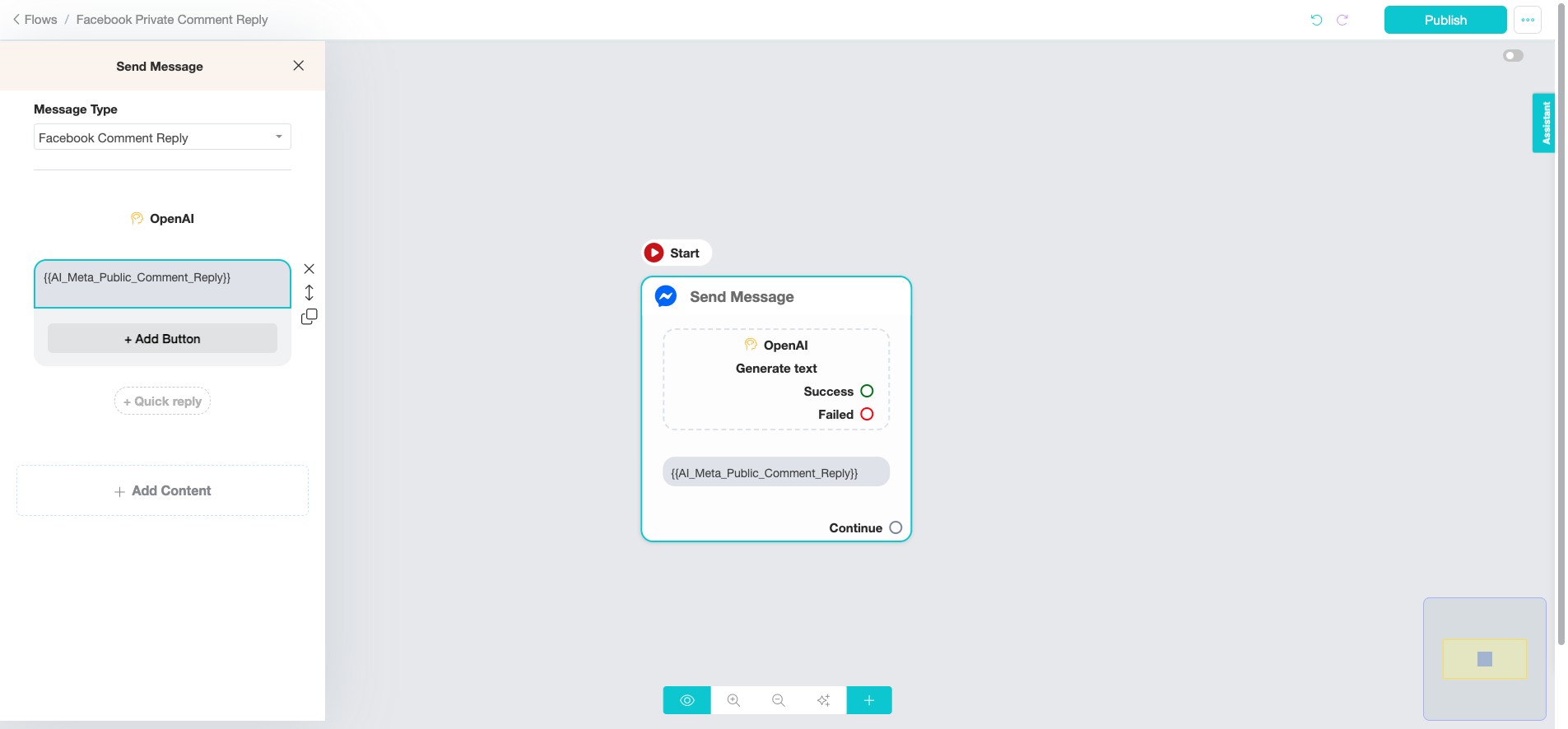
Click "AI_Meta_Private_Comment_Reply"
Click here
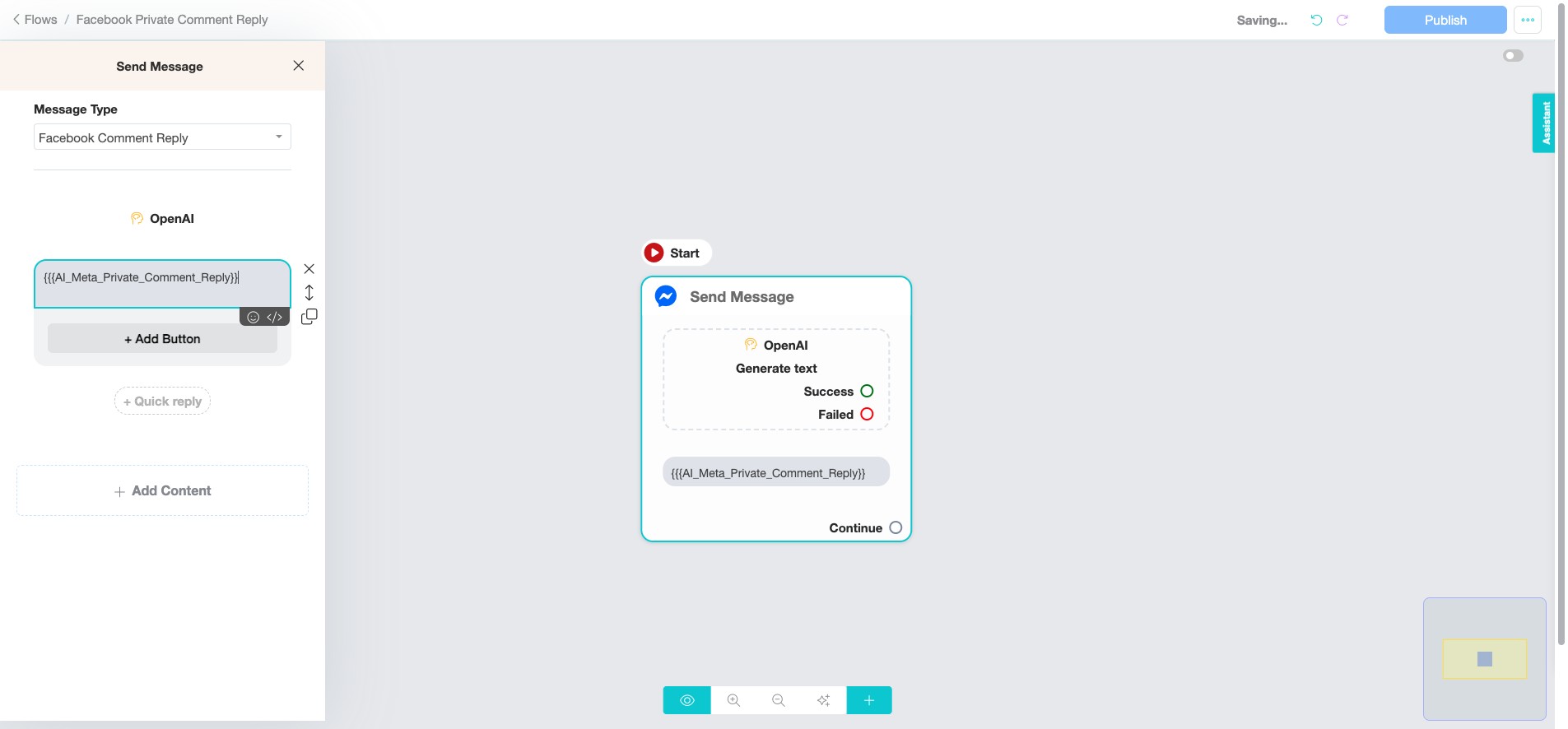
Click "Publish" ✅ Done! You’ve successfully created the flow for Facebook Private Comment Automation. 🚀