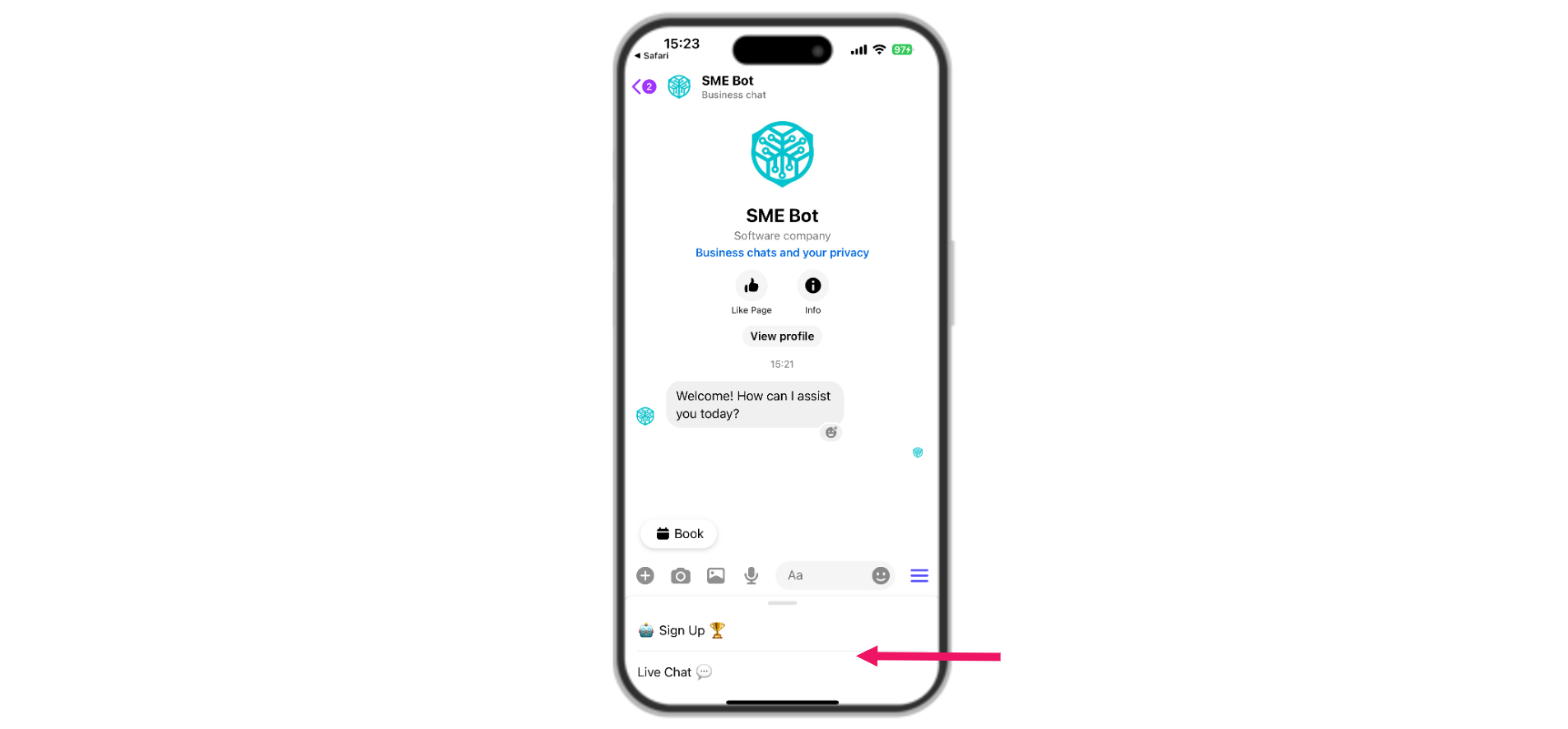
Facebook Messenger Persistent Menu
Learn how to set up a Persistent Menu in Facebook Messenger to provide users with an always-accessible navigation option. This menu helps users discover and access certain functions at any time during a conversation.
Navigate to SME Bot
In your SME Bot account, click "Channels".
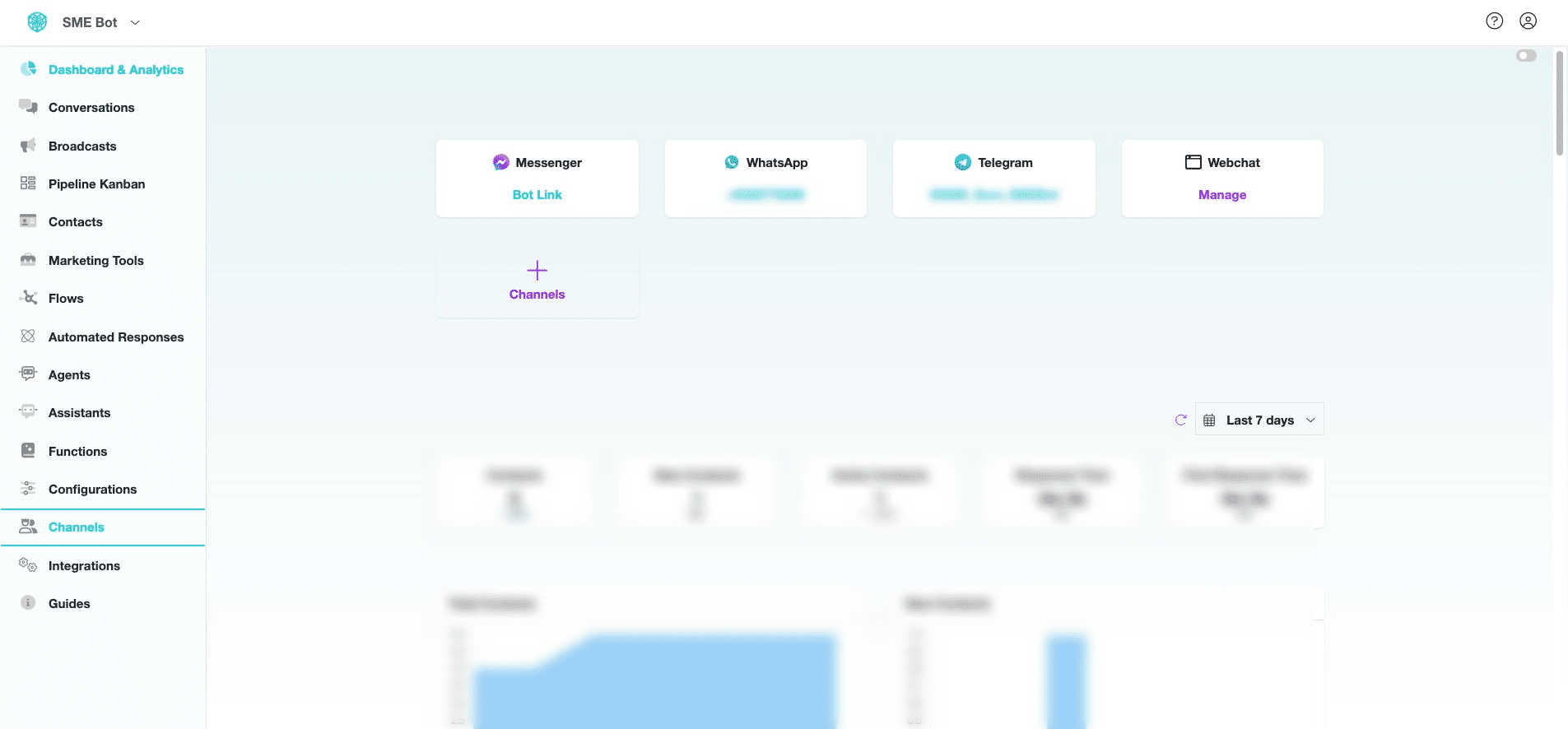

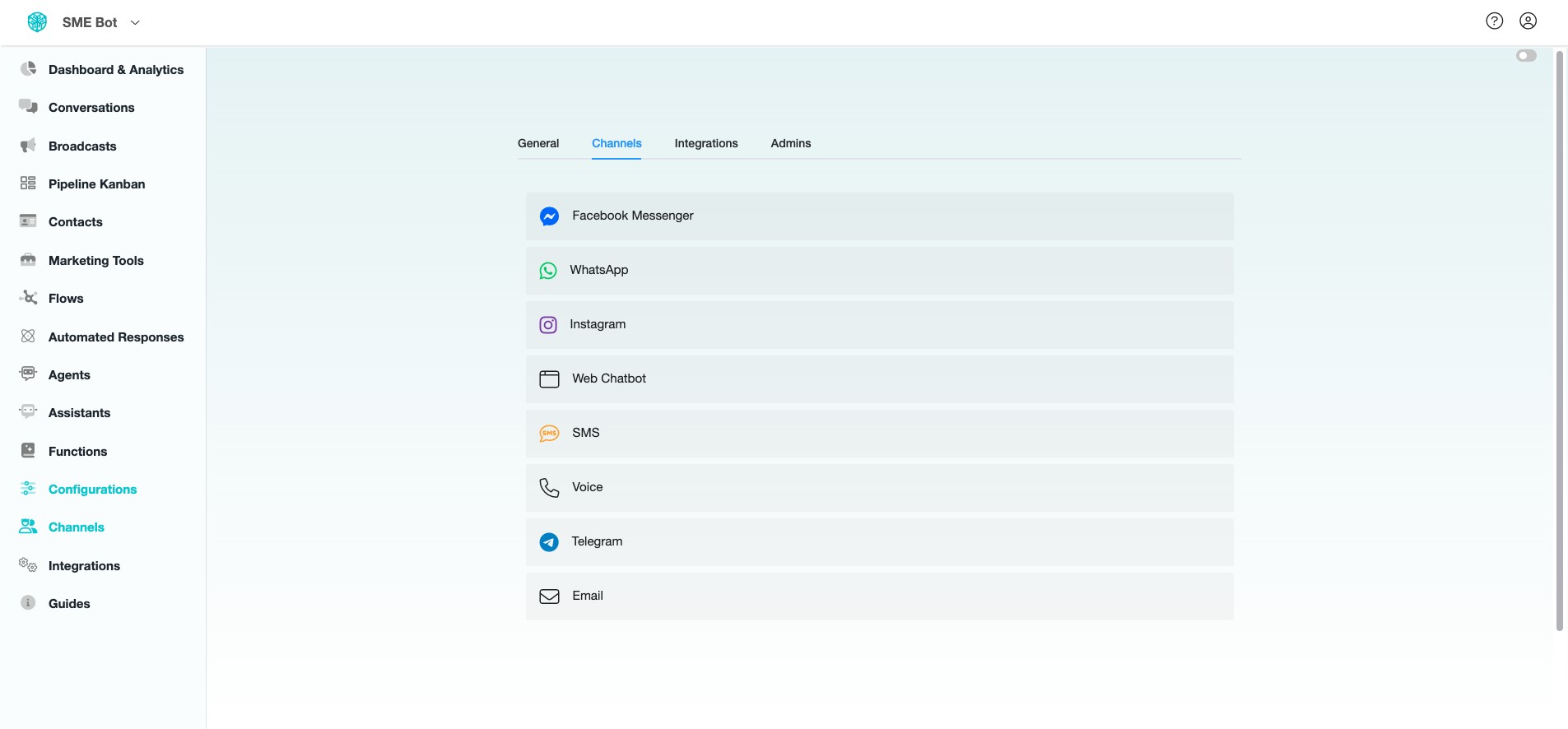
Click "Facebook Messenger".
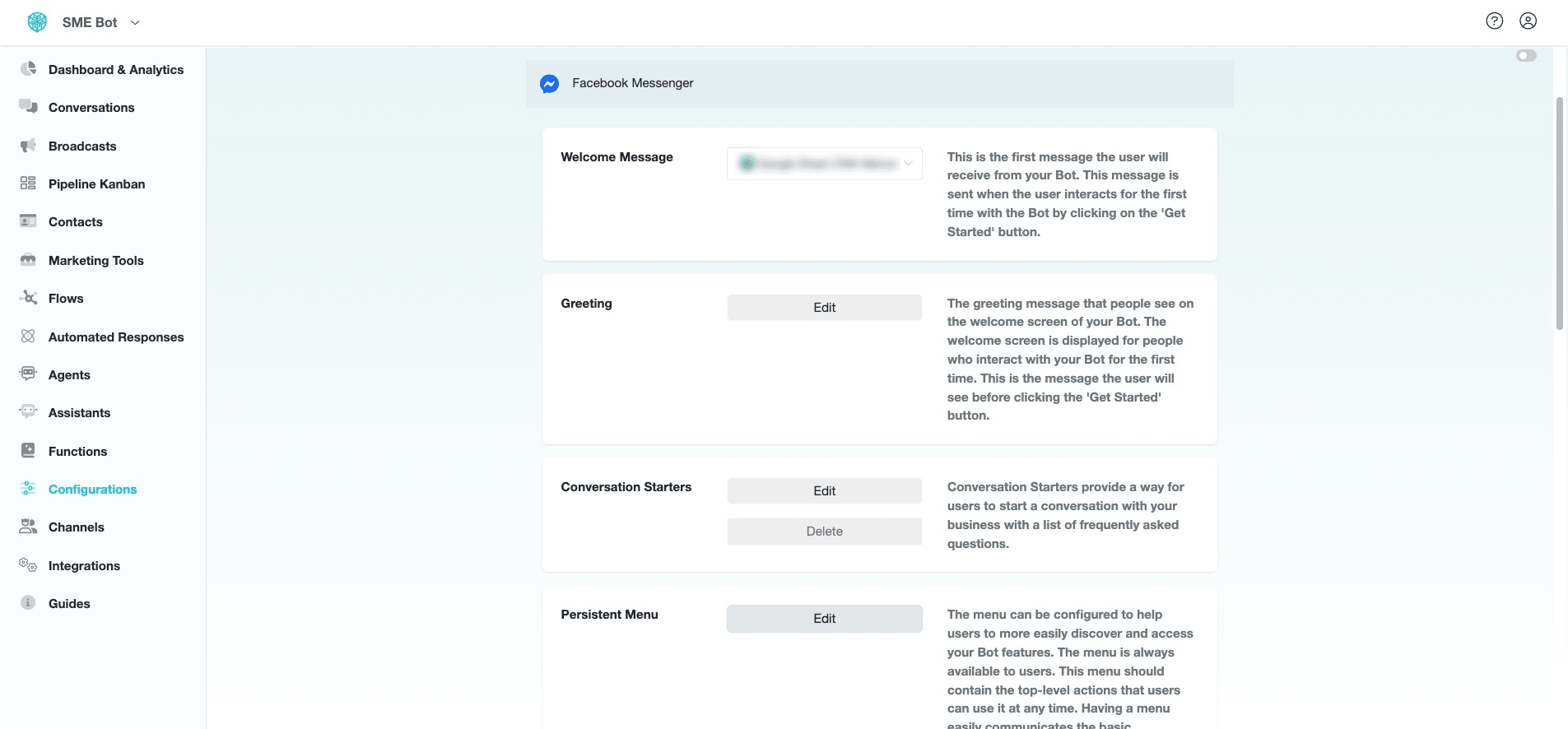
At Persistent Menu, click "Edit"
Click "Add New"
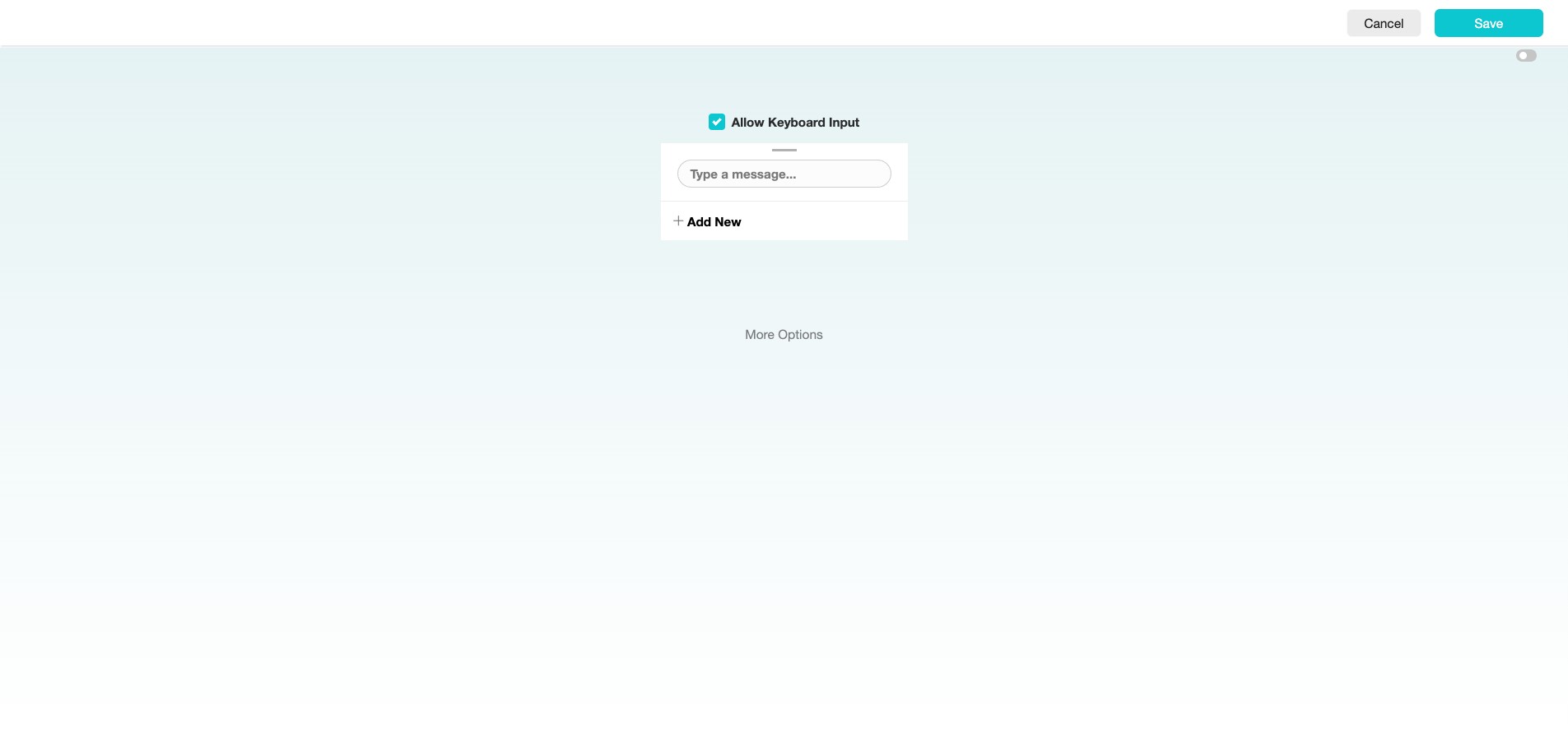
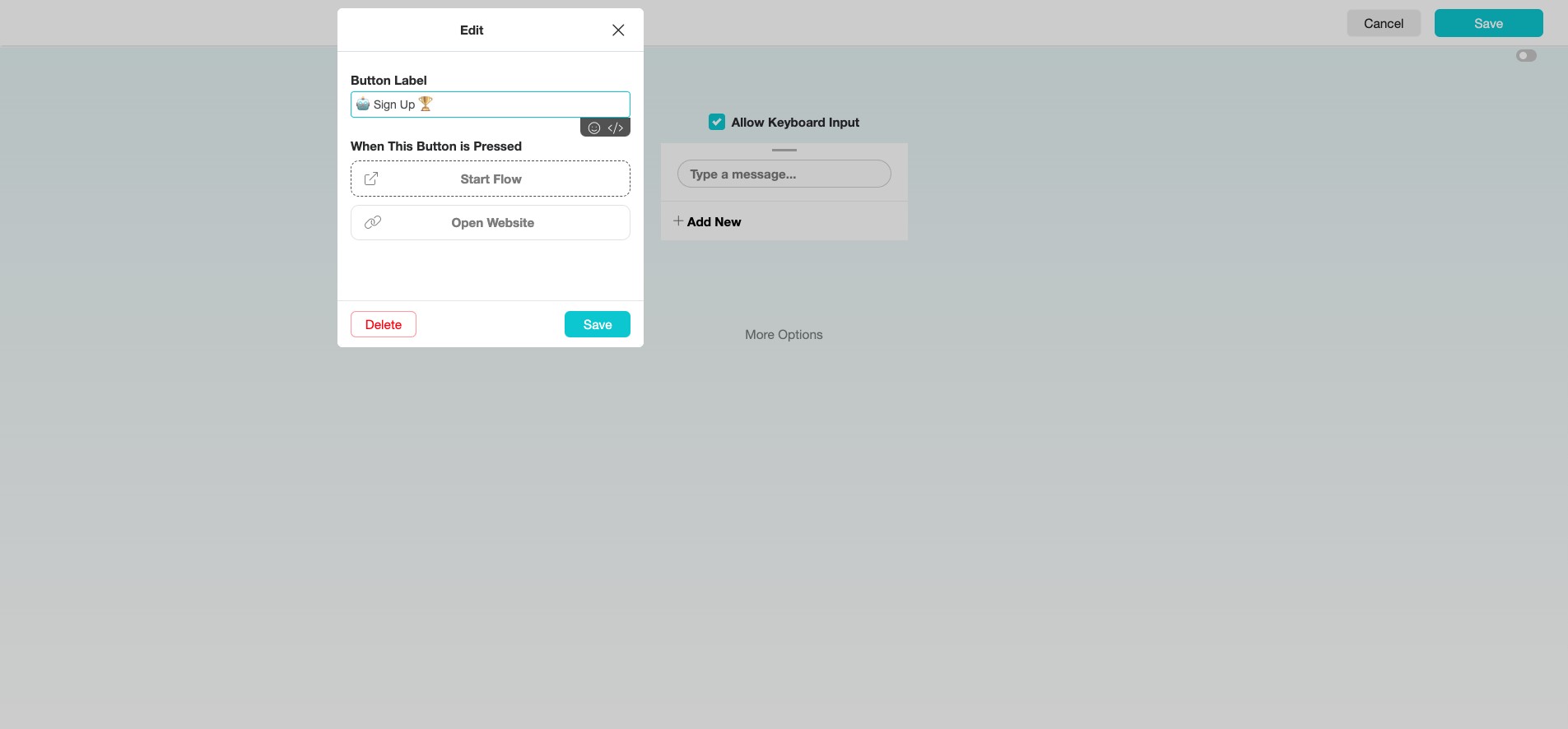
Insert a label for the option in the Persistent Menu to define its purpose clearly.
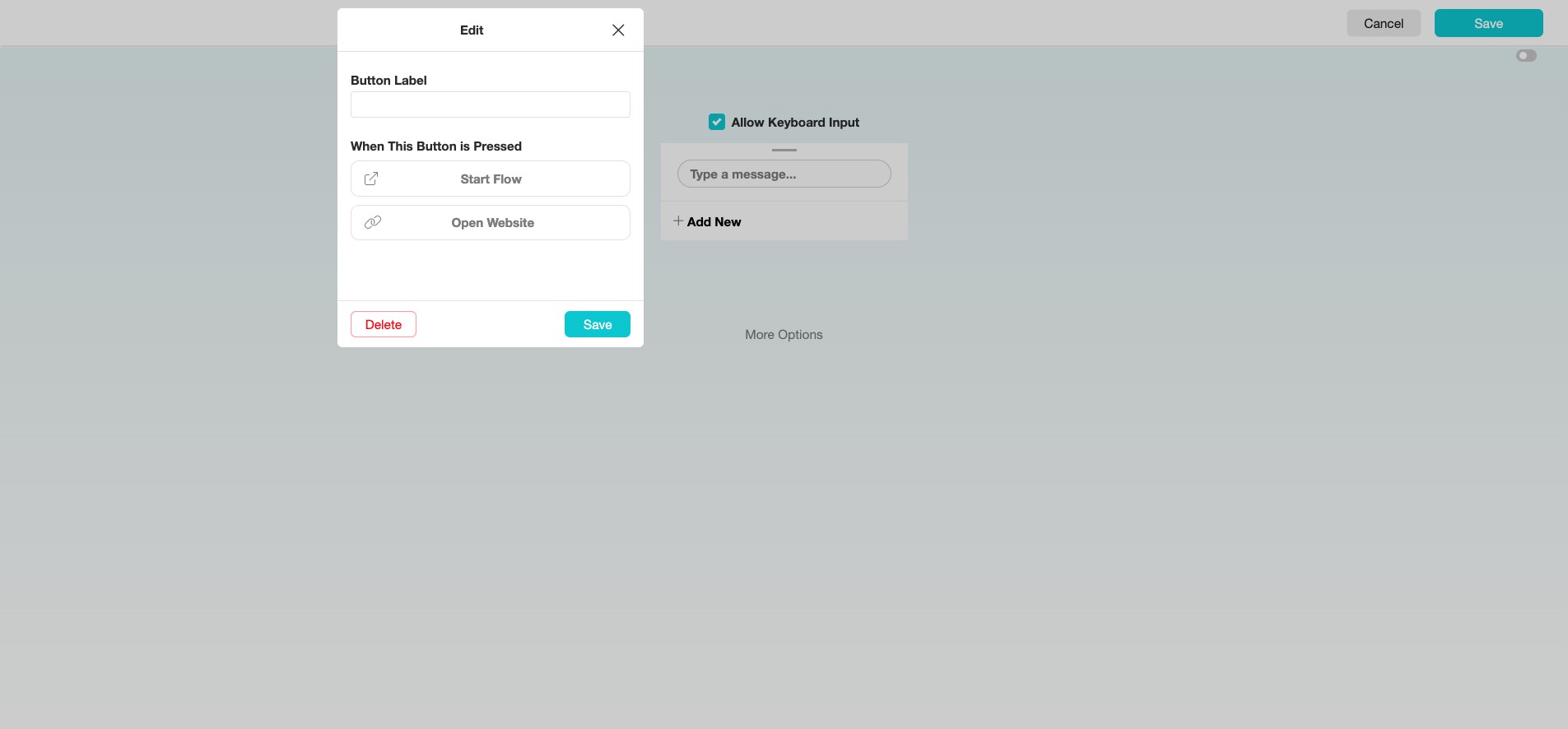
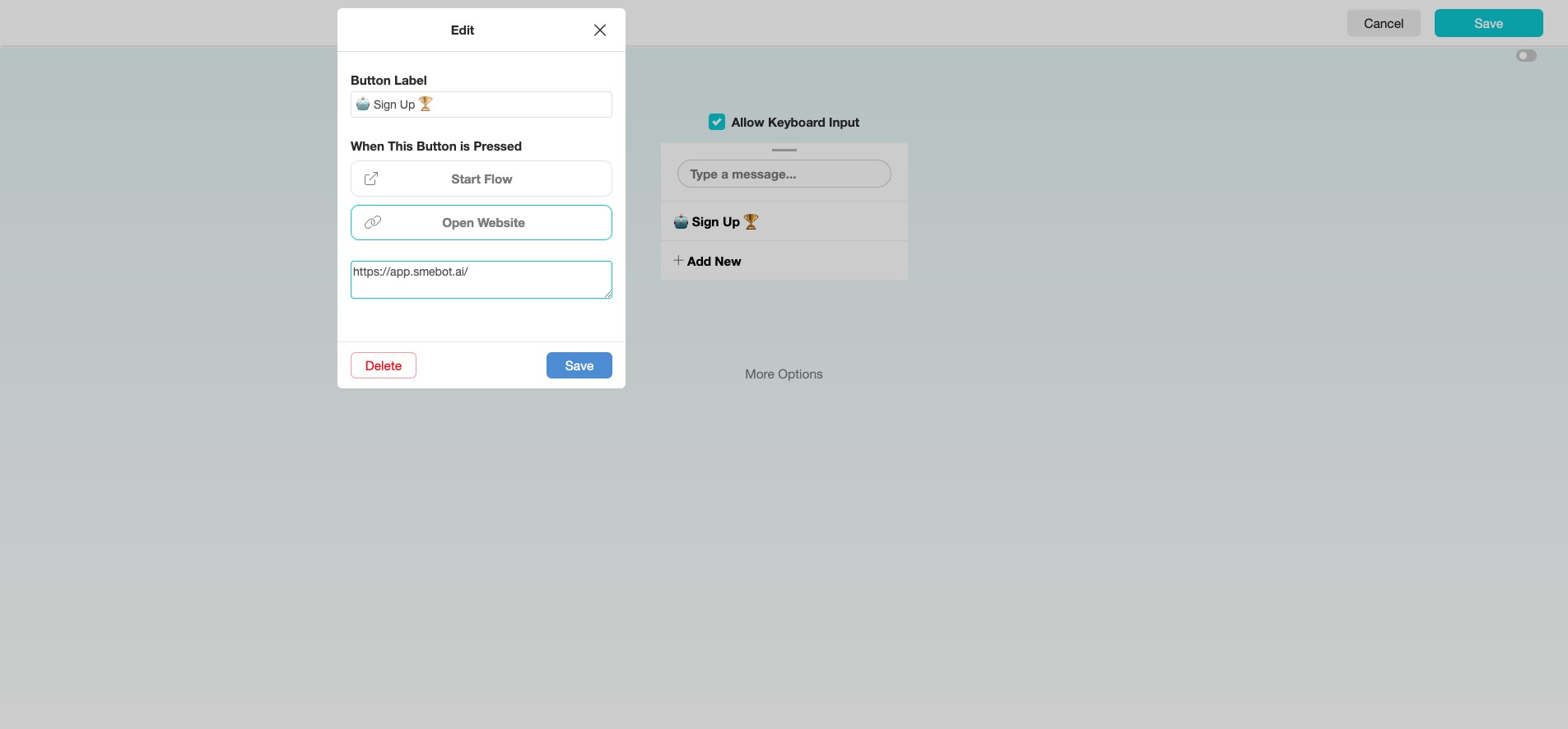
Select either "Start Flow" to trigger a particular SME Bot conversation or "Open Website" to redirect users to an external link when this button is pressed.
Click "Save" to complete setting up this option, then click "Add New" to add more options to the persistent menu.
If you don’t want users to send text messages, disable the message composer by unchecking “Allow Keyboard Input”. This is not recommended.
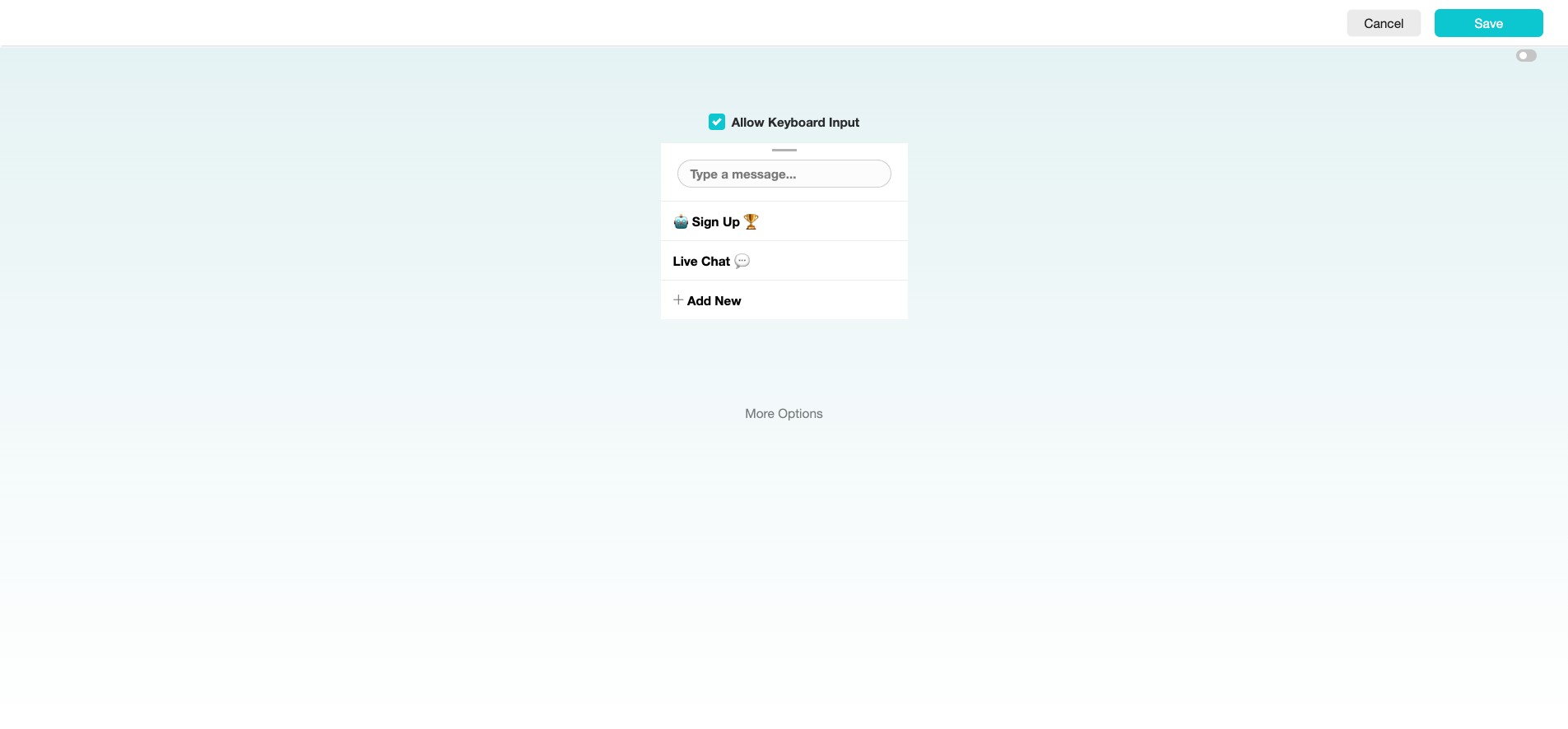
Click "More Options" to select preferred language.
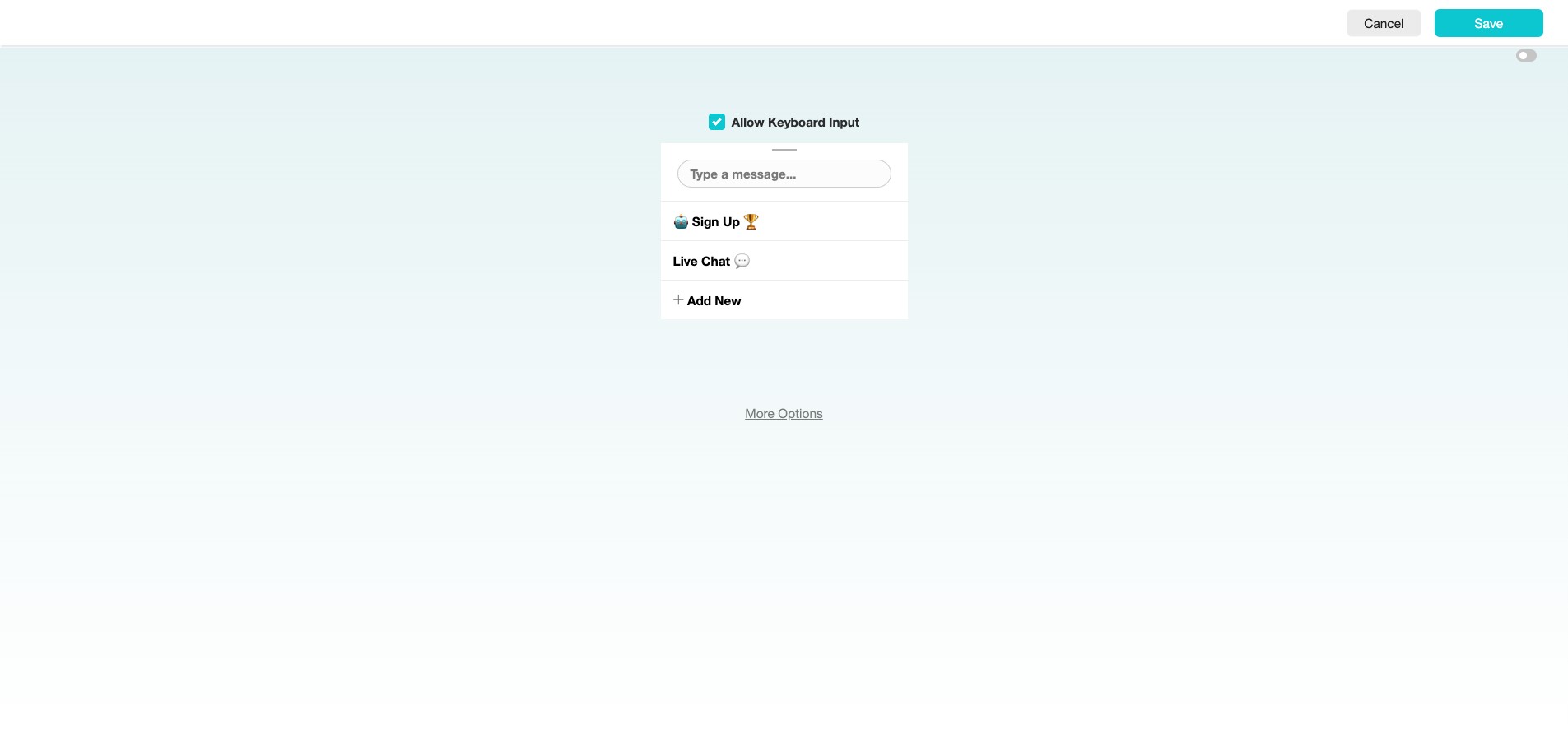
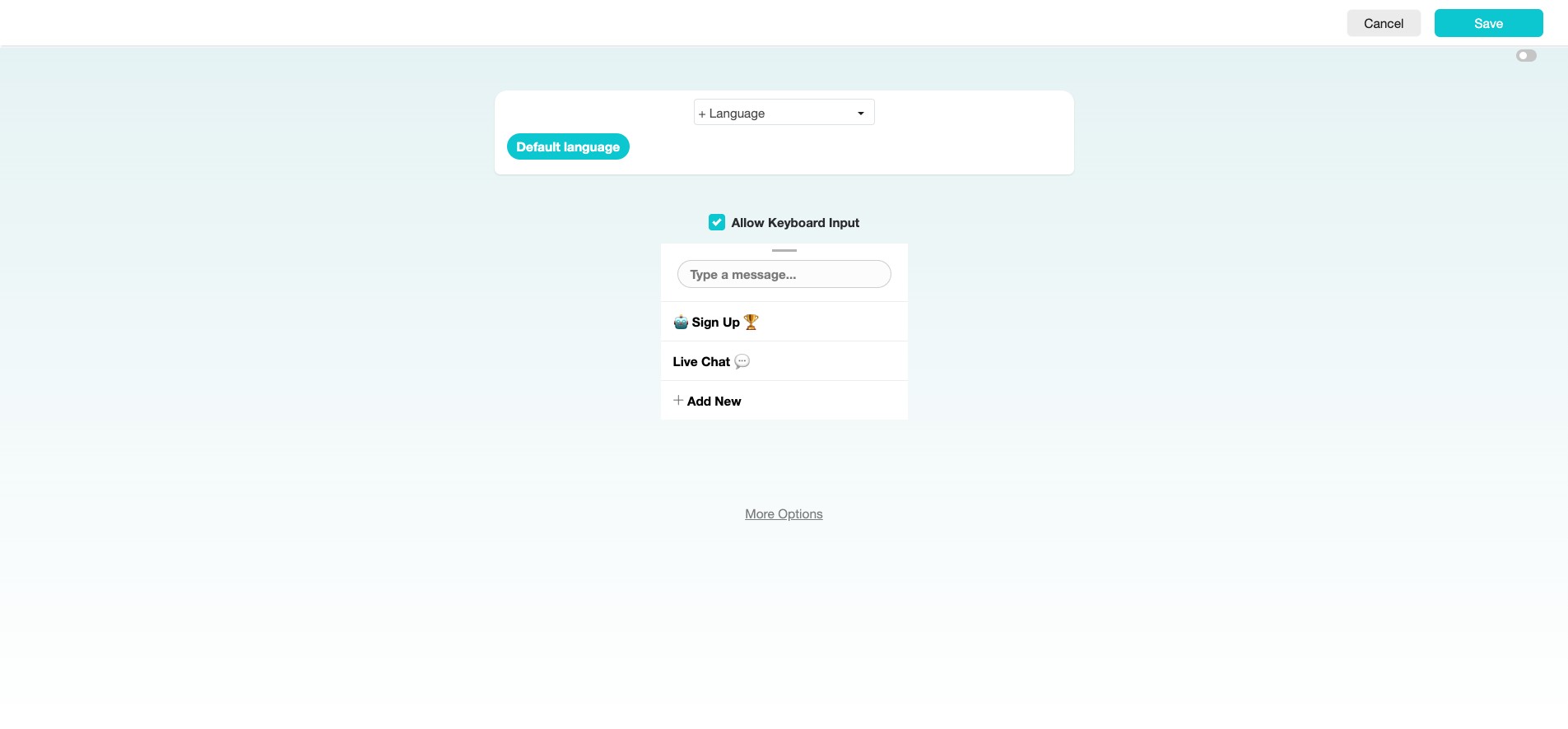
Click "+ Language" to select the language.
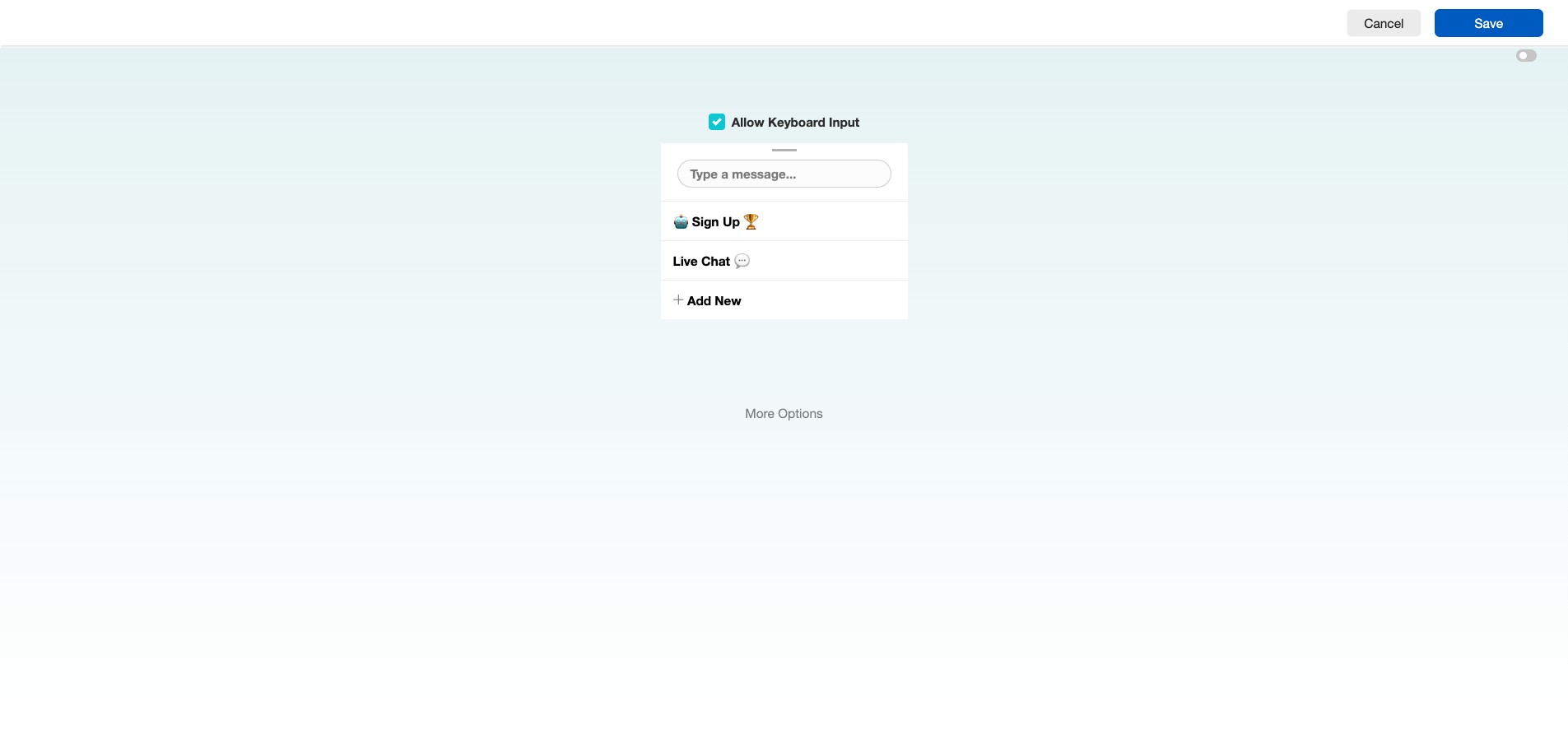
Click "Save"
Click on the hamburger icon to view the Persistent Menu.
✅ Done! You’ve successfully set up your Facebook Messenger Persistent Menu. 🚀