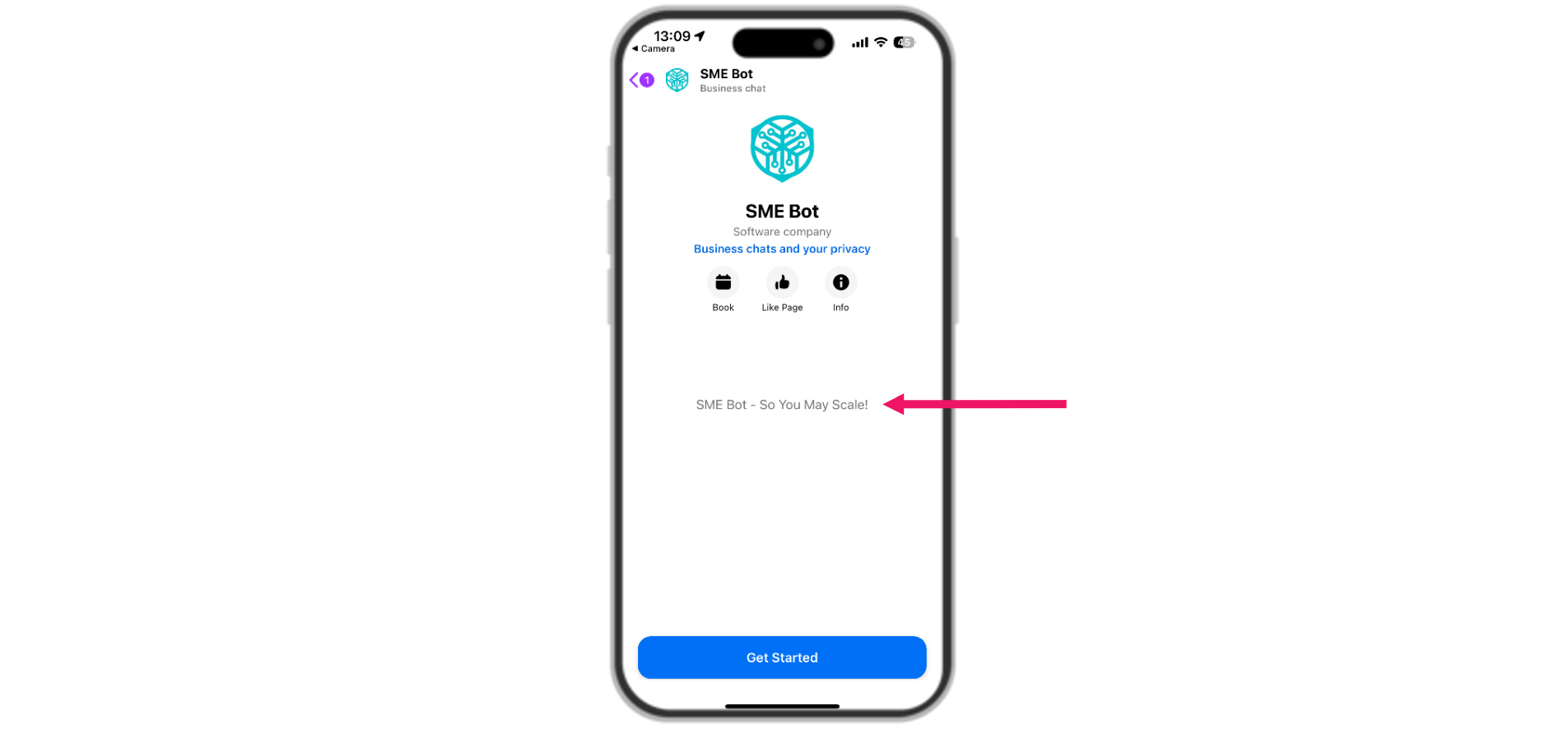
Facebook Messenger Initial Greeting
Learn how to set greeting message in the Facebook Messenger. The greeting message serves as the initial message visible to your audience when they engage with your Messenger SME Bot for the first time.
Apr 08, 2025●
1
Navigate to SME Bot
2
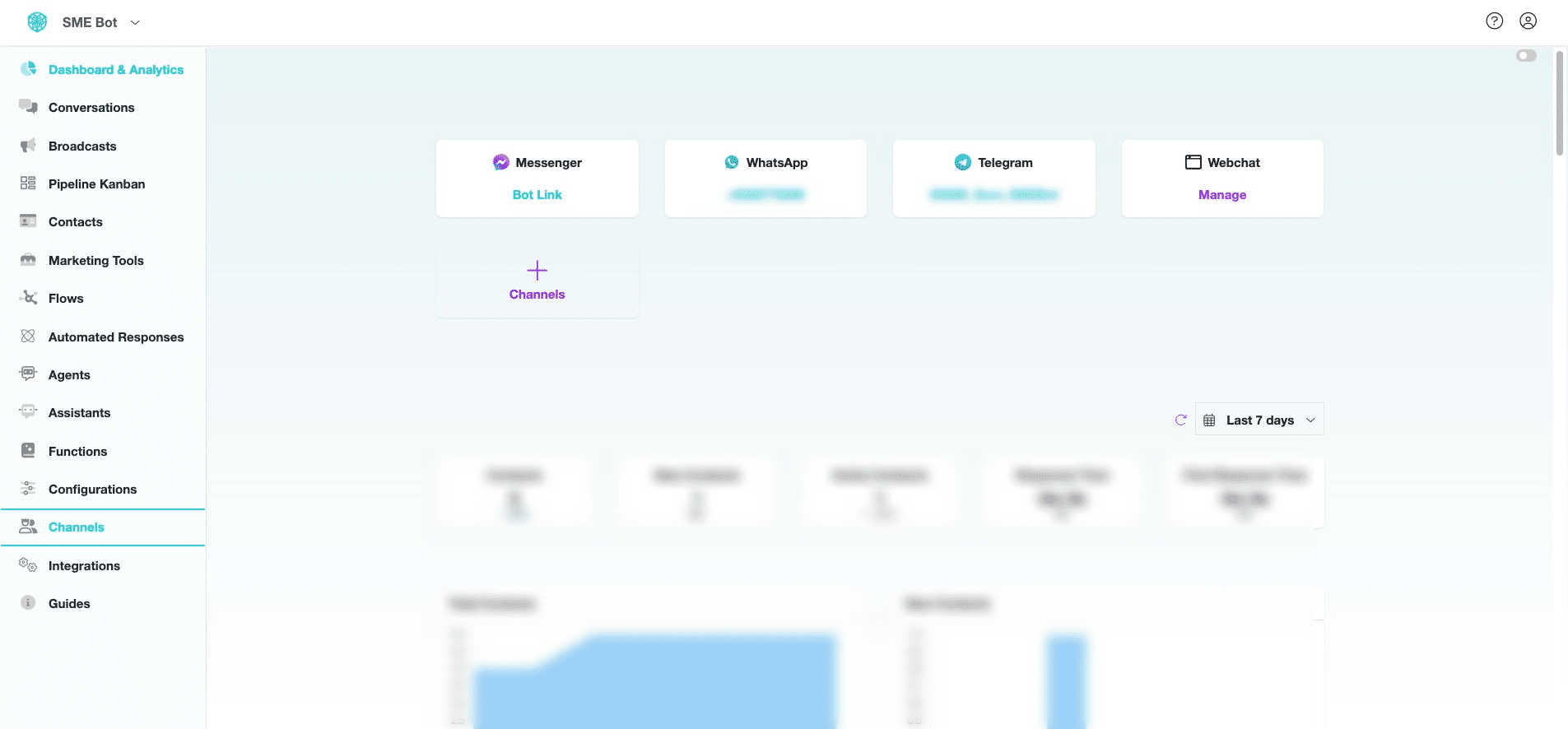
In your SME Bot account, click "Channels".

3
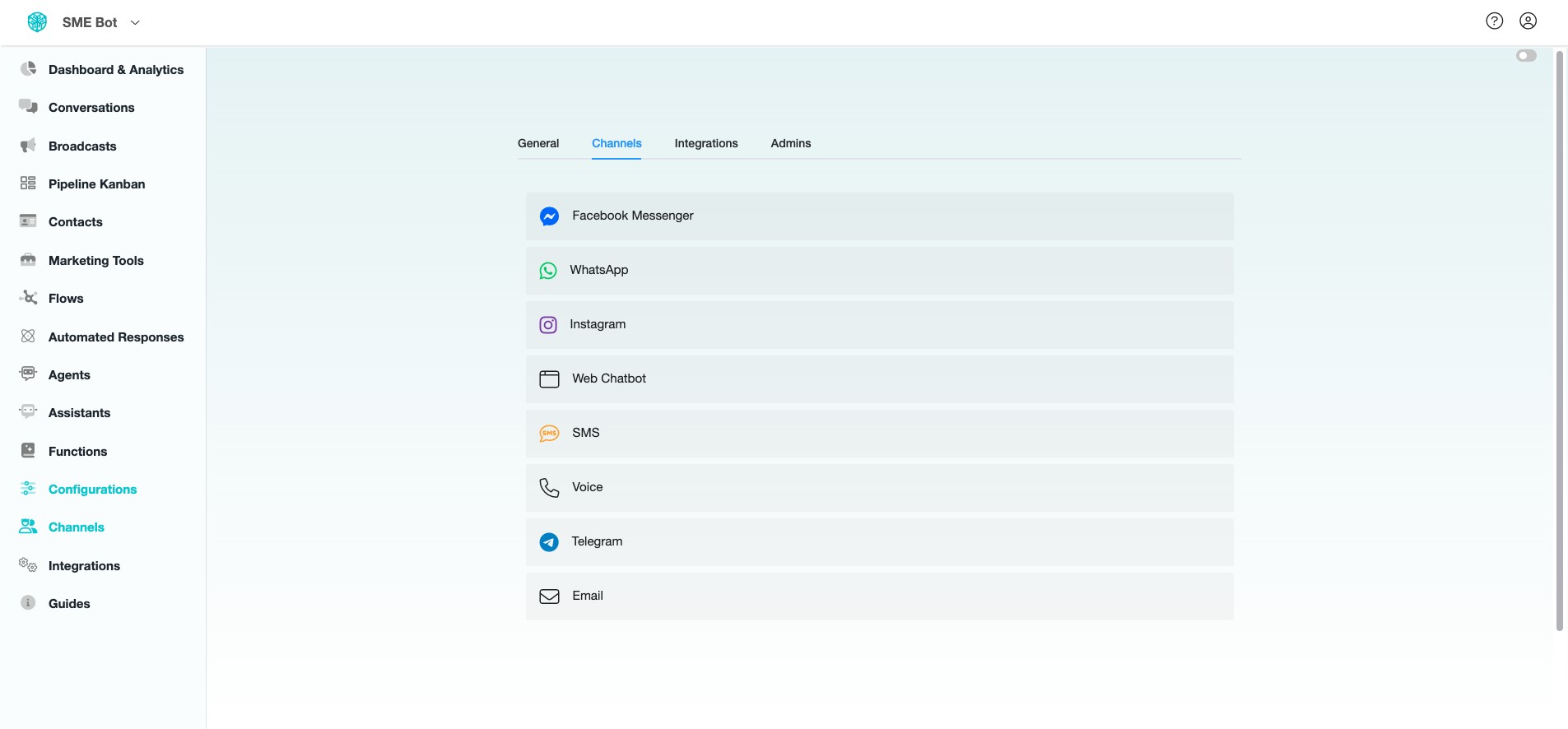
Click "Facebook Messenger".
4
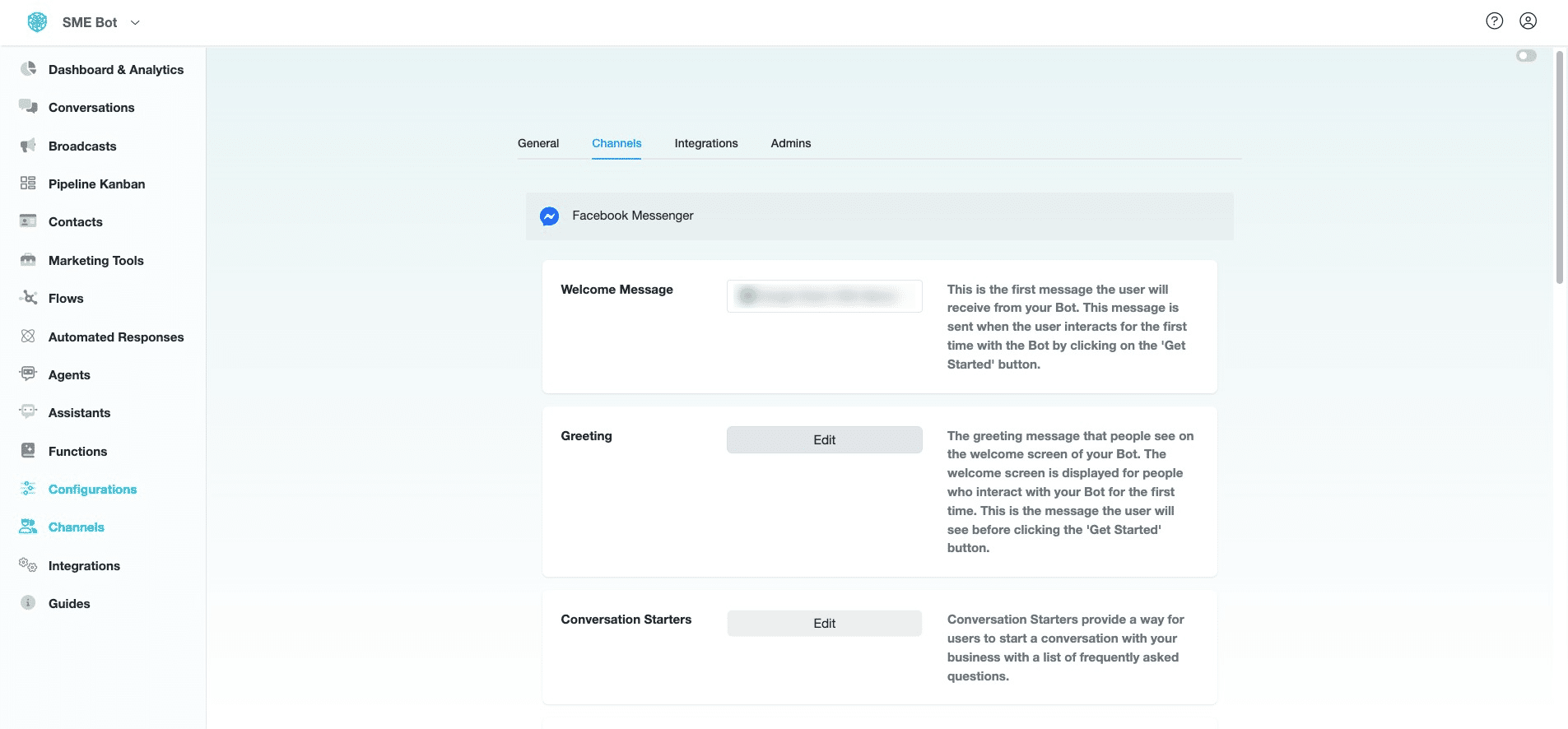
At Greeting, click "Edit".
5
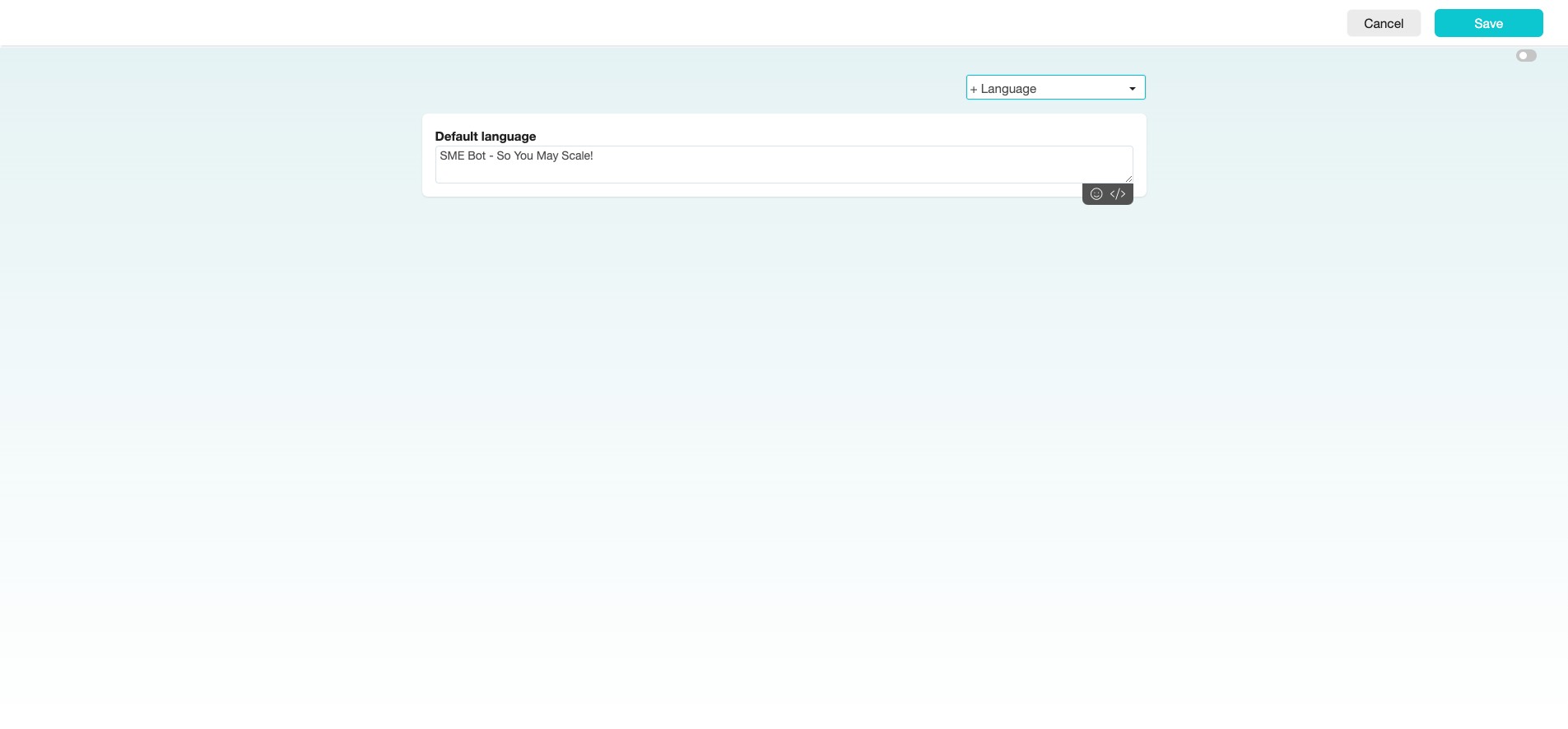
Insert your greeting message.
6
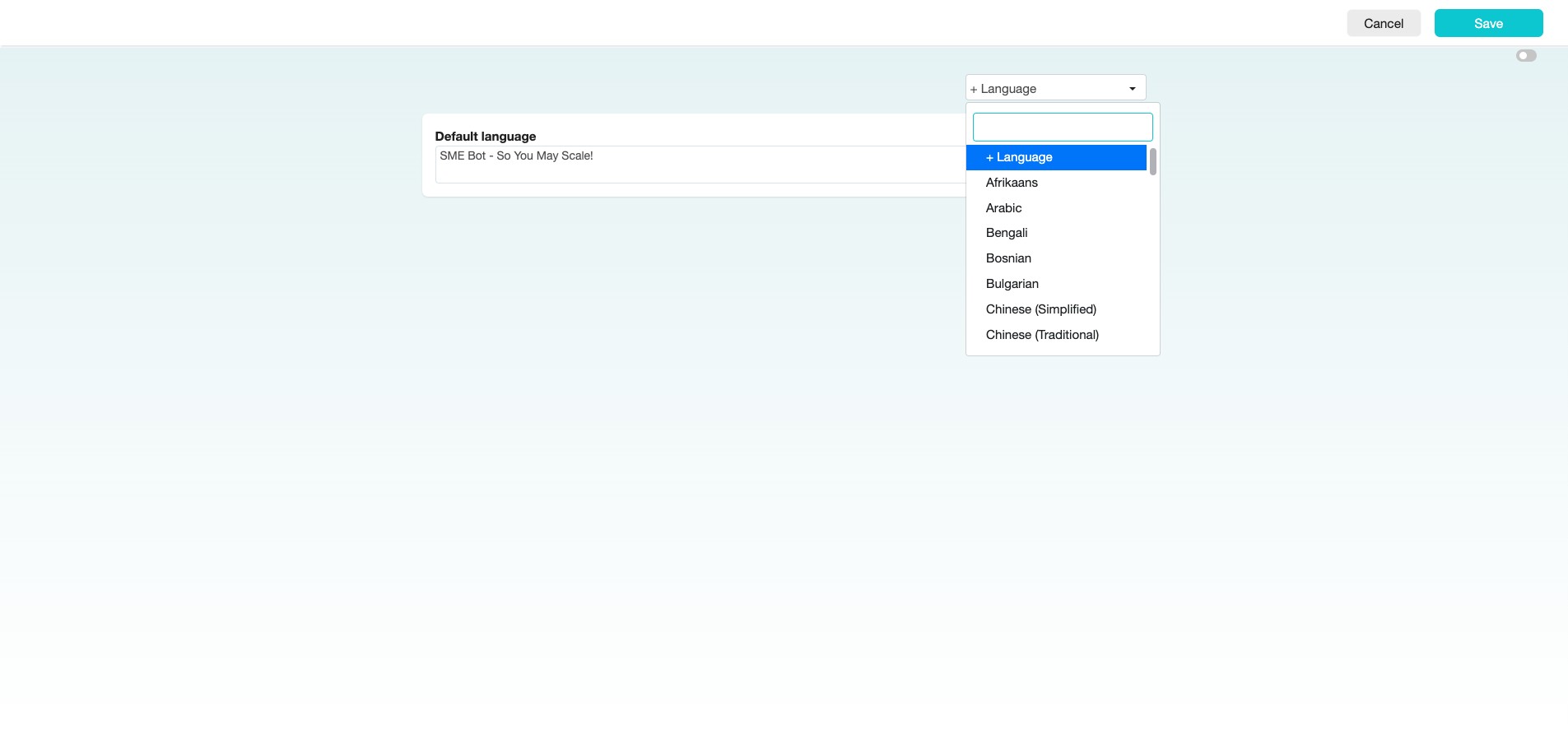
To use multi-language greeting messages, click the “+ Language” drop-down menu and select the languages you require.
7
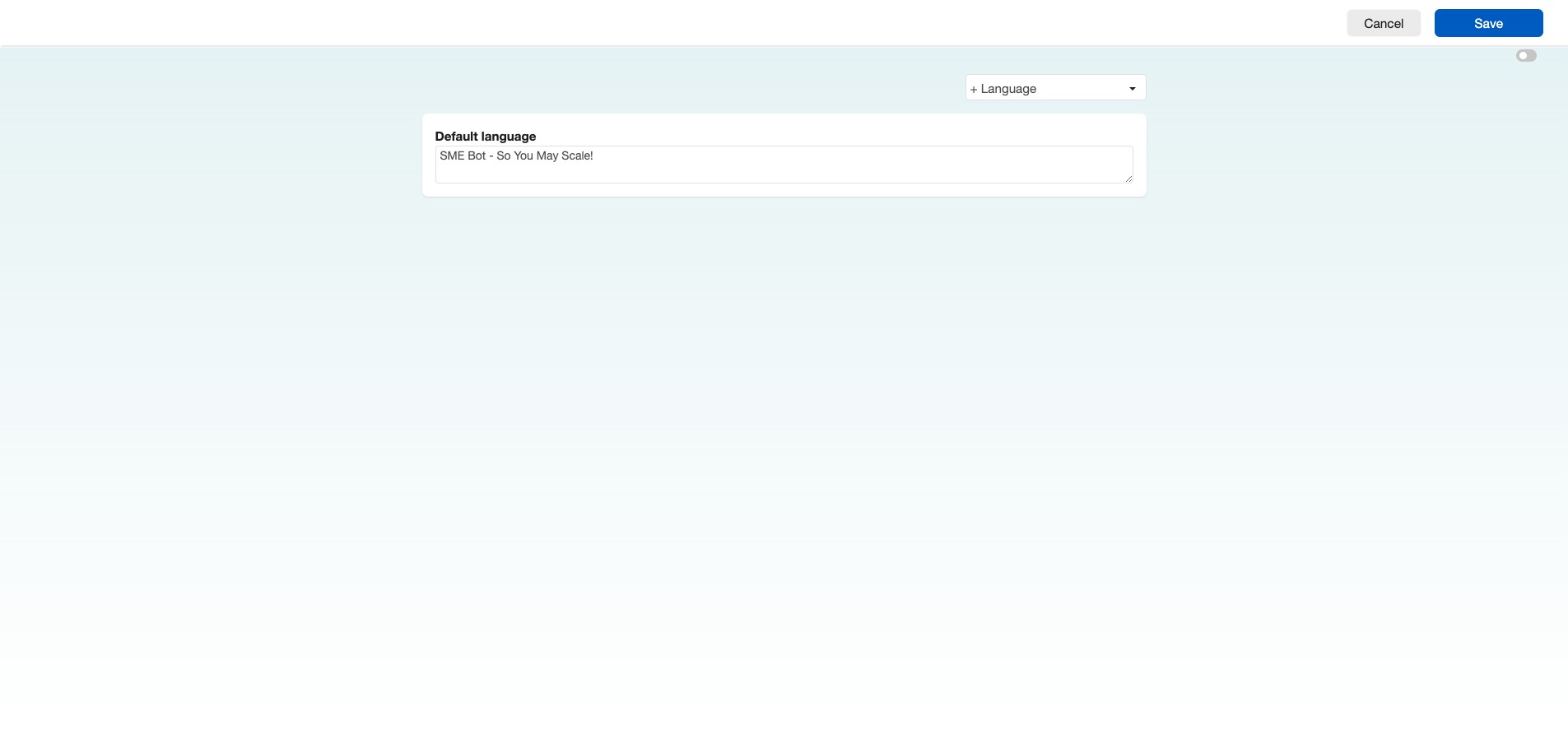
Click "Save"
8
✅ Done! You’ve successfully set your Facebook Messager Greeting. 🚀