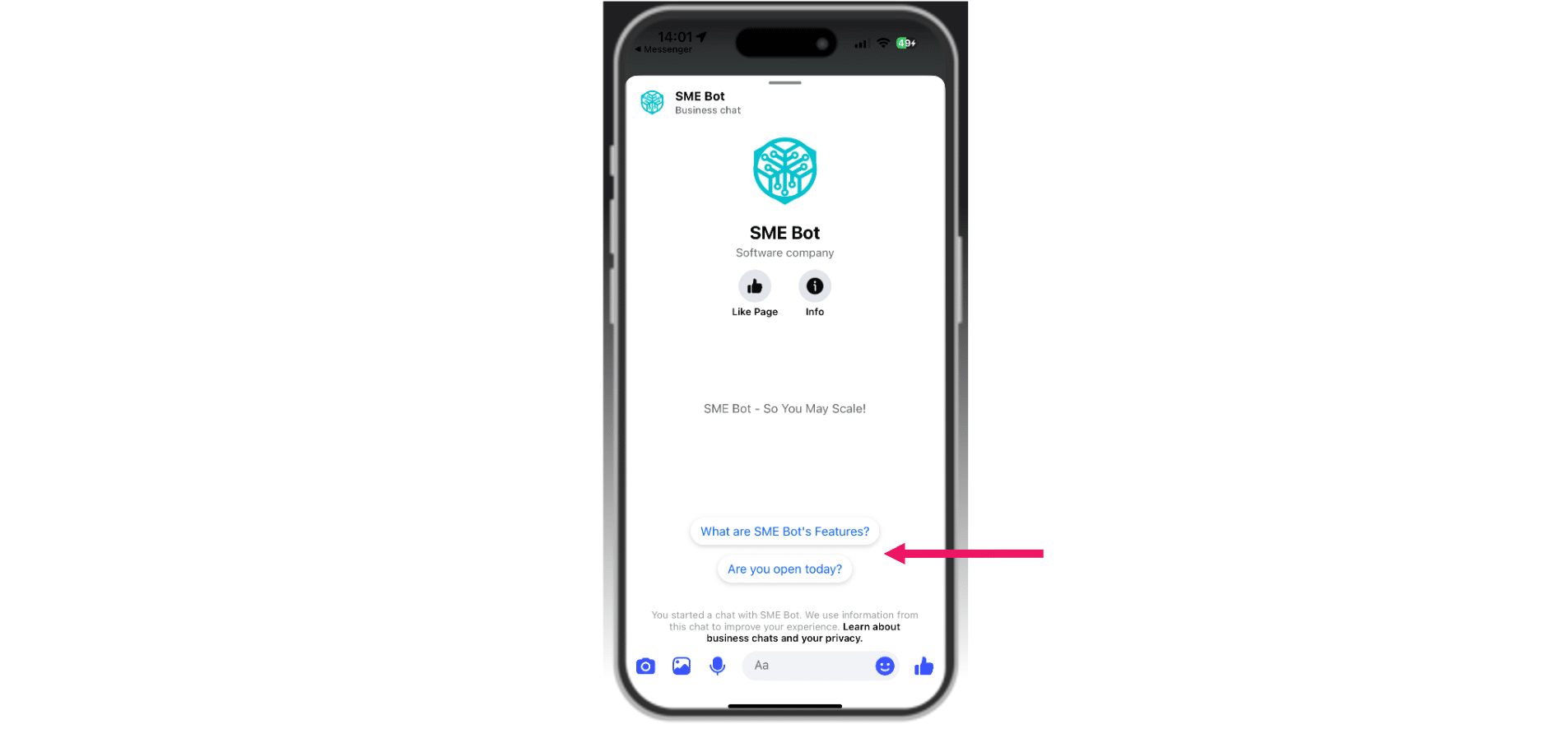
Facebook Messenger Conversation Starters
Learn how to set up Conversation Starters in Facebook Messenger to boost engagement. Customize the initial interaction with a few frequently asked questions, replacing the default Get Started button with prompts/ questions that guide users and encourage them to start a conversation with your business.
Apr 08, 2025●
1
Navigate to SME Bot
2
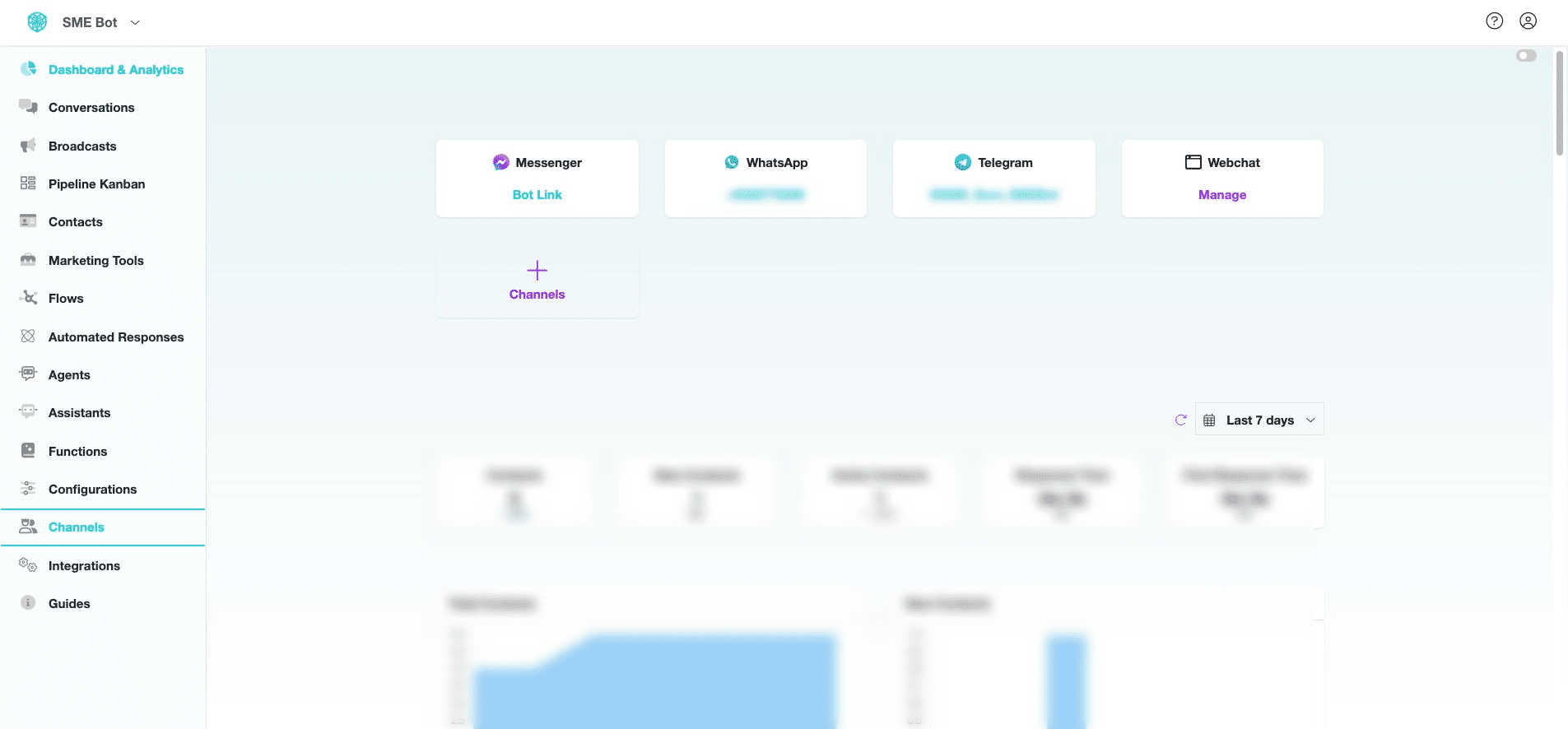
In your SME Bot account, click "Channels".

3
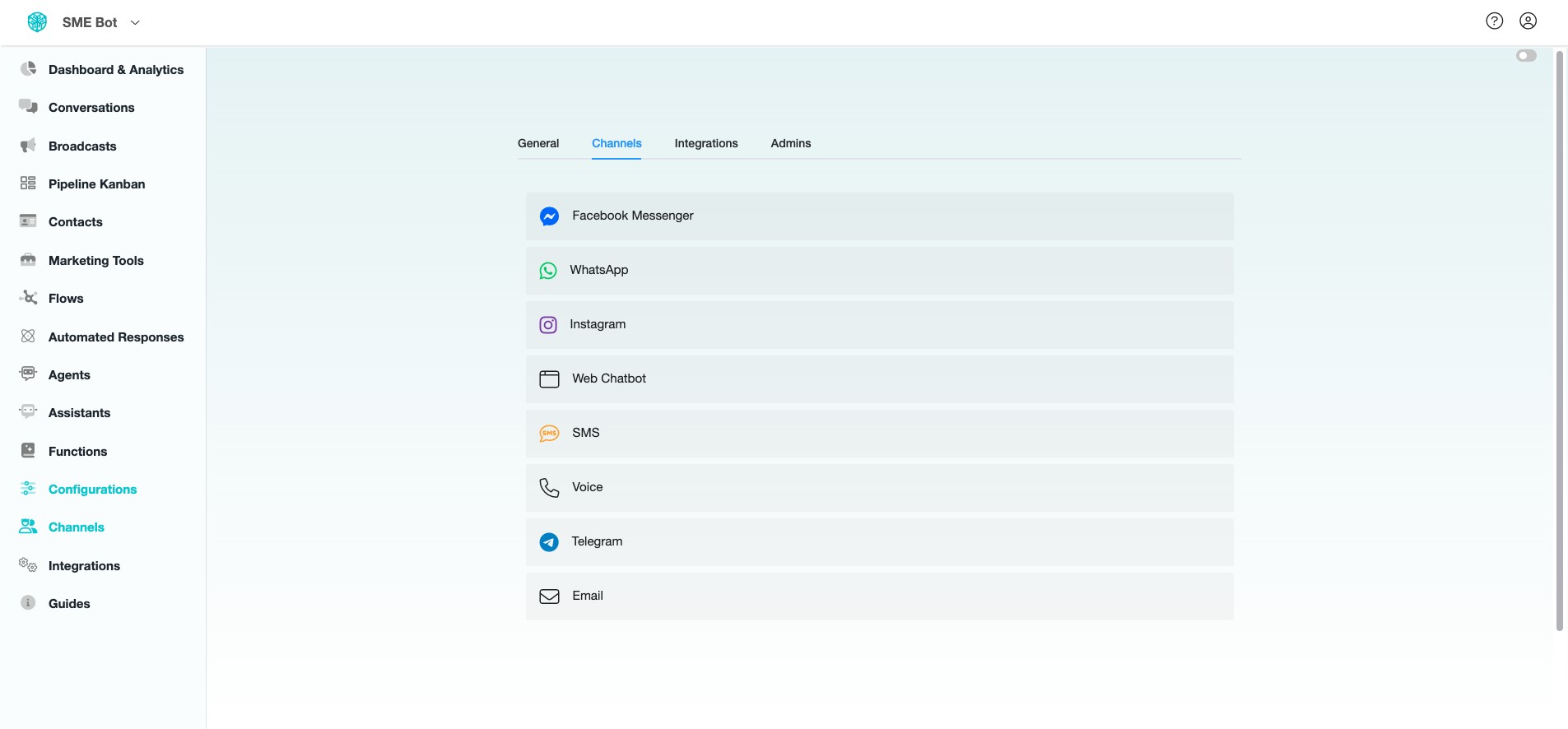
Click "Facebook Messenger".
4
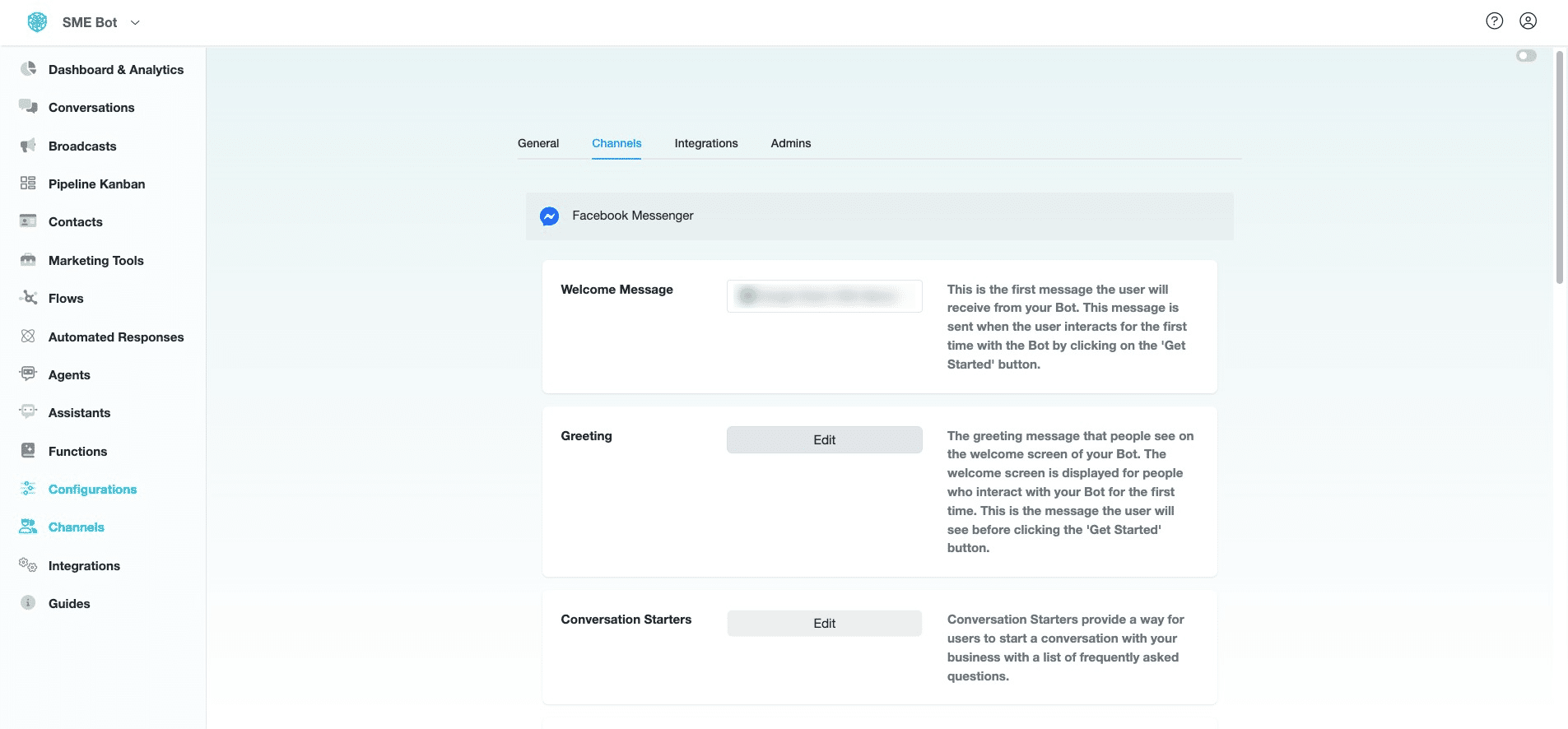
At Conversation Starters, click "Edit".
5
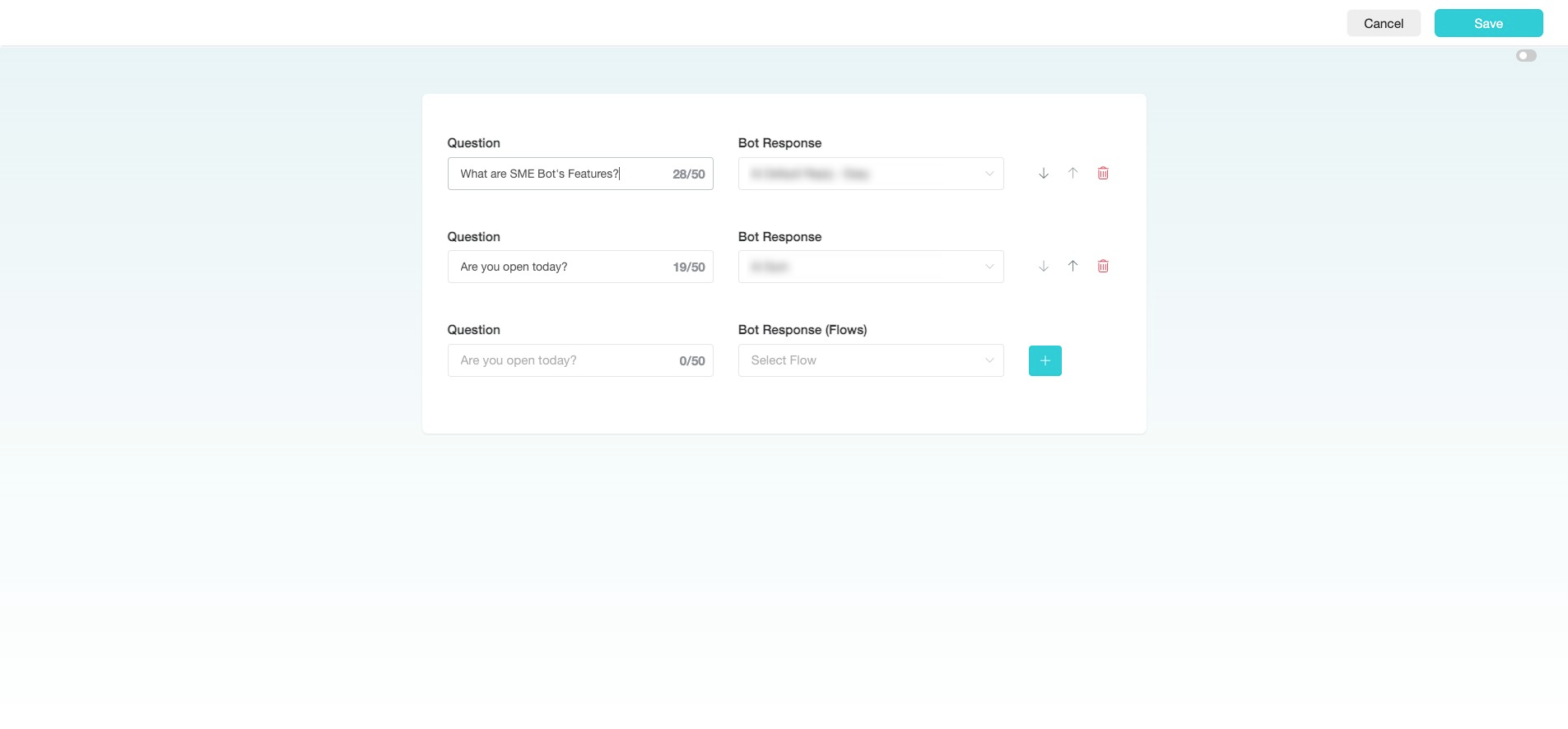
Insert a "Question" and "Select Flow" for your Bot Response. Click the "+" icon to add more questions or click "Save" to complete the configuration.
6
✅ Done! You’ve successfully set your Facebook Messager Conversation Starters. 🚀