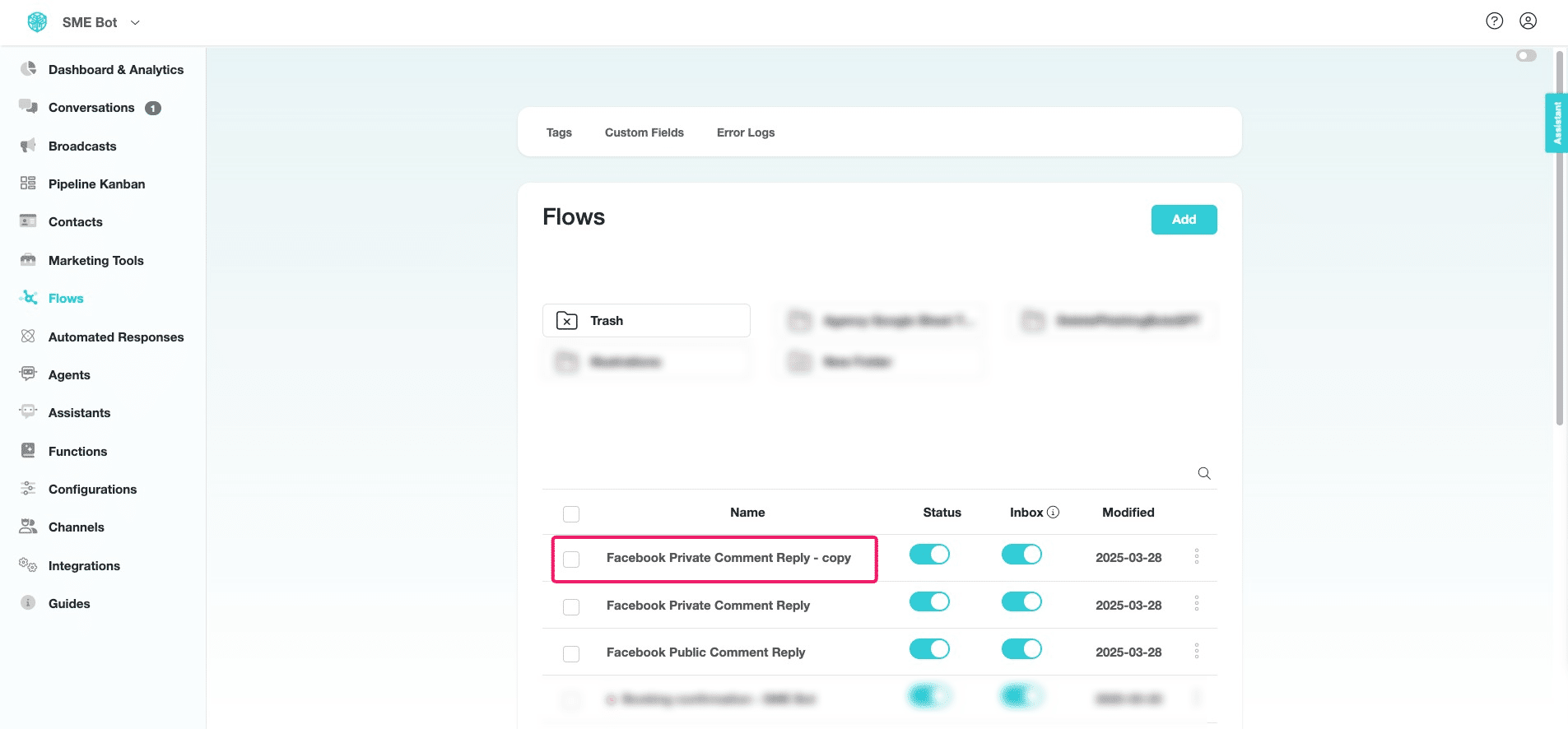
Duplicate Flow
Learn how to quickly duplicate a flow in SME Bot to speed up your build process.
Apr 03, 2025●
1
Navigate to https://app.smebot.ai/en/flows
2
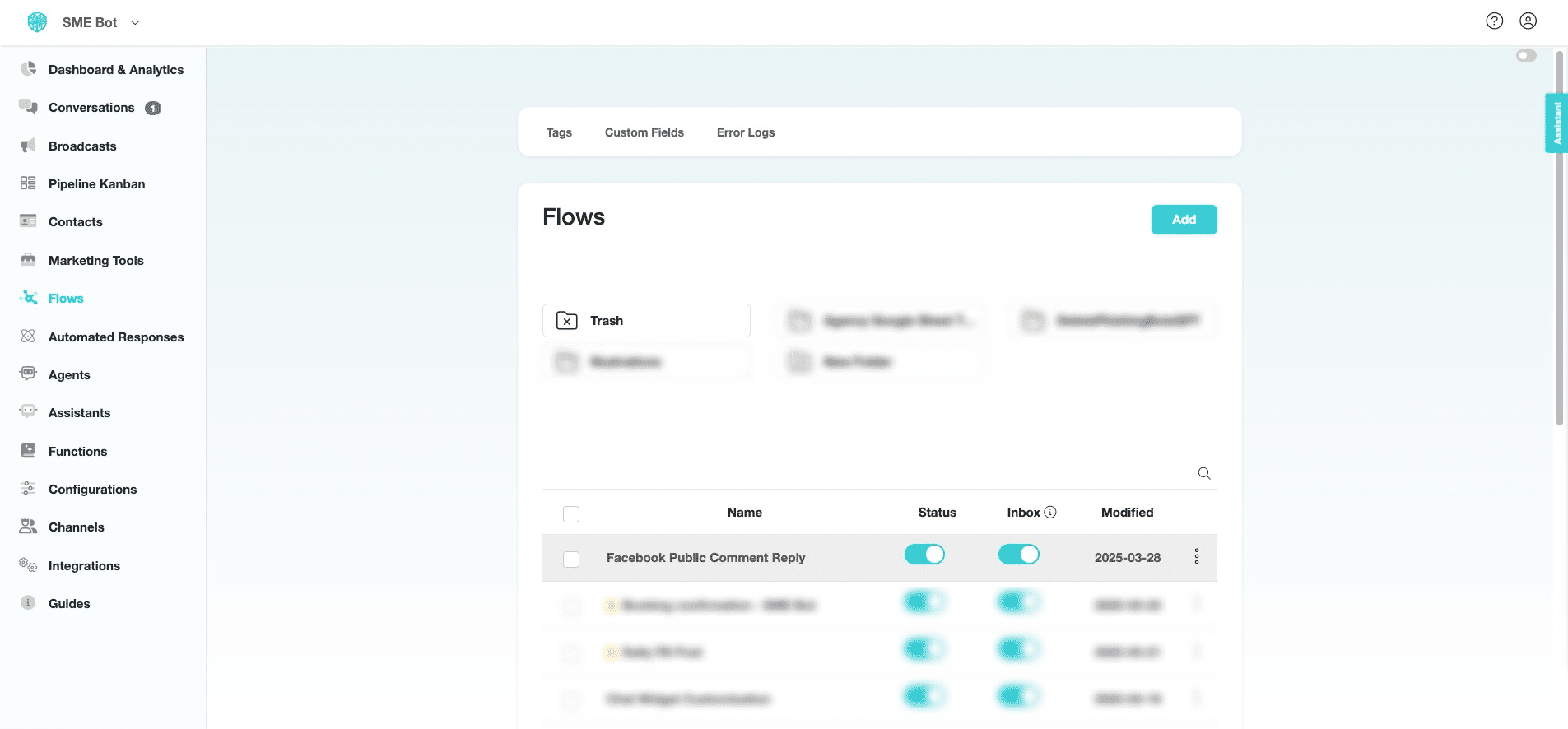
At the flow you want to duplicate, click on the three dots icon.

3
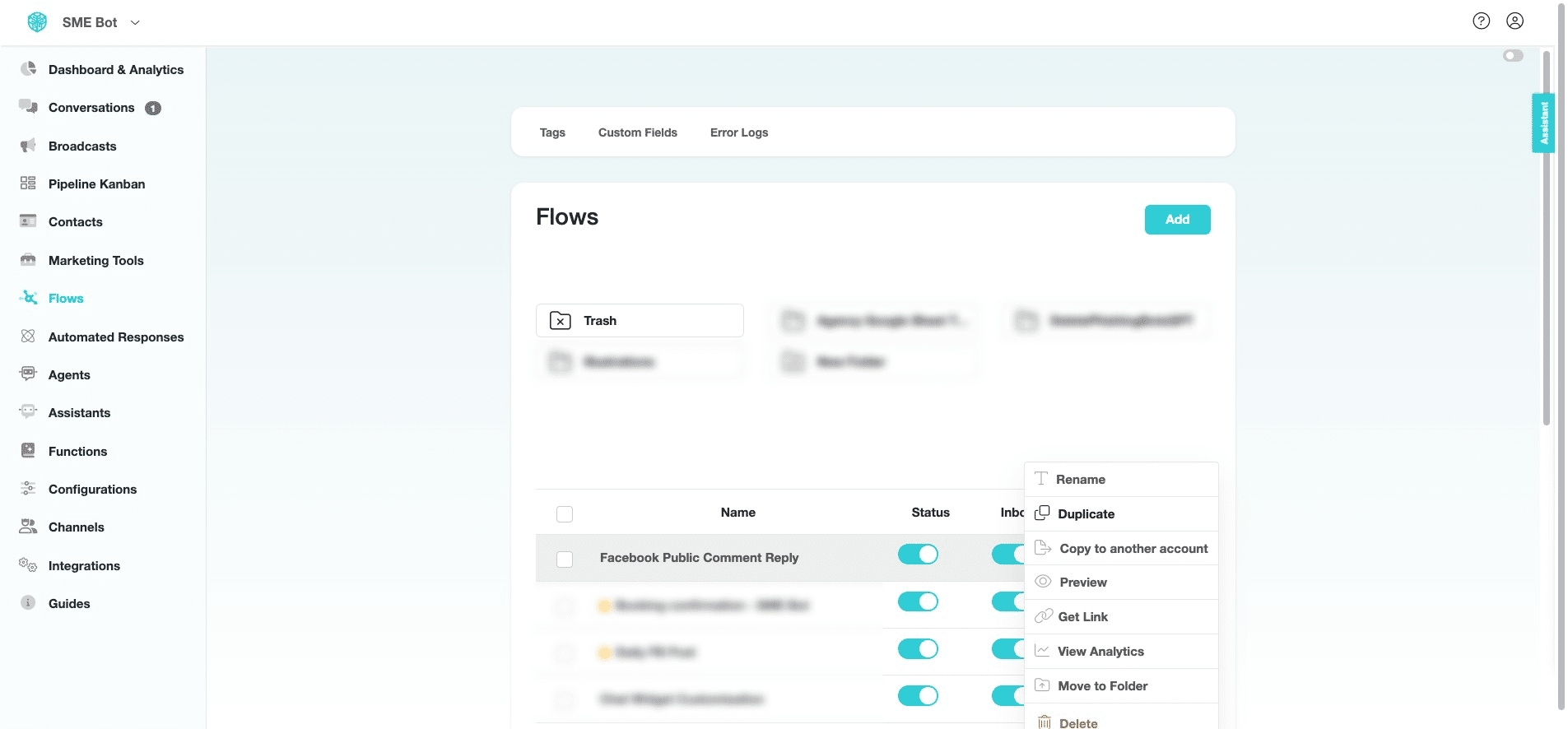
Click "Duplicate" from the pop-up.
4
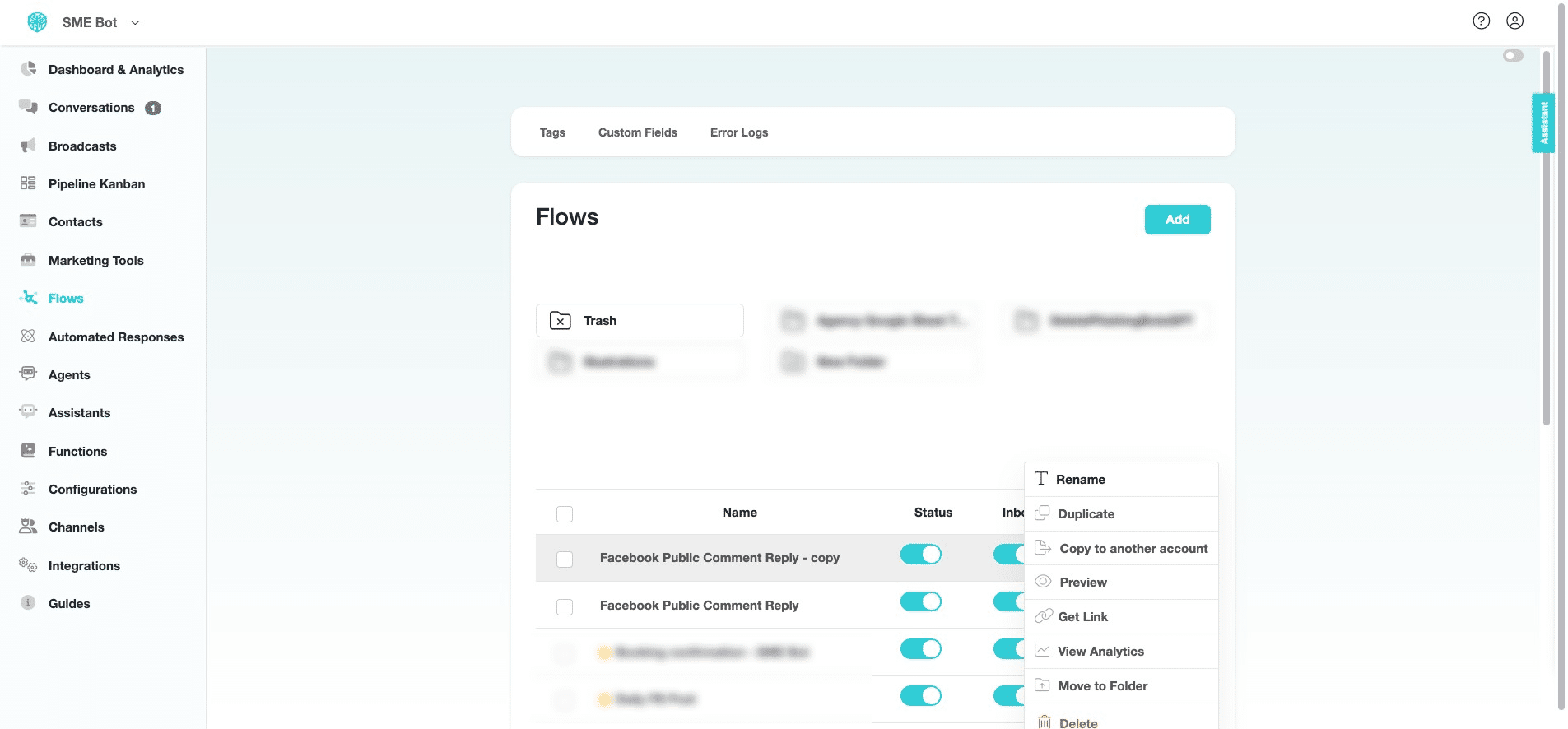
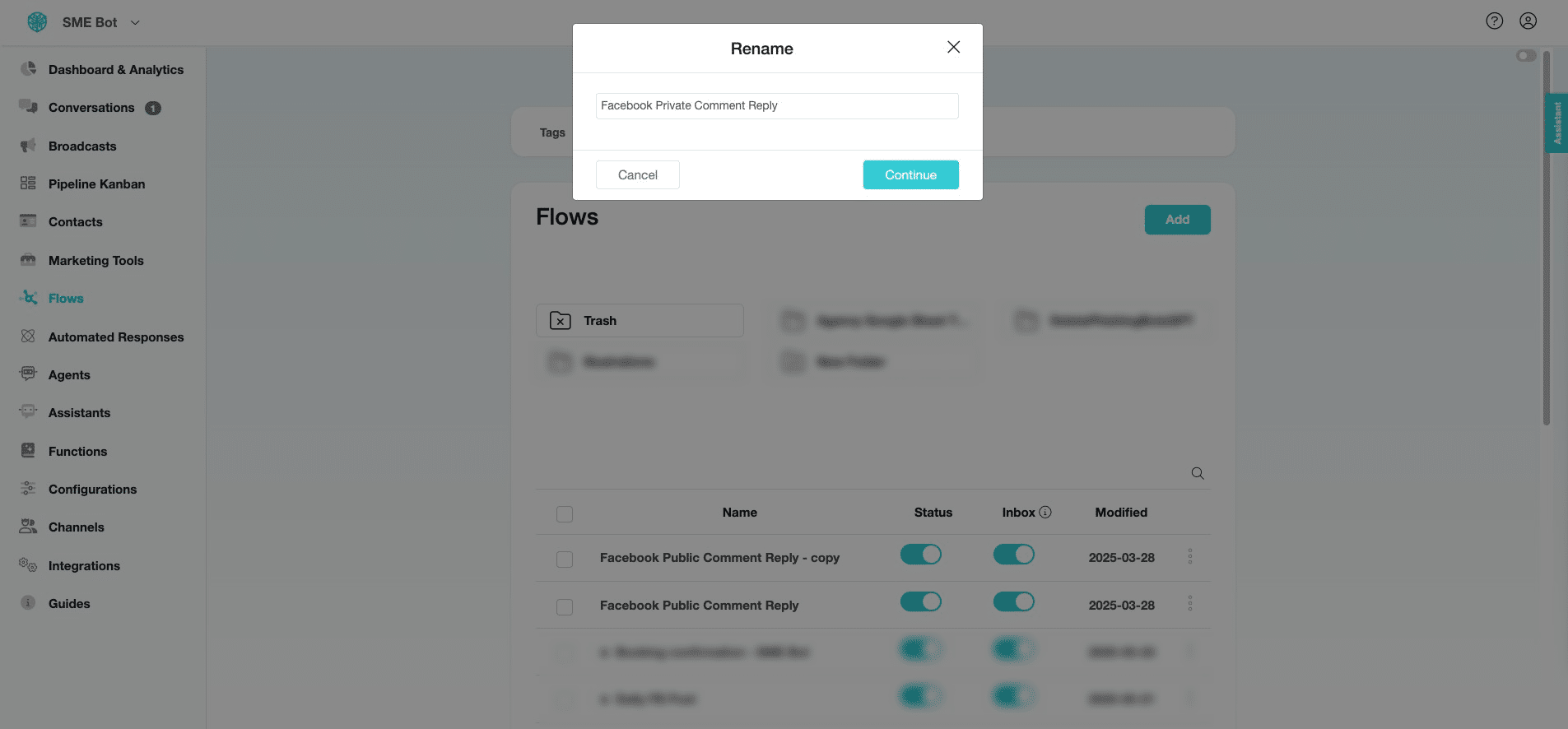
At the newly duplicated flow, click on the three dots icon and select "Rename" to update its name.
5
Rename the duplicated flow and click "Continue".
6
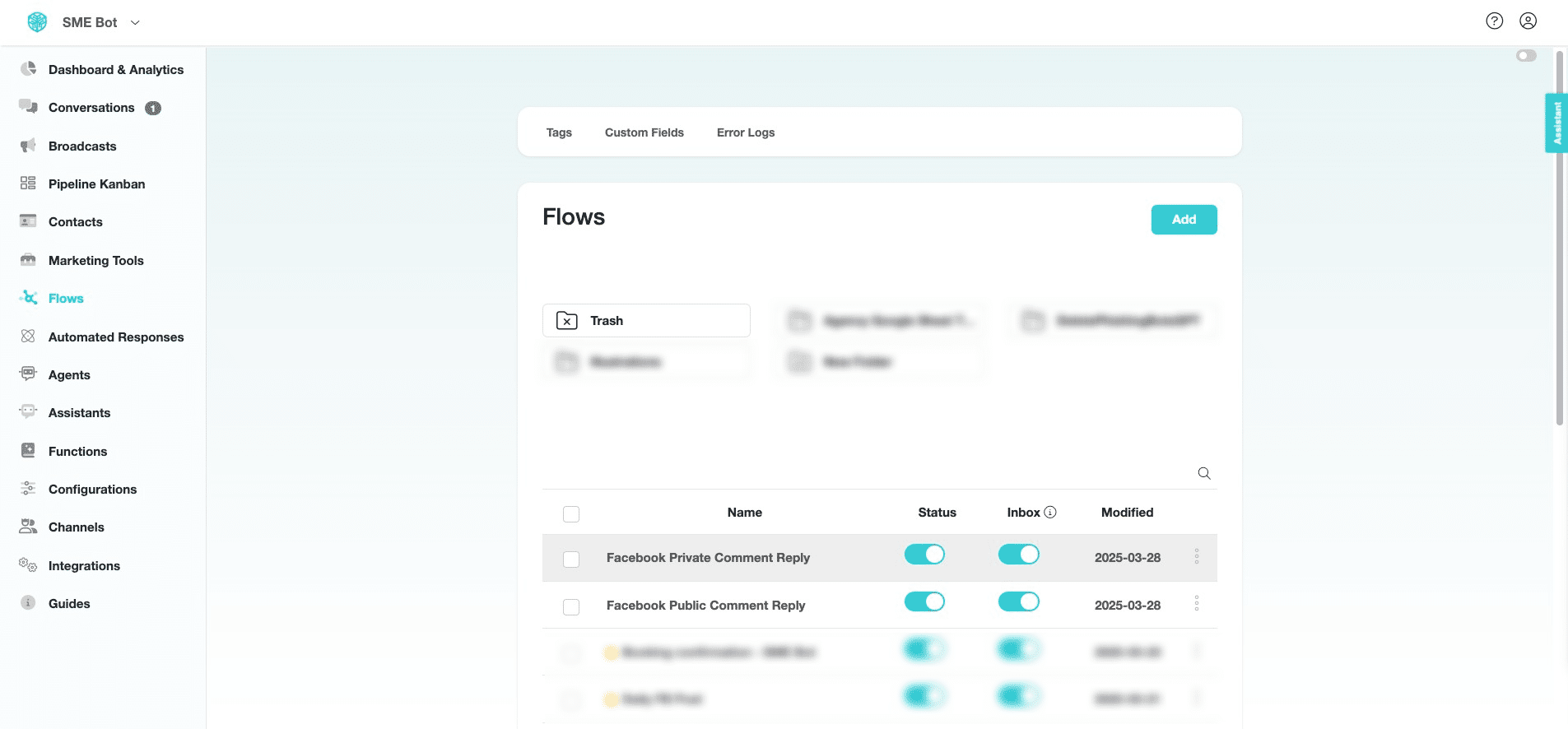
You may also duplicate the flow directly in the flow builder. Click on the flow you want to duplicate.
7
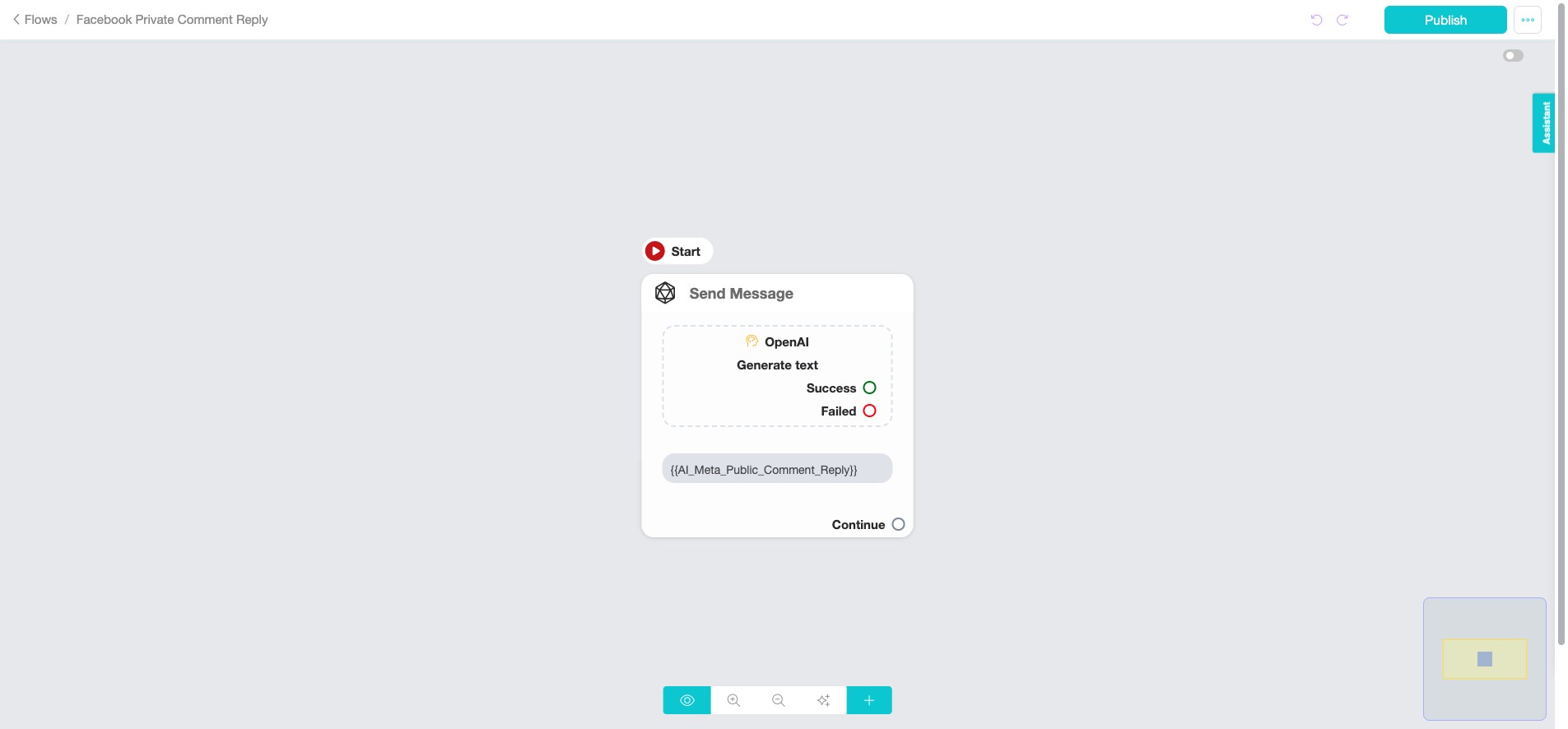
In the flow builder, click the three dots icon at the top right of the screen.
8
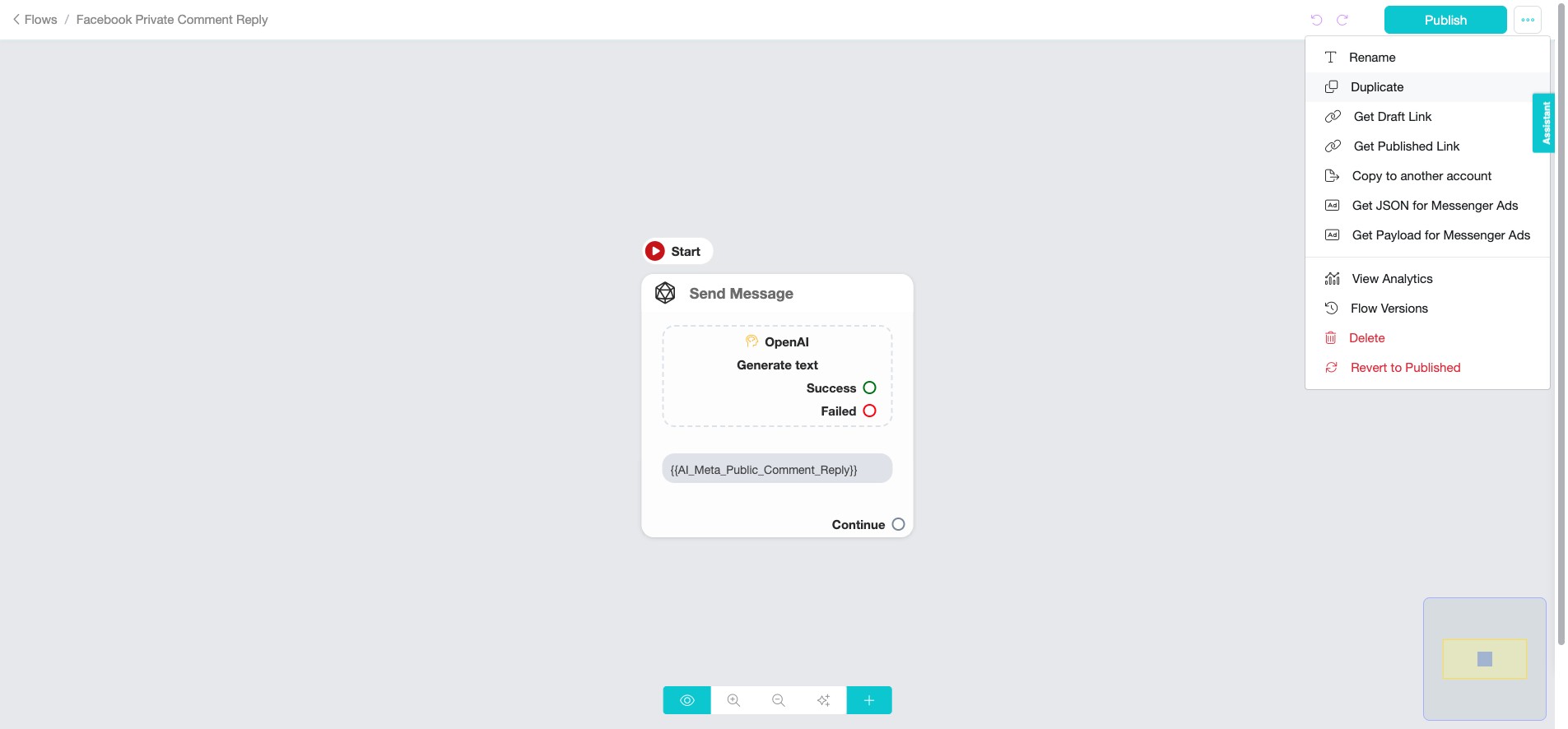
Click "Duplicate" to duplicate the flow, then rename it.
9
✅ Done! You’ve successfully duplicated the flow to speed up your build process. 🚀