
Configure or Add Admins/ Roles and the Permissions
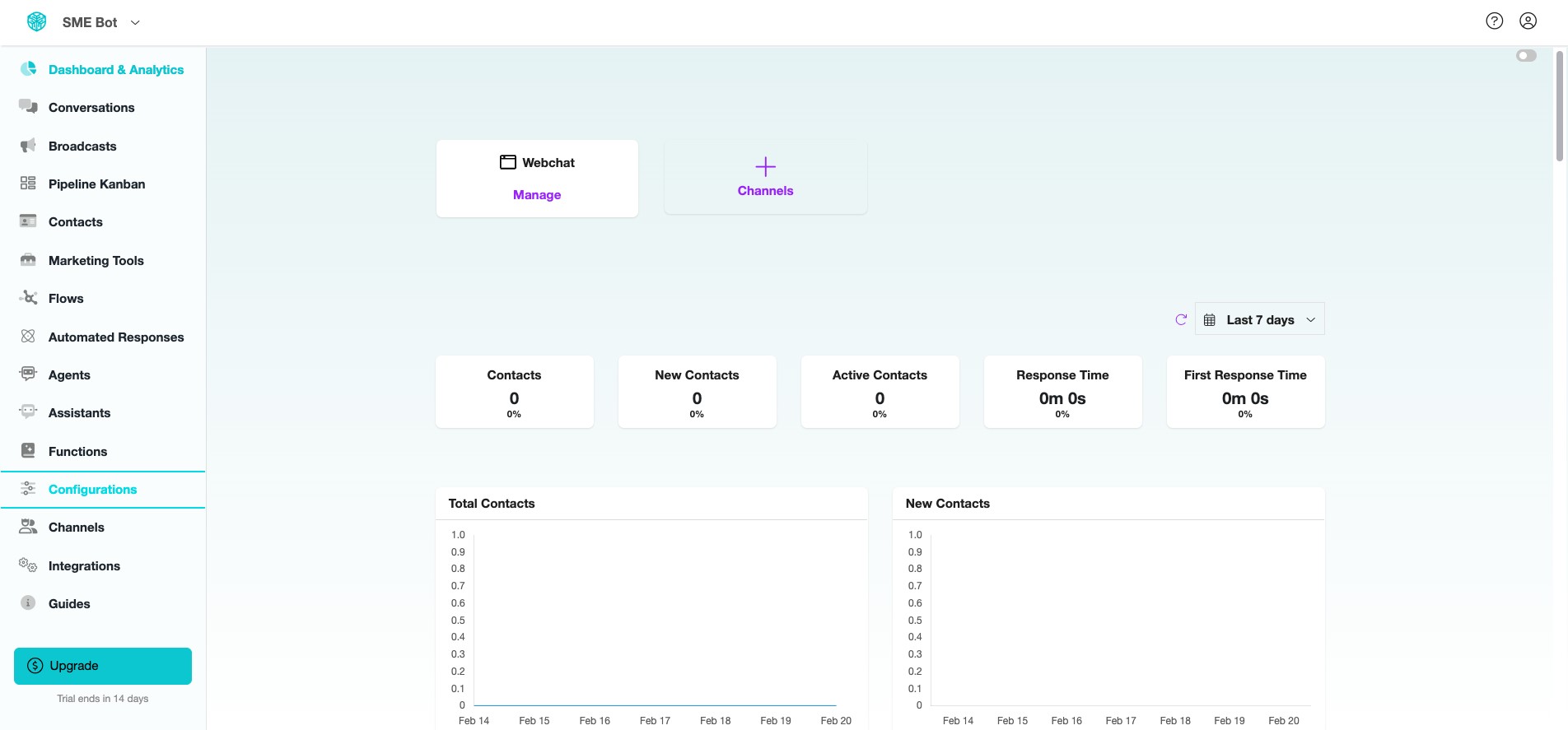
Learn how to configure or add admins and roles with their allocated permissions in SME Bot. This is essential if you have a team, such as additional Admins, Salespeople, Customer Support, Automation Experts/ Consultants, Operations Managers, Analysts, or HR managers. By assigning specific roles and permissions, you ensure each team member has the appropriate access and control, boosting efficiency, security, and collaboration within your SME Bot account.
Apr 08, 2025●
 0
0Frequently Asked Questions
- How is Admin Management handled?
Configure Admin settings to seamlessly collaborate with your team, assign roles, and streamline account management to enhance productivity.